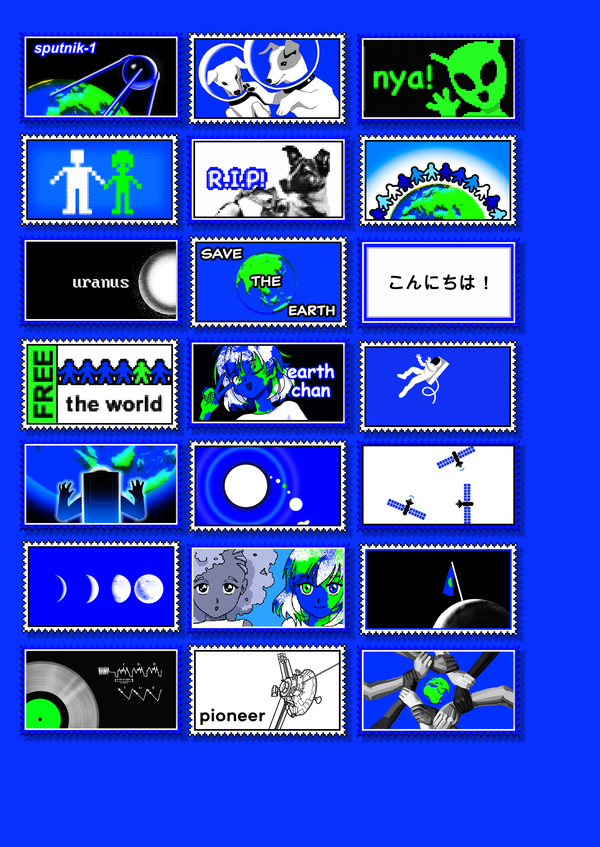
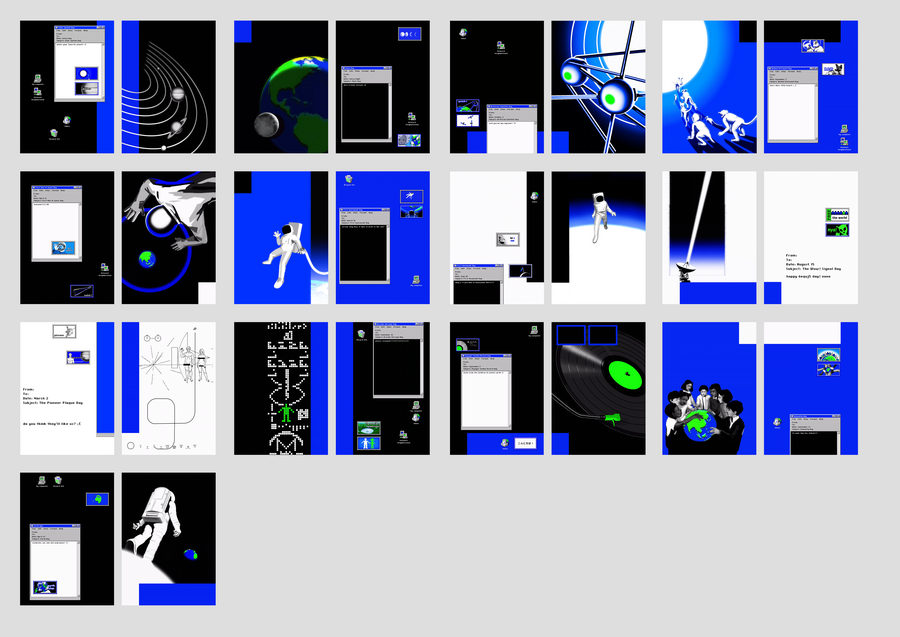
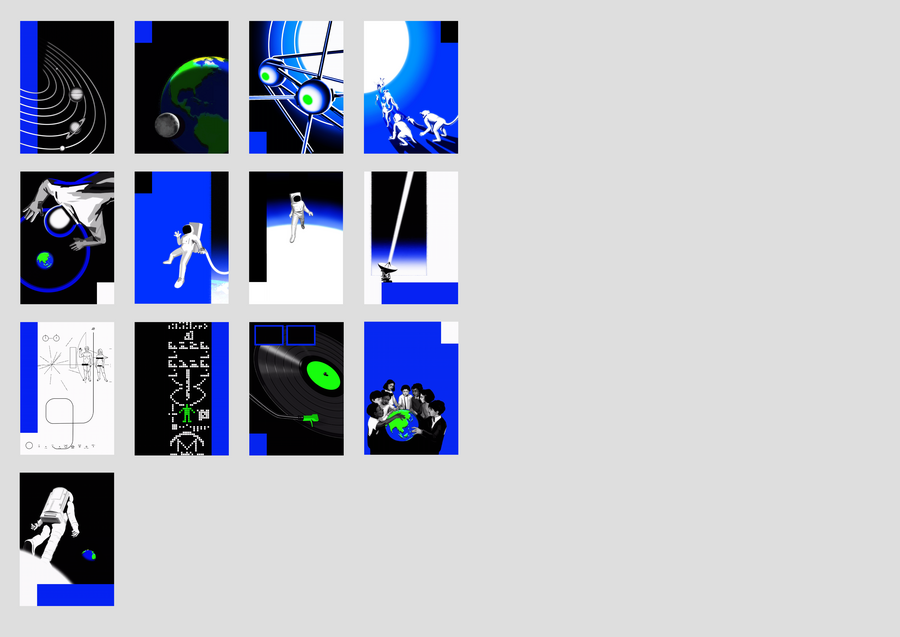
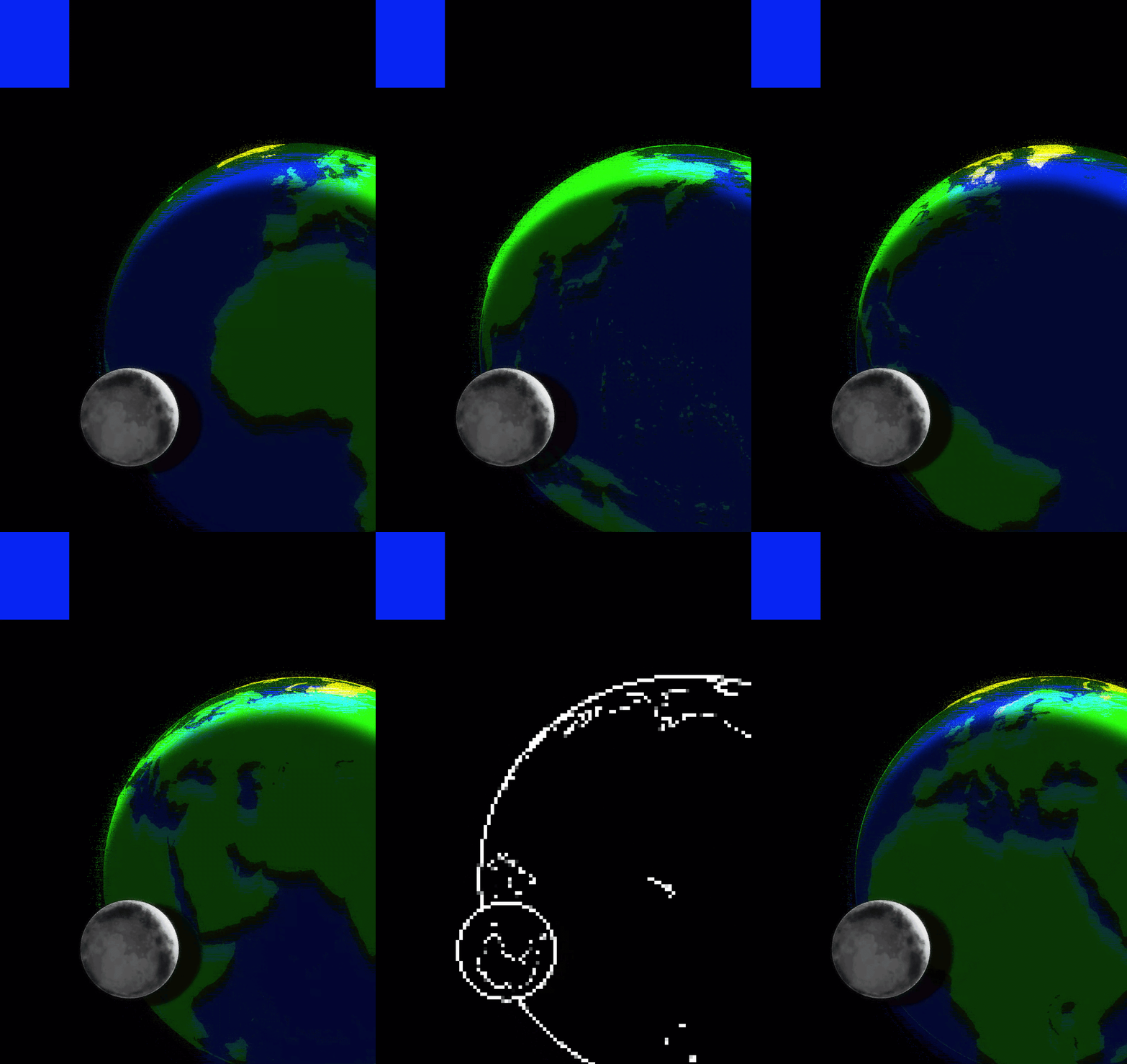
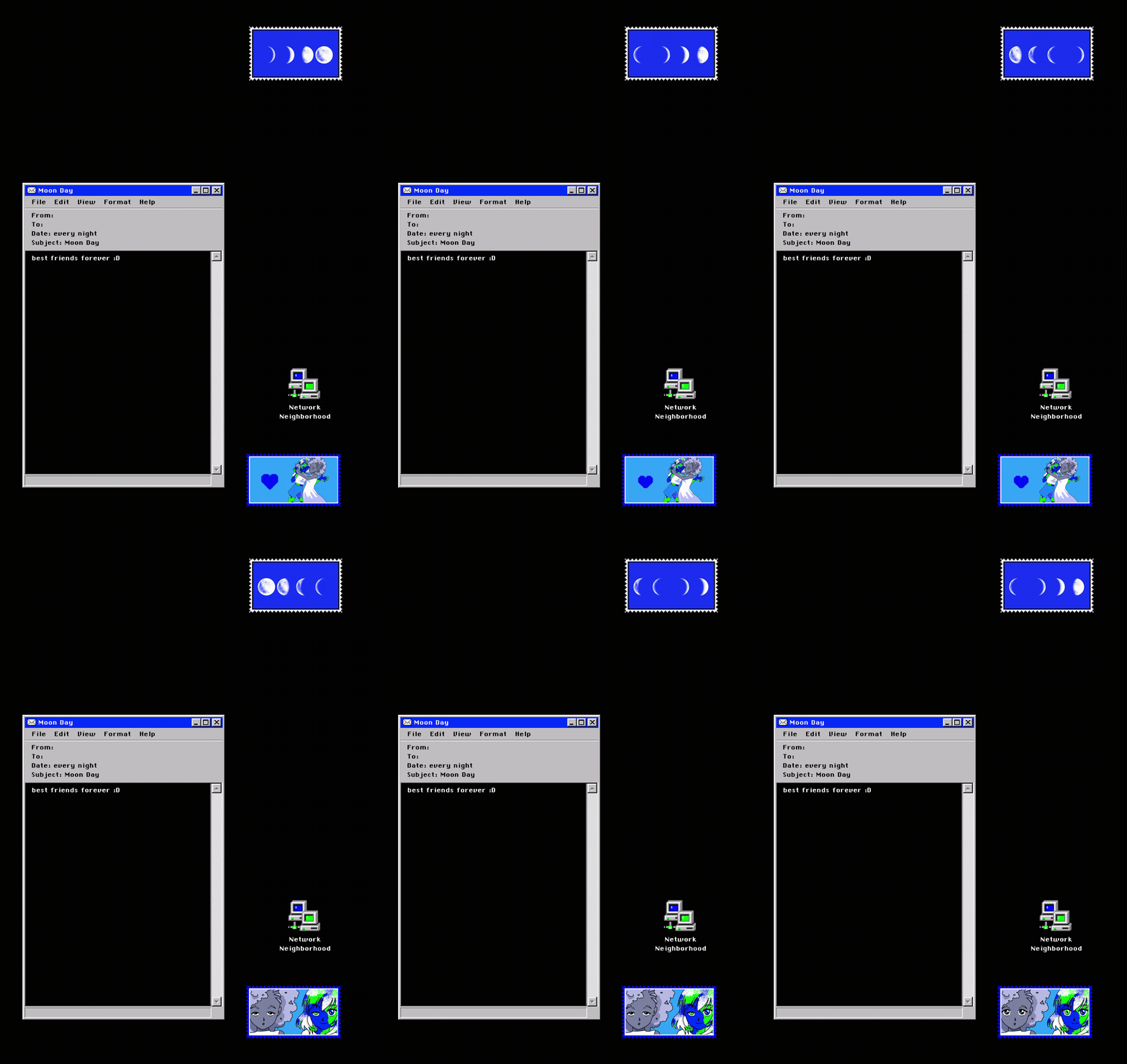
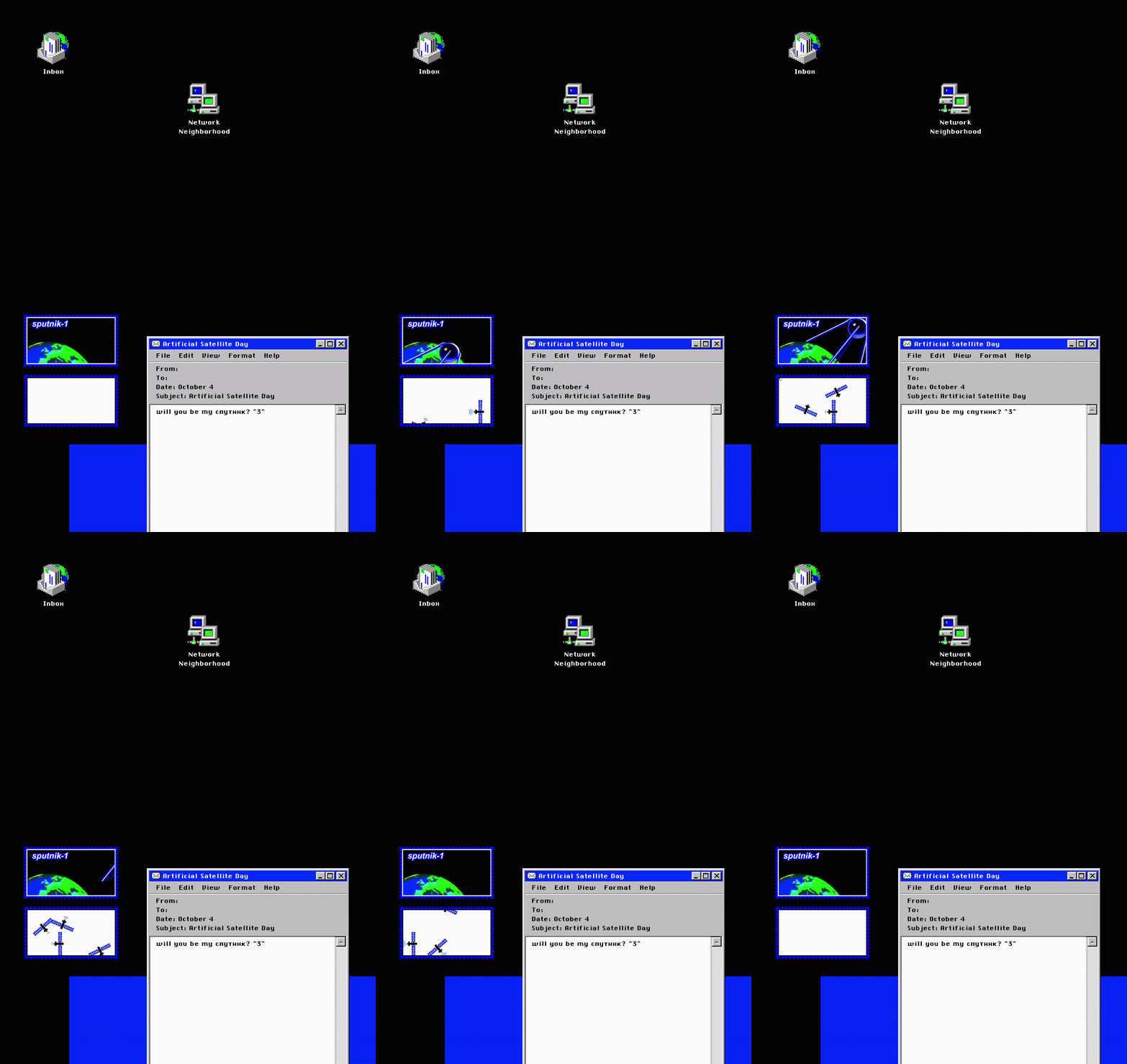
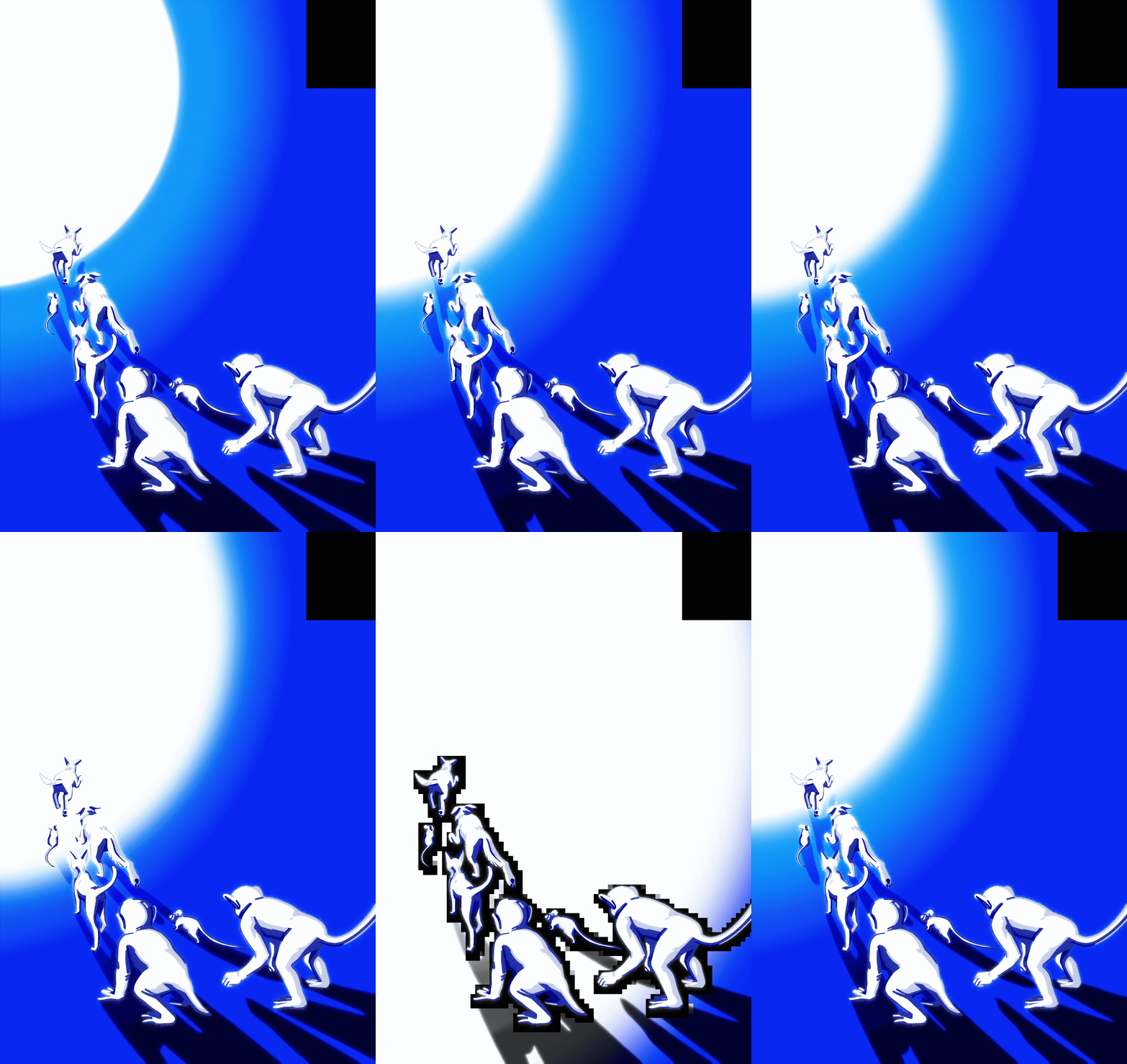
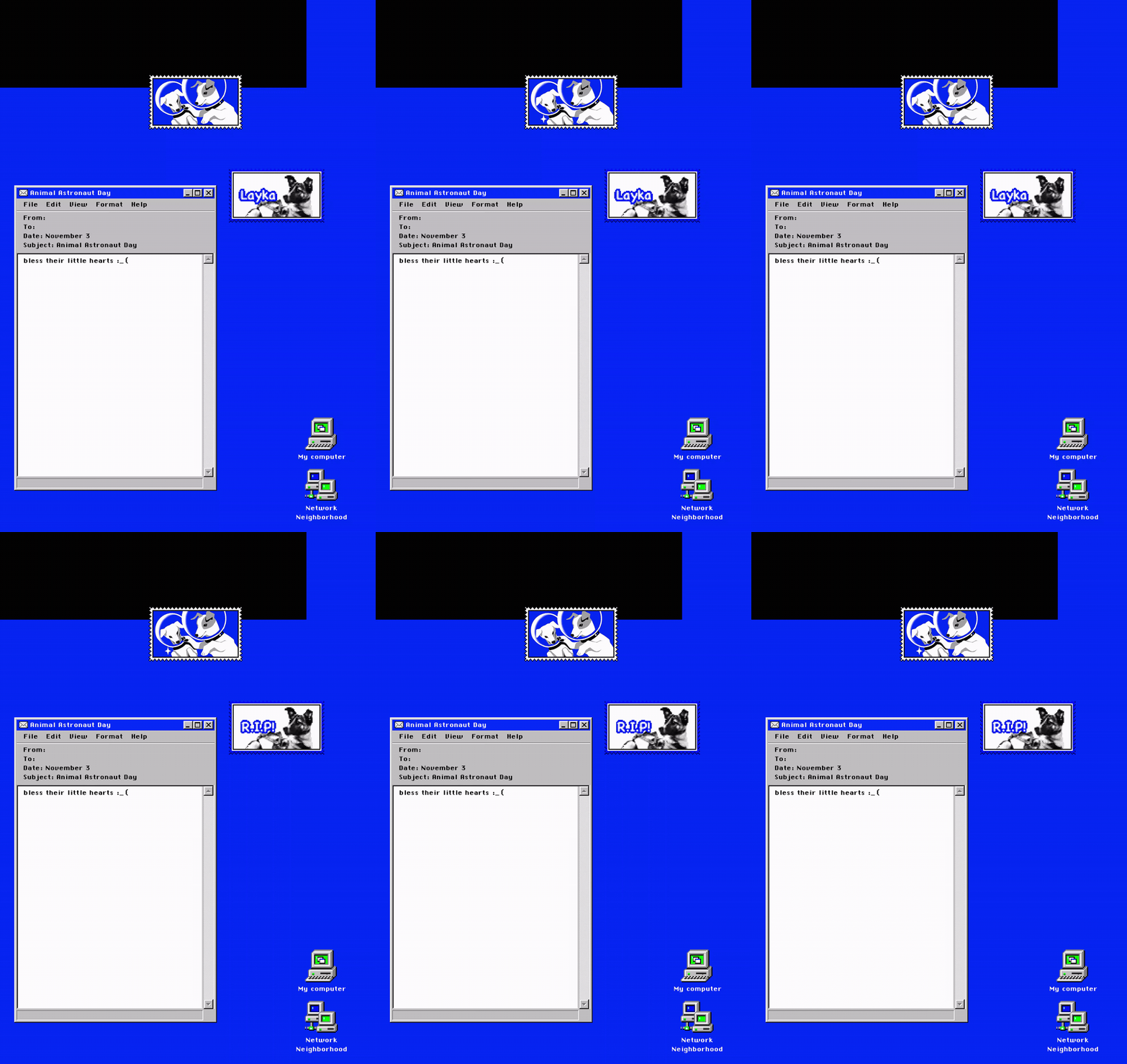
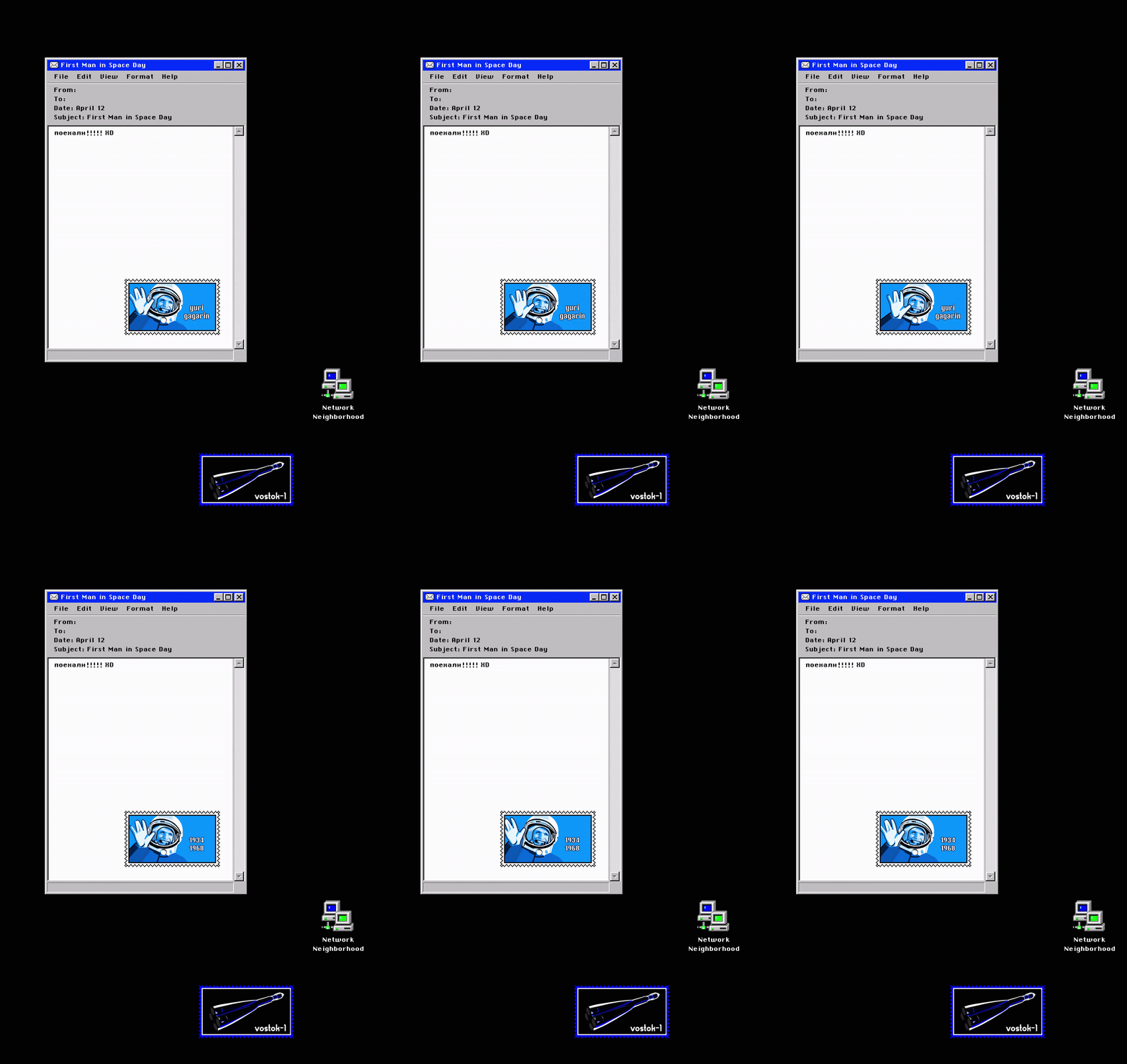
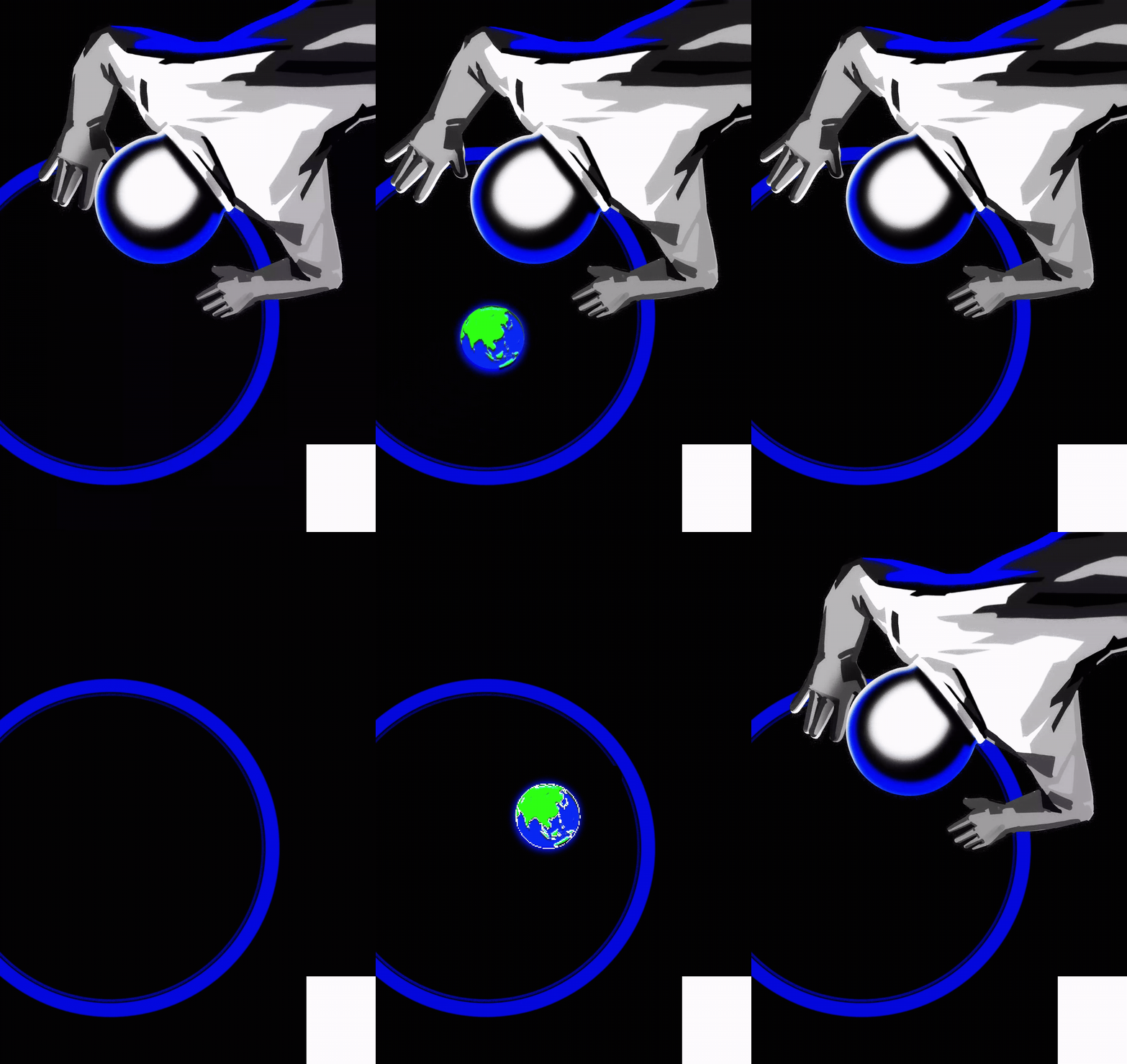
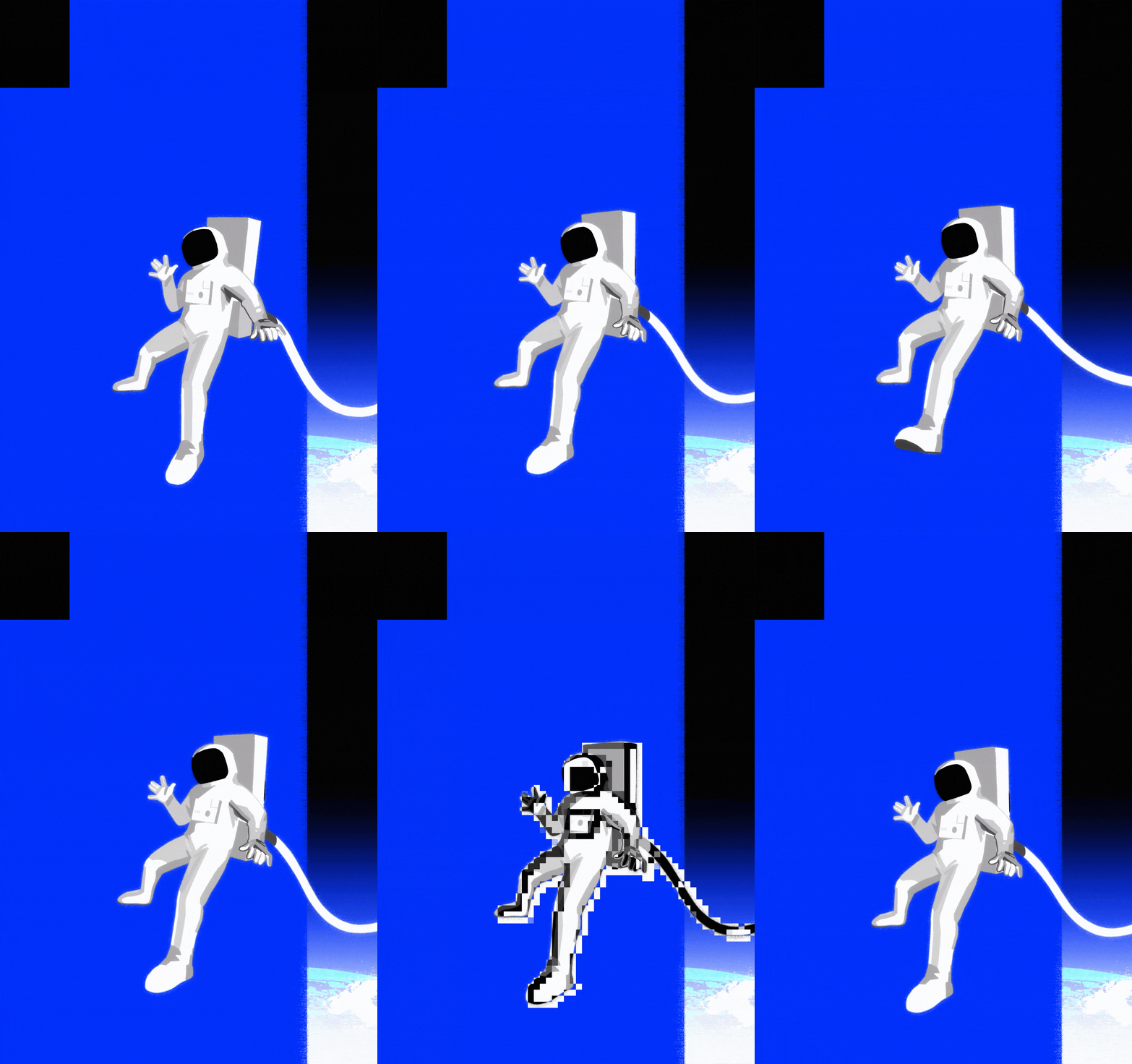
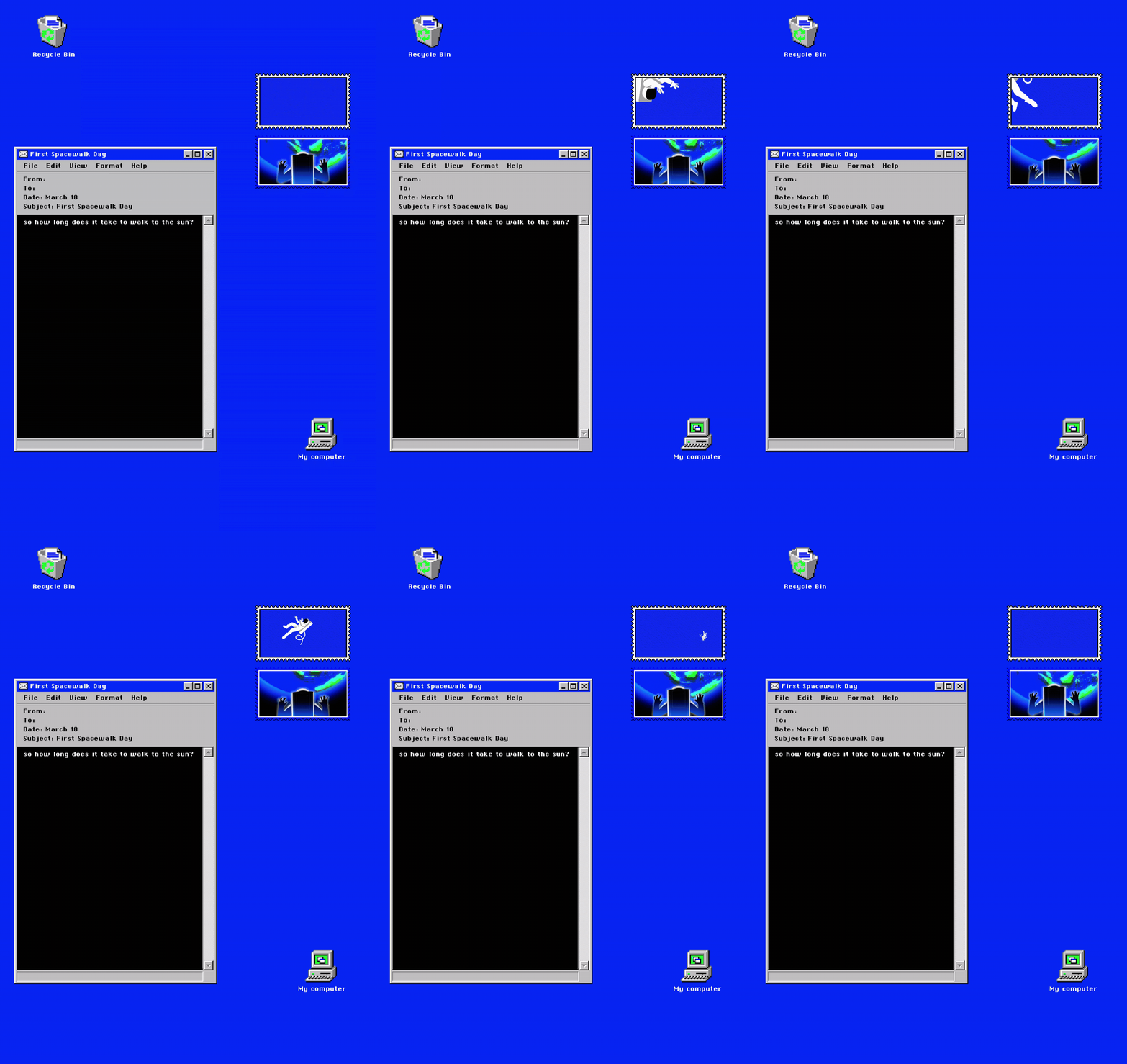
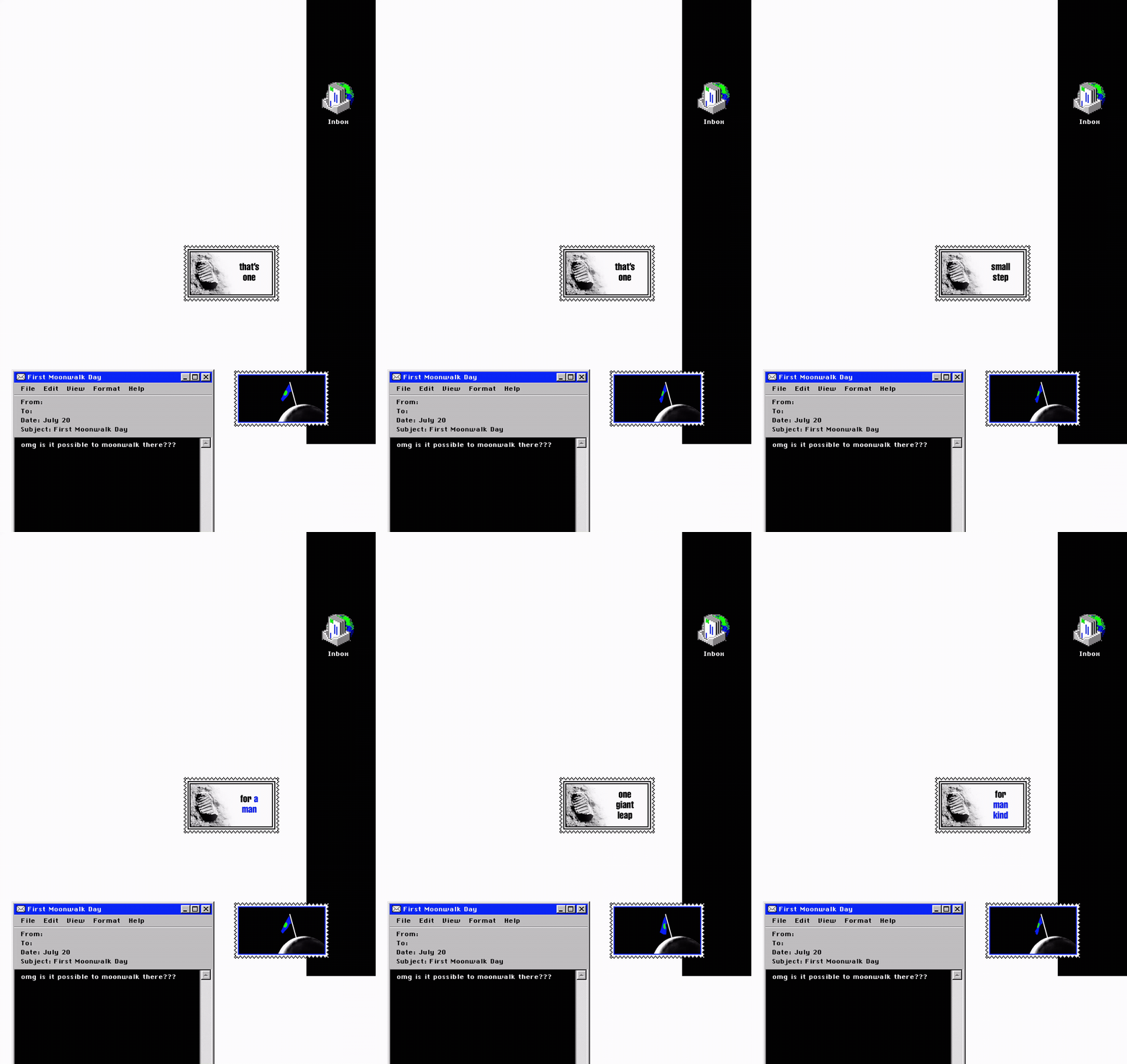
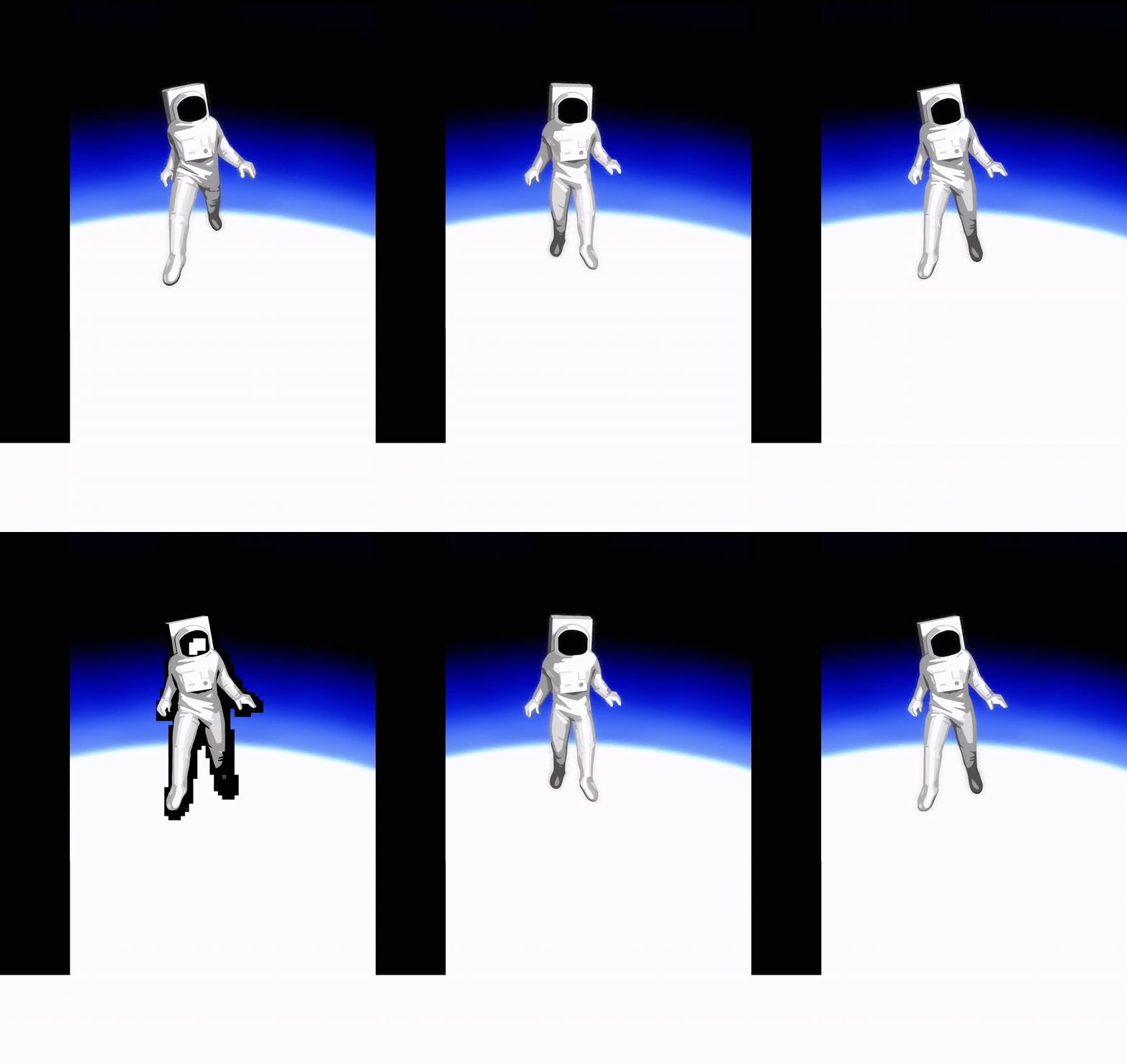
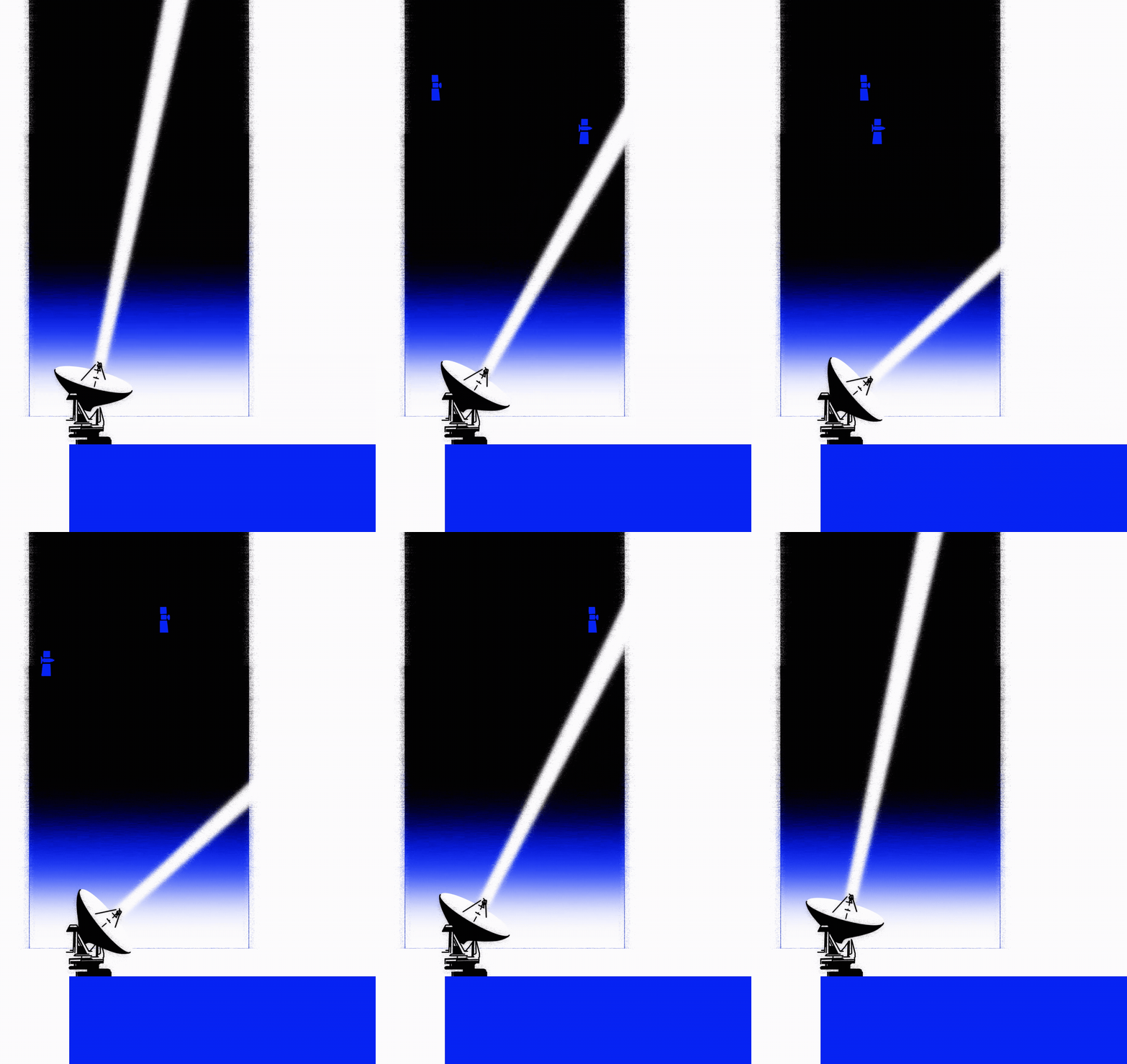
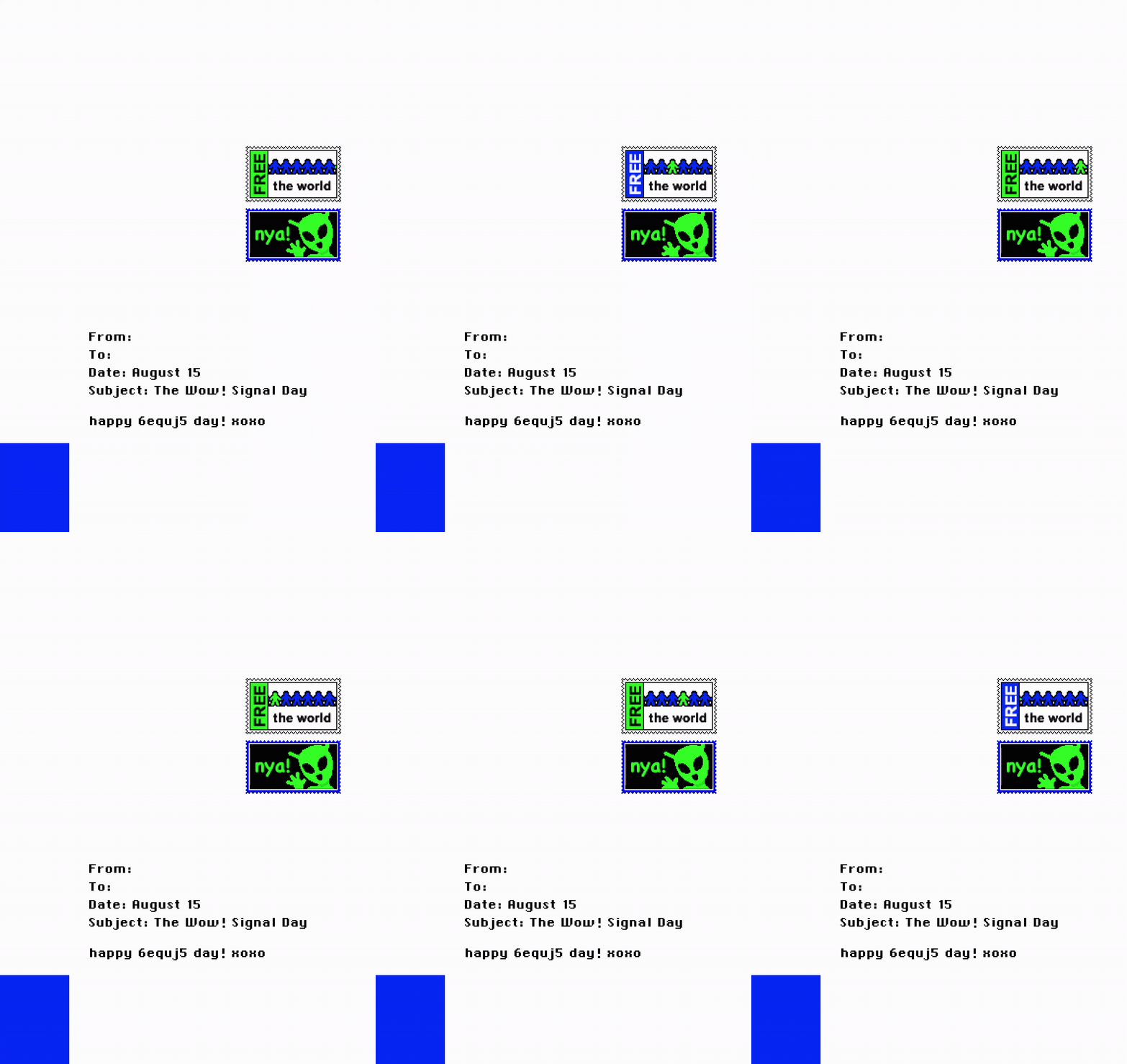
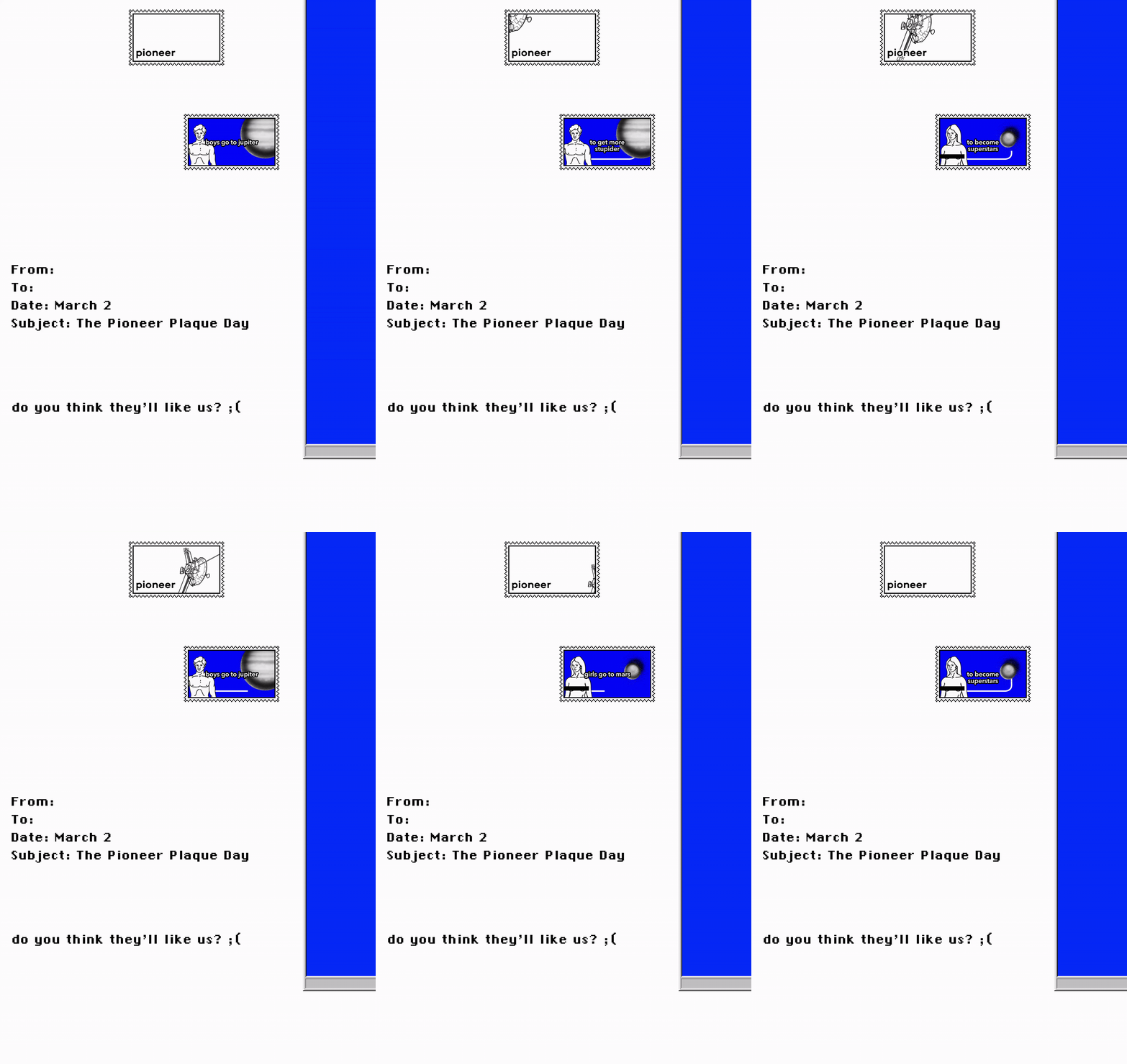
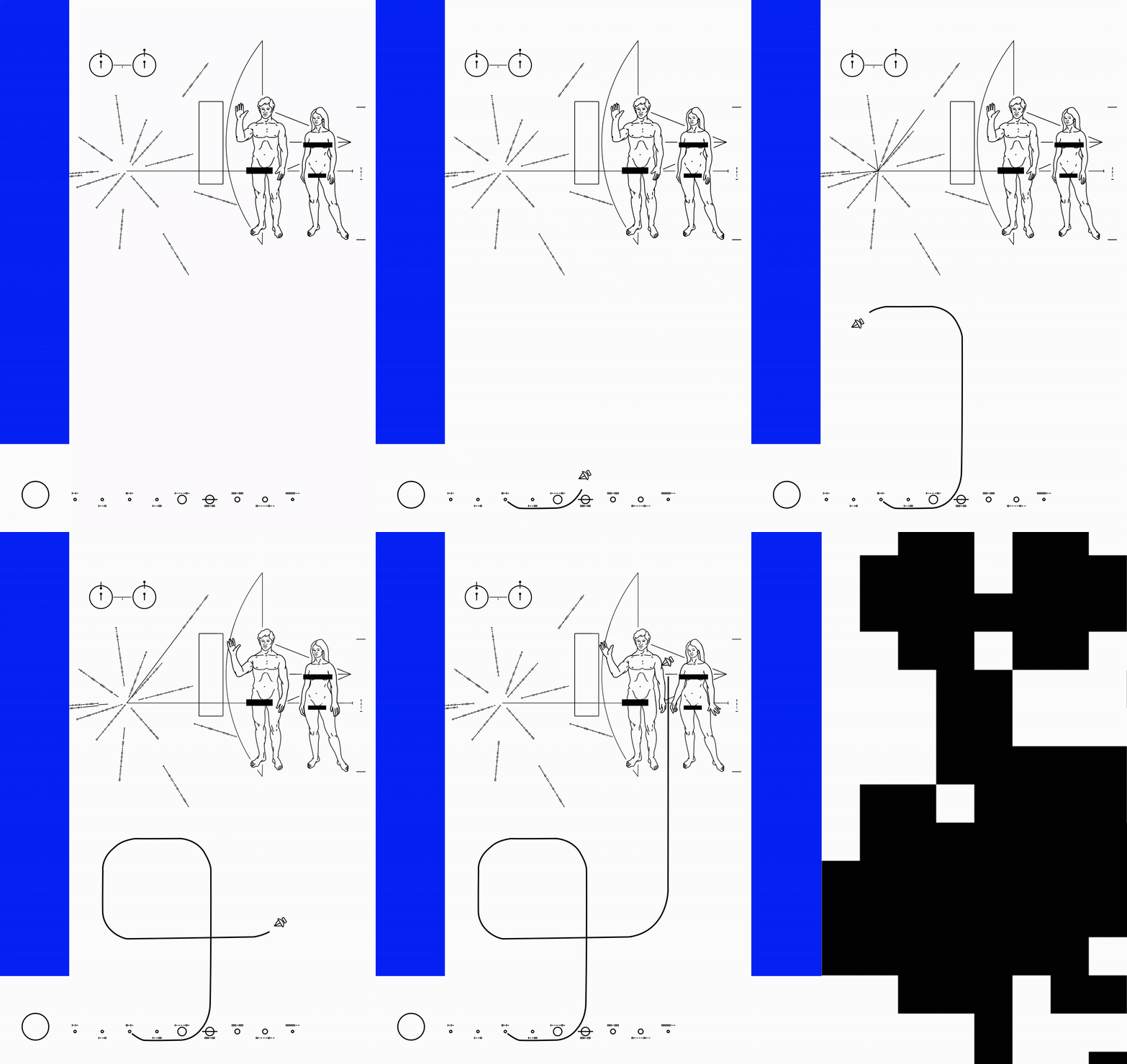
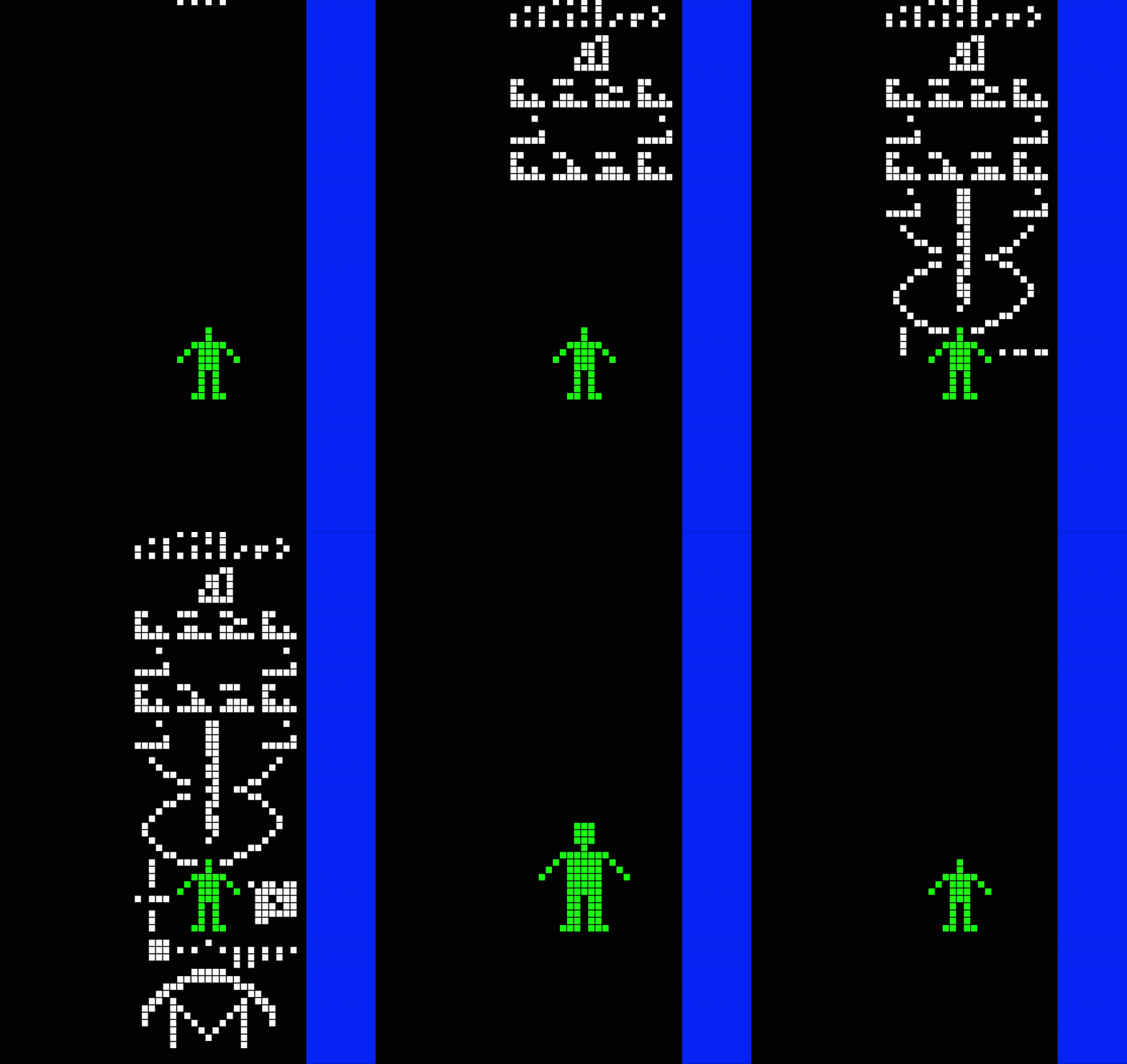
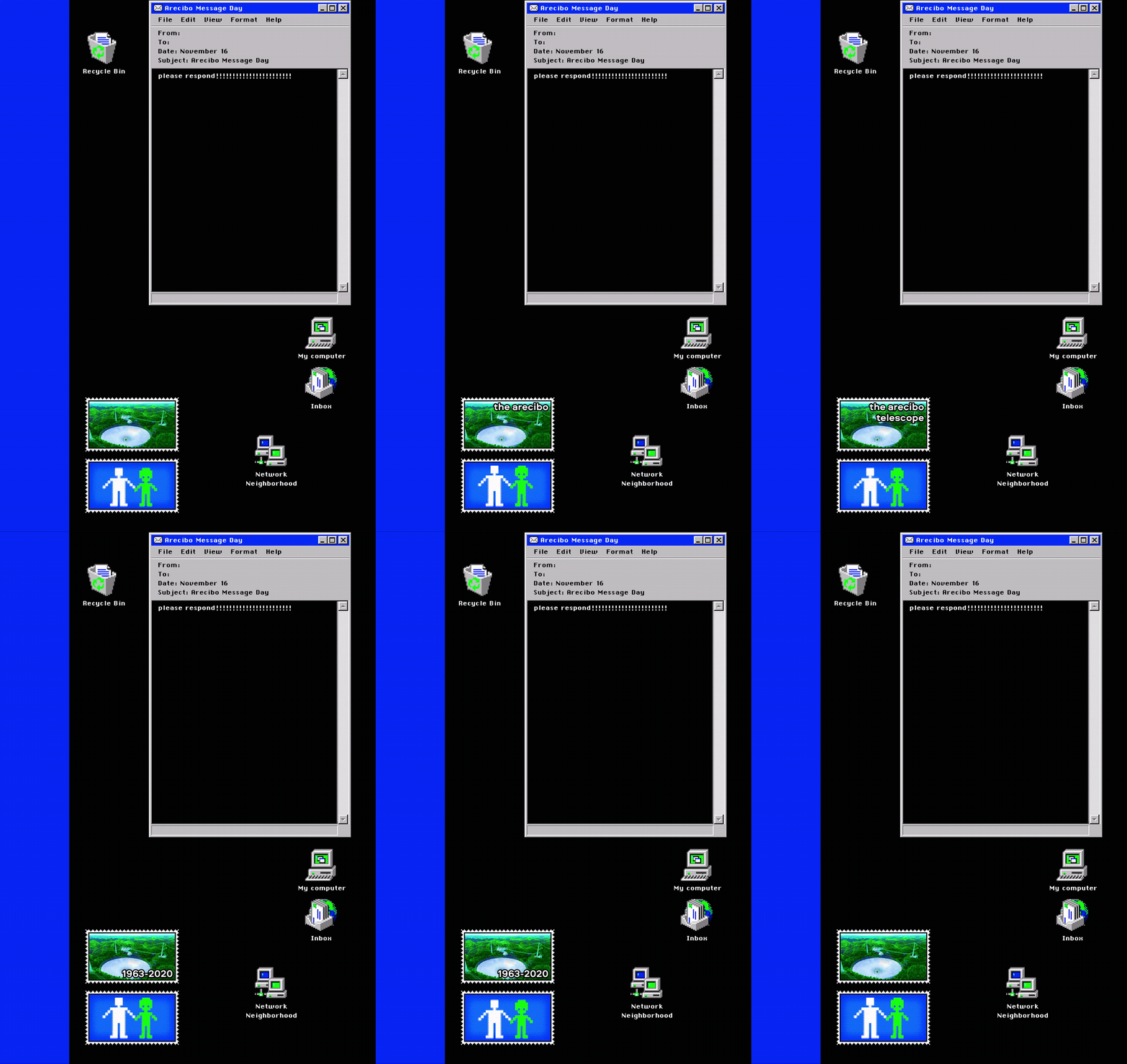
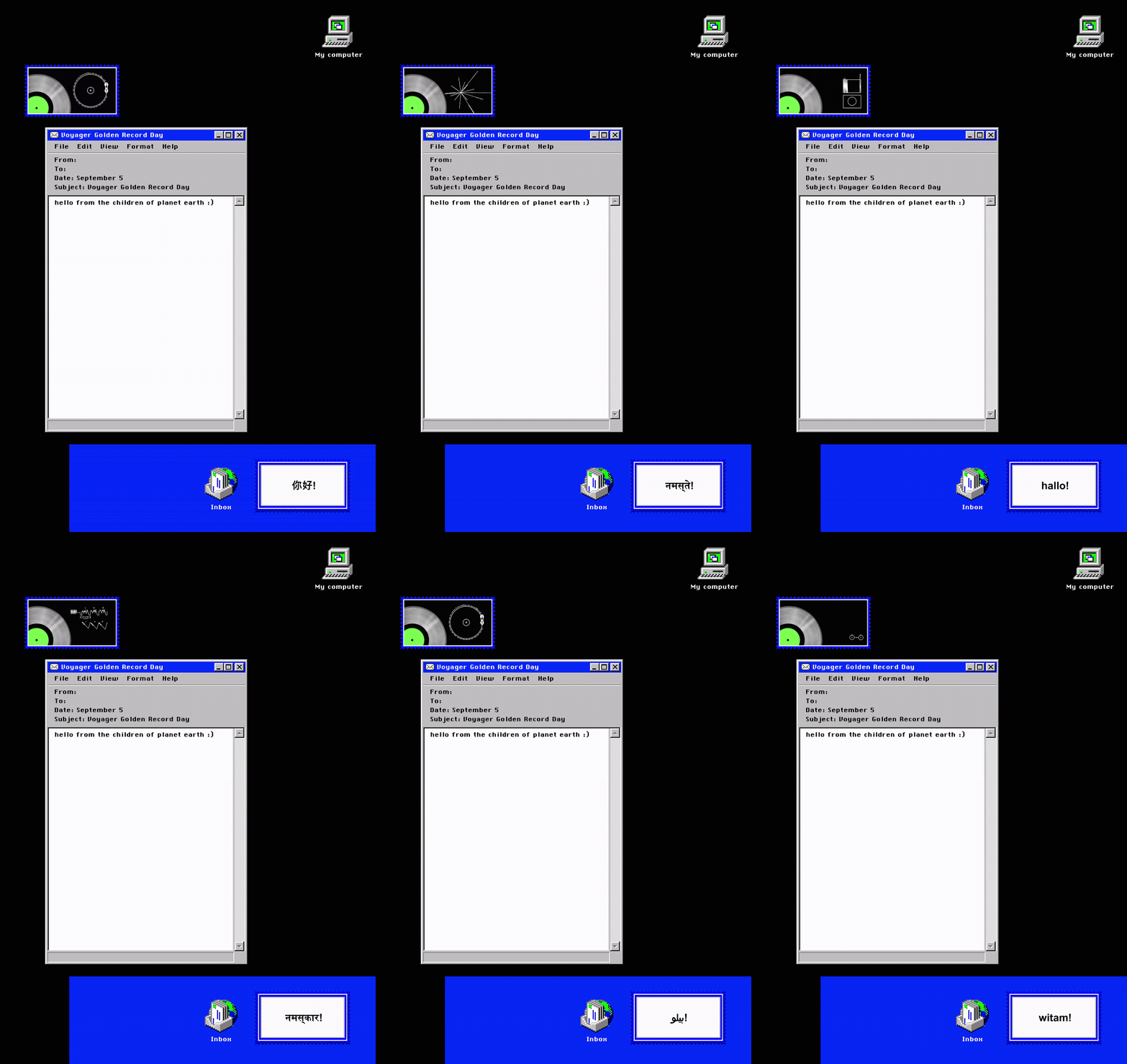
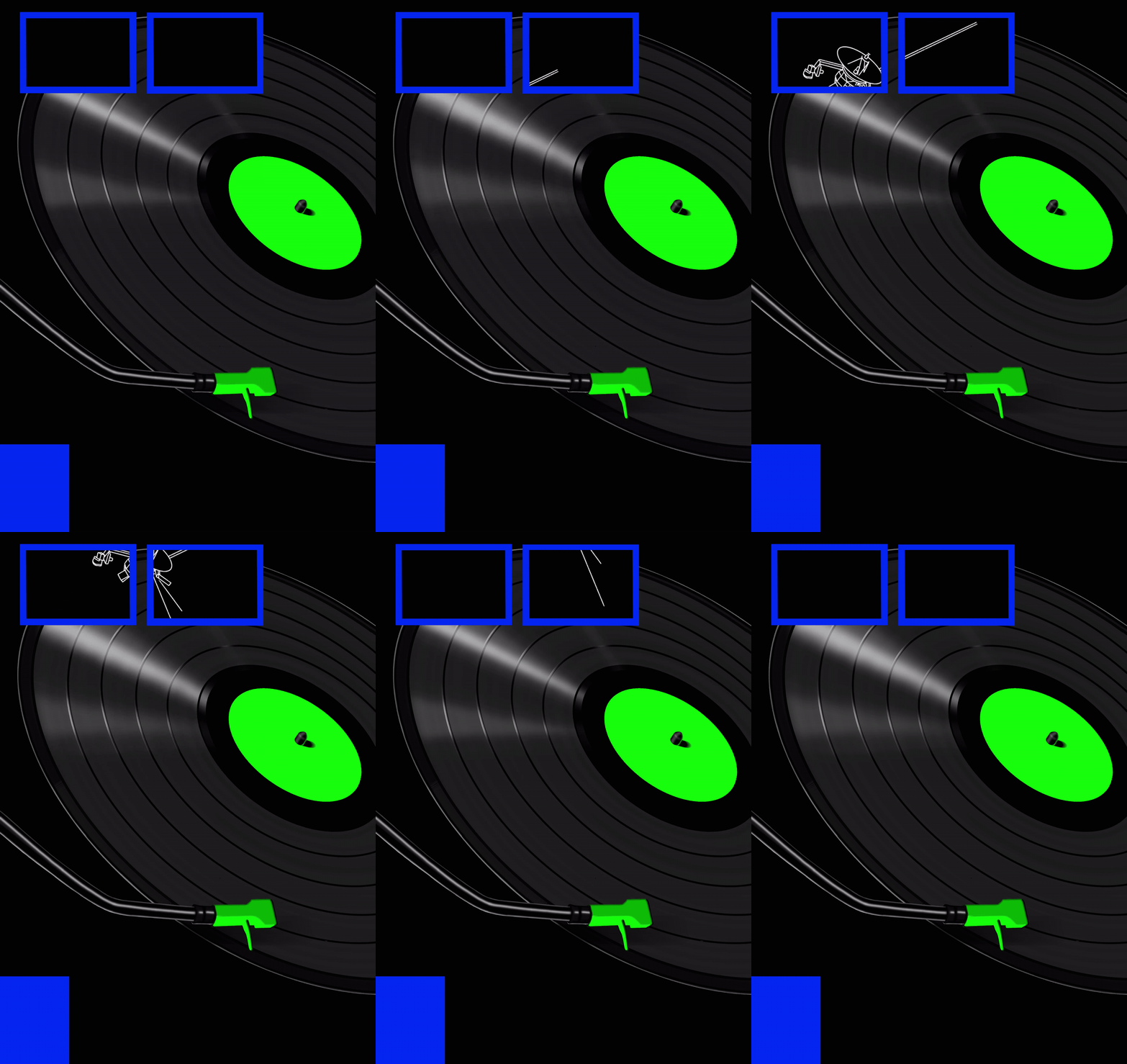
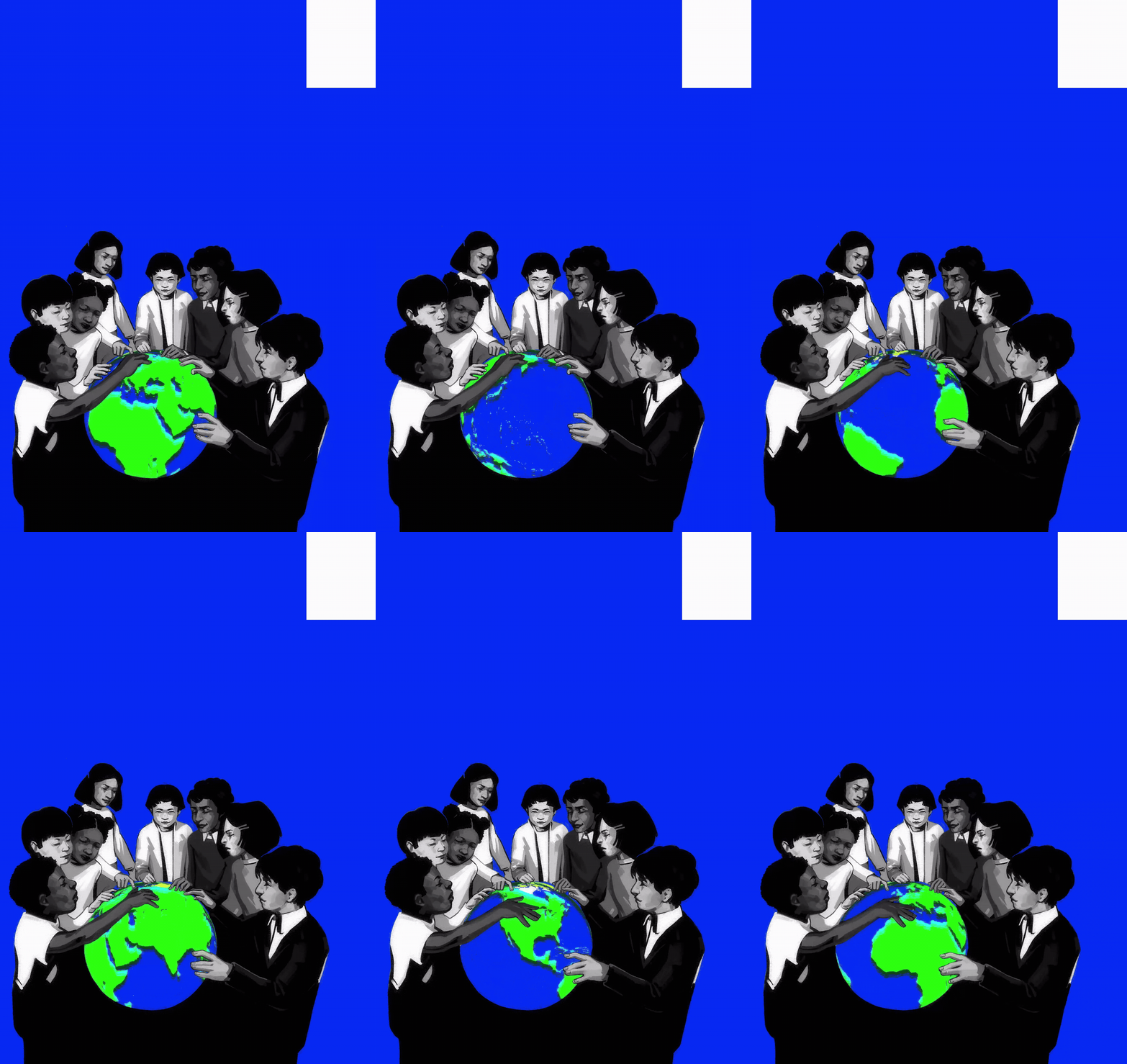
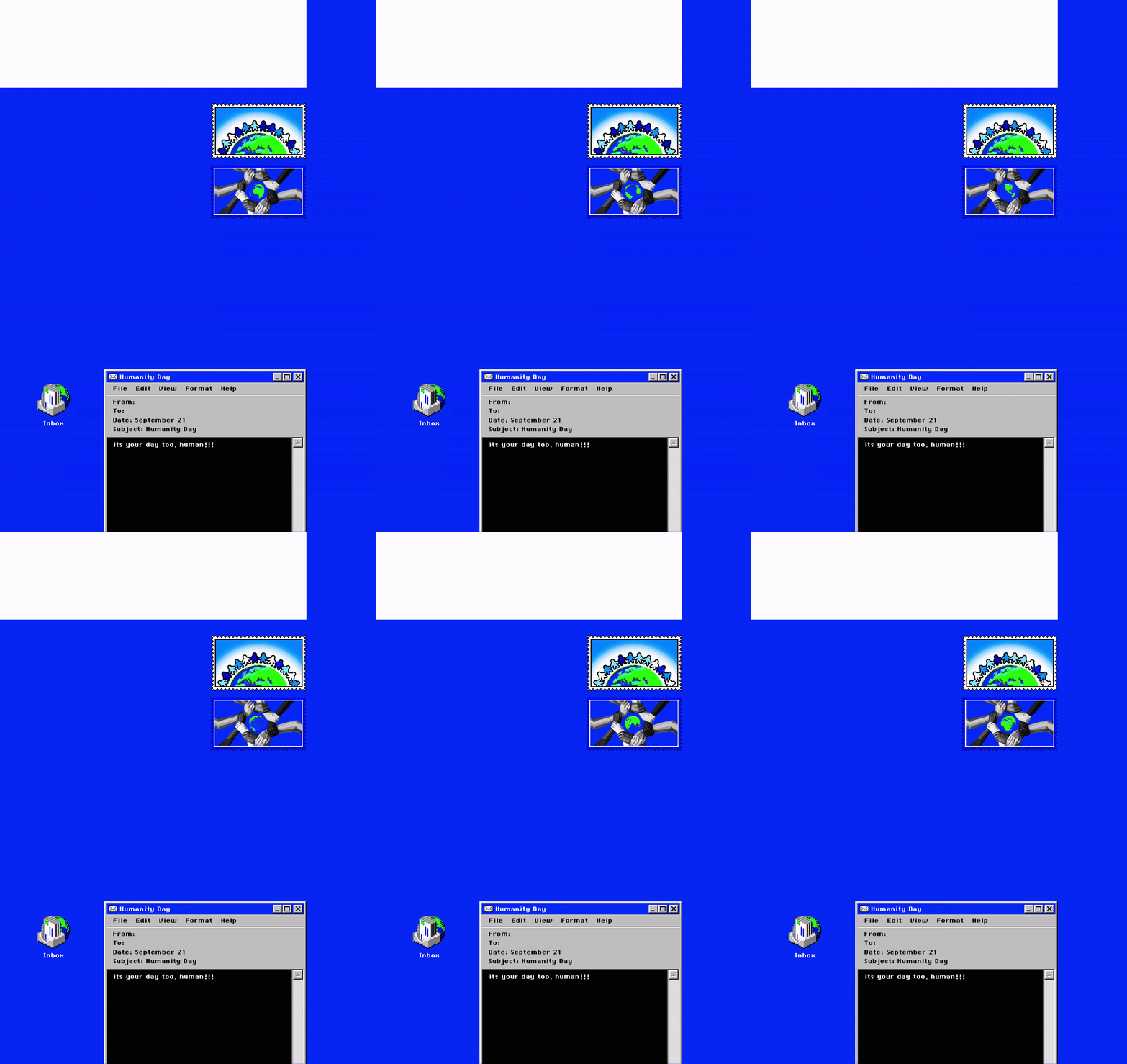
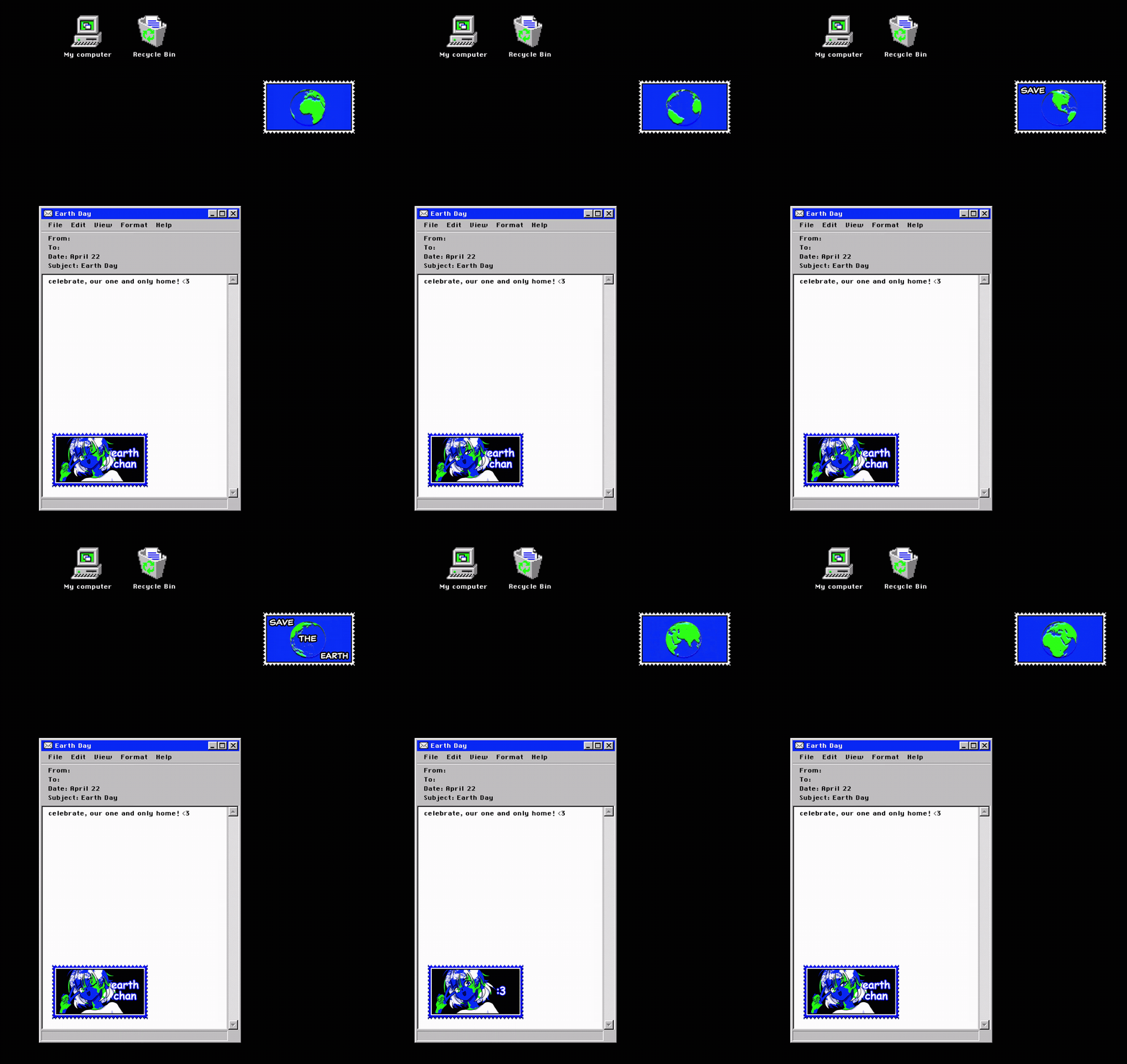
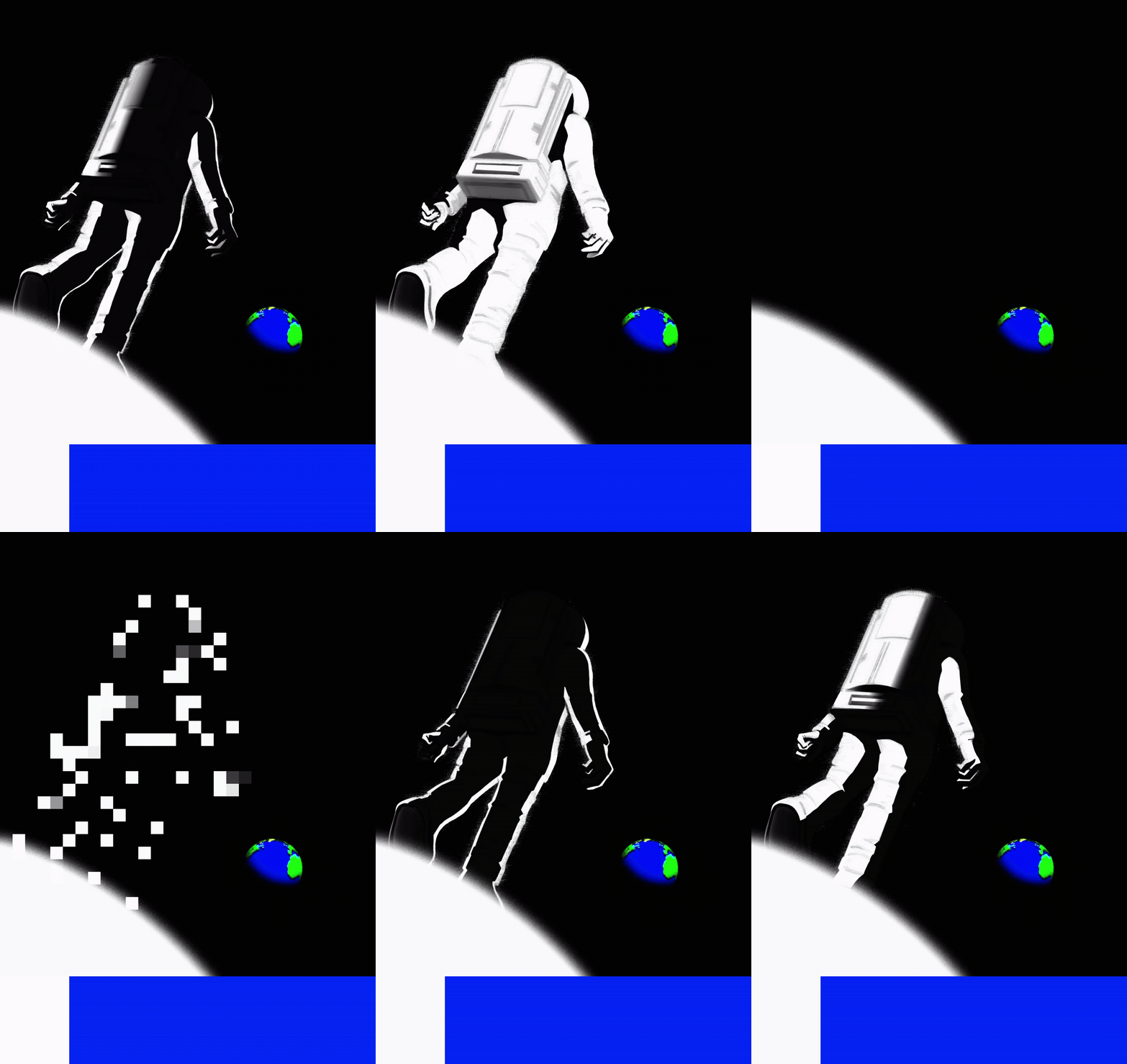
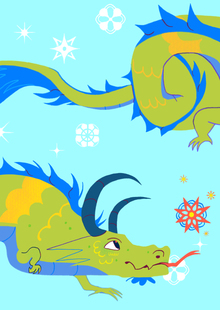
серия из 13-ти двусторонних анимированных открыток, посвященная праздничным дням в честь важных объектов, событий и посланий в космической истории человечества.
0
0
0
0
0
1/2
///открытки
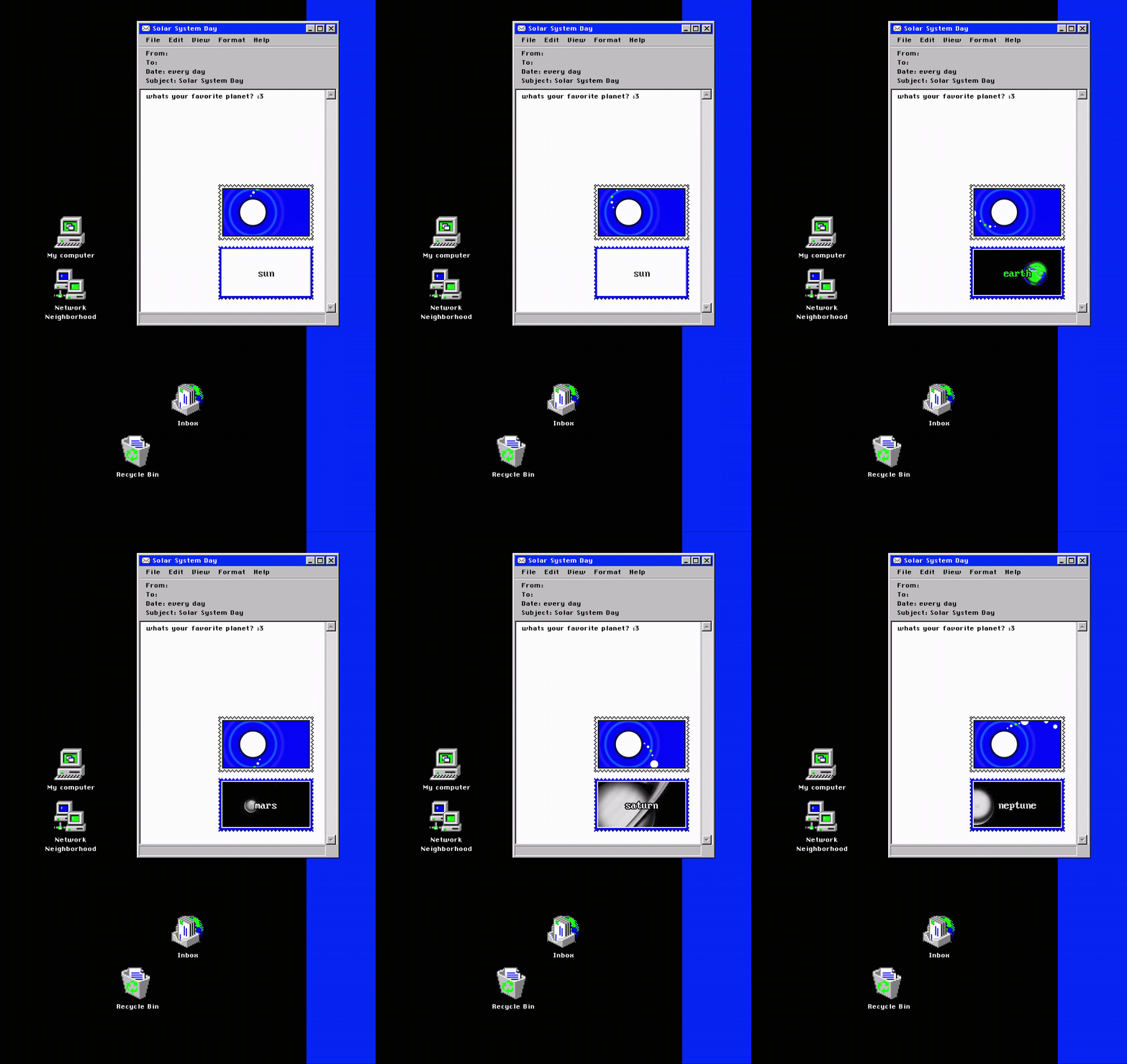
день солнечной системы /// каждый день
день луны /// каждую ночь
день искусственного спутника /// 4 октября
день животных-космонавтов /// 3 ноября
день первого человека в космосе /// 12 апреля
день первого человека в открытом космосе /// 18 марта
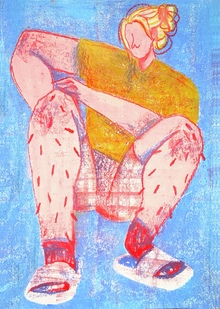
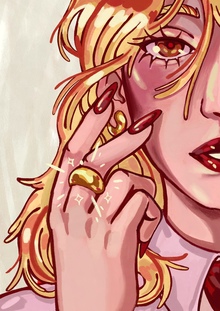
Серия открыток вдохновленная городами Золотого кольца России. Концепция моих иллюстраций заключается в изображении модных героинь в определенных образах или с элементами, которые связаны с выбранными городами Золотого кольца. В дополнение на открытках написаны названия городов рукописными узорчатыми шрифтами.
adcr.dafes
The Art Directors Club of Russia sets the benchmark for creative excellence in design and advertising, serving as a central hub where industry professionals connect. Since 2004, the Club has hosted the ADCR Awards—a premier national competition celebrating creativity, design, and advertising. The core mission of the awards is to champion agencies and independent creators making their mark in the local market. By presenting this honor on behalf of the professional community, the Club reaffirms its endur... Show more
Press space bar to start a drag.
When dragging you can use the arrow keys to move the item around and escape to cancel.
Some screen readers may require you to be in focus mode or to use your pass through key
Press space bar to start a drag.
When dragging you can use the arrow keys to move the item around and escape to cancel.
Some screen readers may require you to be in focus mode or to use your pass through key
Press space bar to start a drag.
When dragging you can use the arrow keys to move the item around and escape to cancel.
Some screen readers may require you to be in focus mode or to use your pass through key
Press space bar to start a drag.
When dragging you can use the arrow keys to move the item around and escape to cancel.
Some screen readers may require you to be in focus mode or to use your pass through key
Press space bar to start a drag.
When dragging you can use the arrow keys to move the item around and escape to cancel.
Some screen readers may require you to be in focus mode or to use your pass through key
Press space bar to start a drag.
When dragging you can use the arrow keys to move the item around and escape to cancel.
Some screen readers may require you to be in focus mode or to use your pass through key
Press space bar to start a drag.
When dragging you can use the arrow keys to move the item around and escape to cancel.
Some screen readers may require you to be in focus mode or to use your pass through key
Press space bar to start a drag.
When dragging you can use the arrow keys to move the item around and escape to cancel.
Some screen readers may require you to be in focus mode or to use your pass through key
Press space bar to start a drag.
When dragging you can use the arrow keys to move the item around and escape to cancel.
Some screen readers may require you to be in focus mode or to use your pass through key
Press space bar to start a drag.
When dragging you can use the arrow keys to move the item around and escape to cancel.
Some screen readers may require you to be in focus mode or to use your pass through key
Press space bar to start a drag.
When dragging you can use the arrow keys to move the item around and escape to cancel.
Some screen readers may require you to be in focus mode or to use your pass through key
Press space bar to start a drag.
When dragging you can use the arrow keys to move the item around and escape to cancel.
Some screen readers may require you to be in focus mode or to use your pass through key
Press space bar to start a drag.
When dragging you can use the arrow keys to move the item around and escape to cancel.
Some screen readers may require you to be in focus mode or to use your pass through key