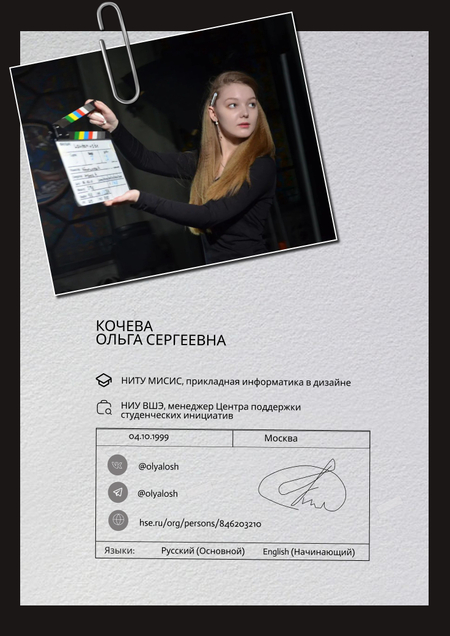
В 2021 году я закончила НИТУ МИСиС, кафедра автоматизированного проектирования и дизайна. Моя специальность по первому образованию — «Прикладная информатика в дизайне».
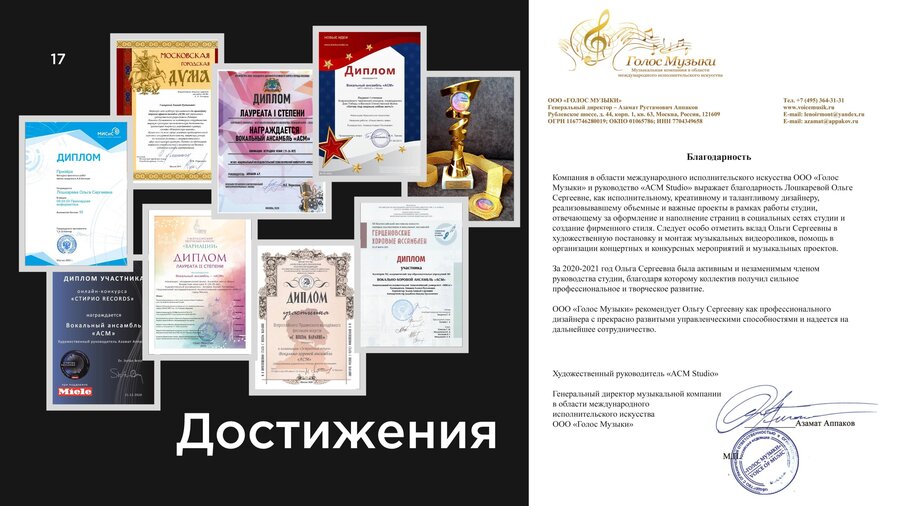
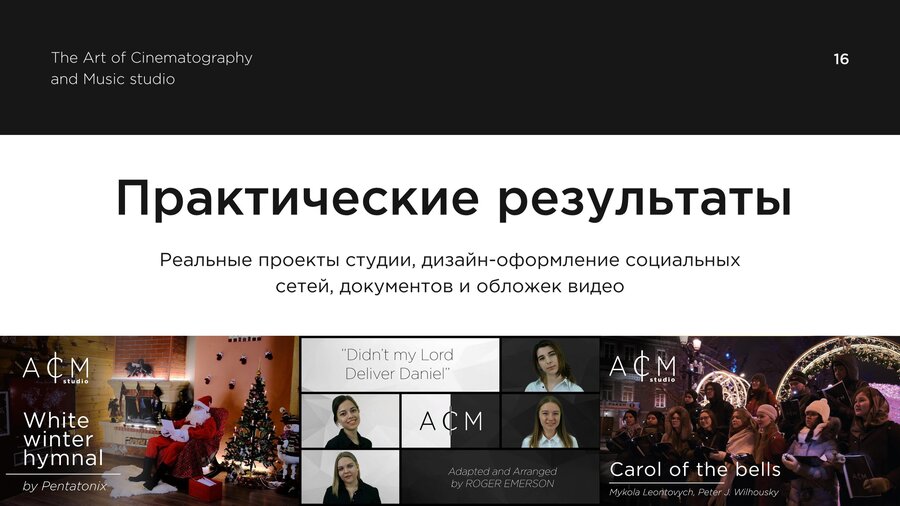
За время учебы попробовала себя в разных видах дизайнерского искусства — от графики до анимации, и творчества — от вышивки крестом до кинопроизводства. В итоге — диплом по фирменной стилистике и несколько разносторонних проектов в портфолио.
Сейчас работаю в НИУ ВШЭ на административной должности, но по-прежнему хочу быть связанной с искусством.
А теперь обо всем подробнее…
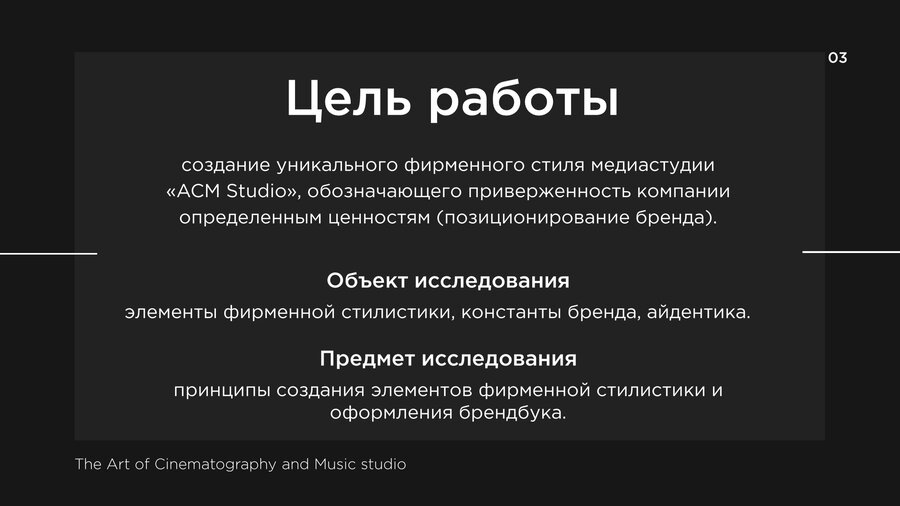
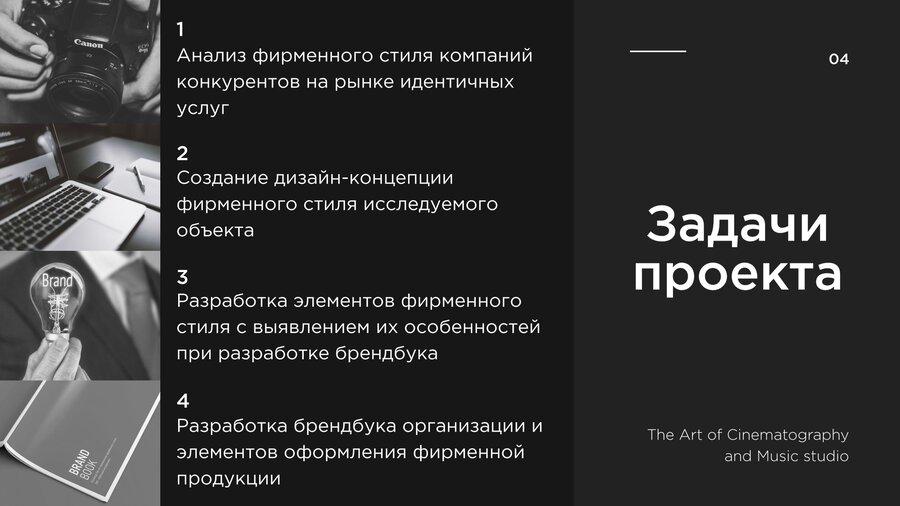
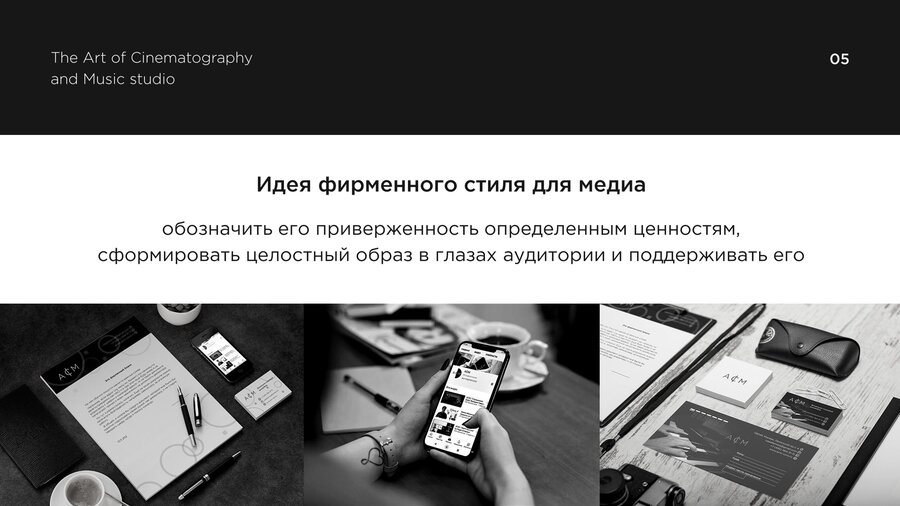
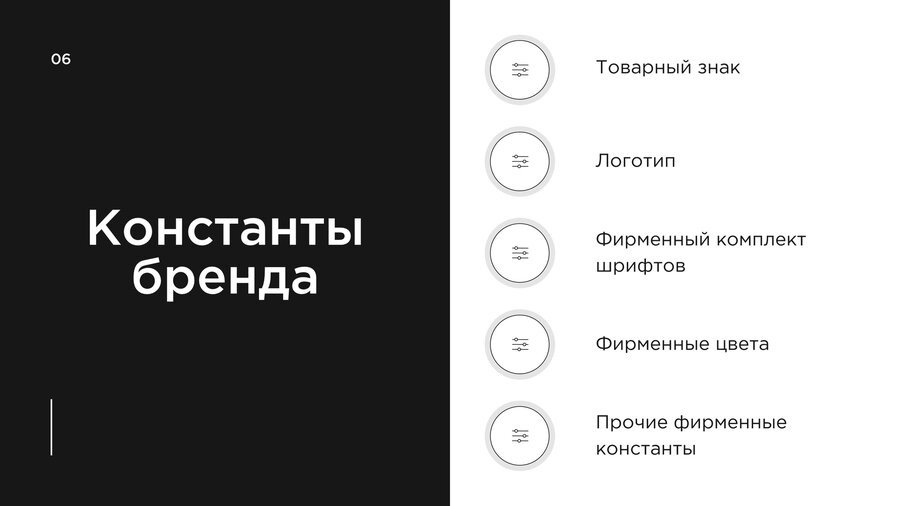
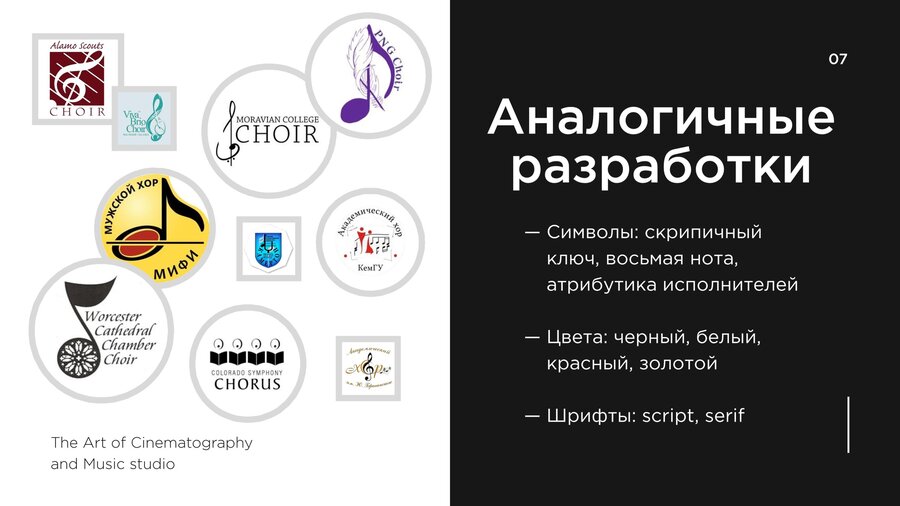
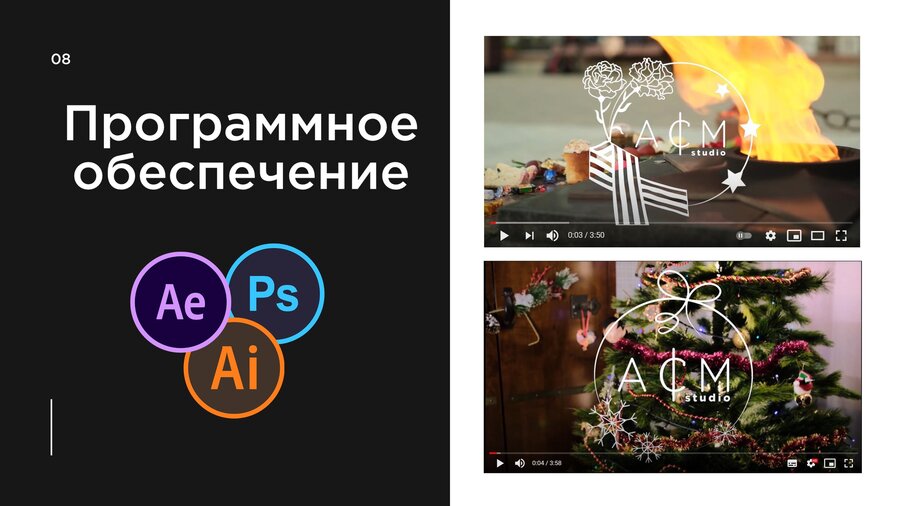
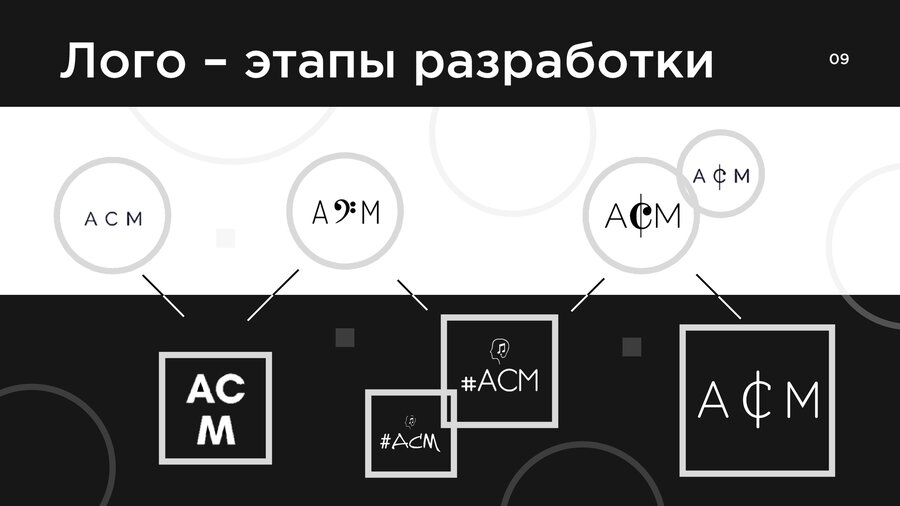
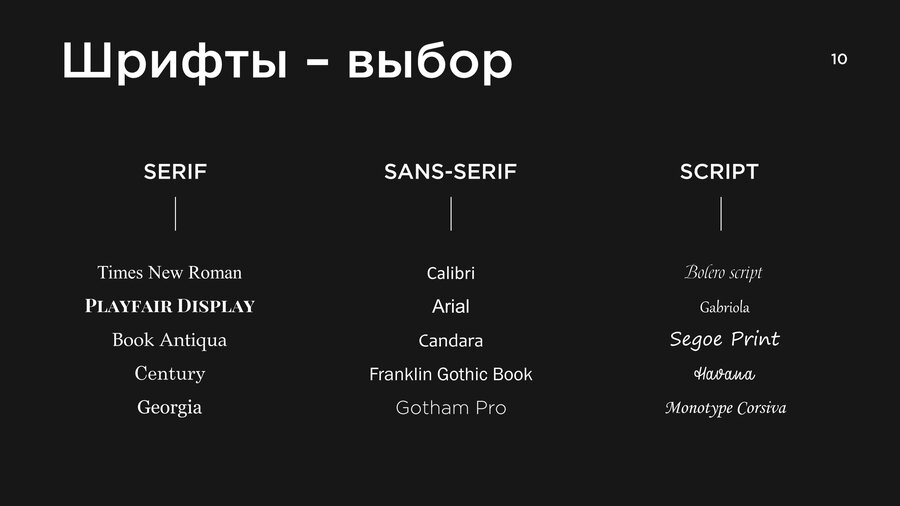
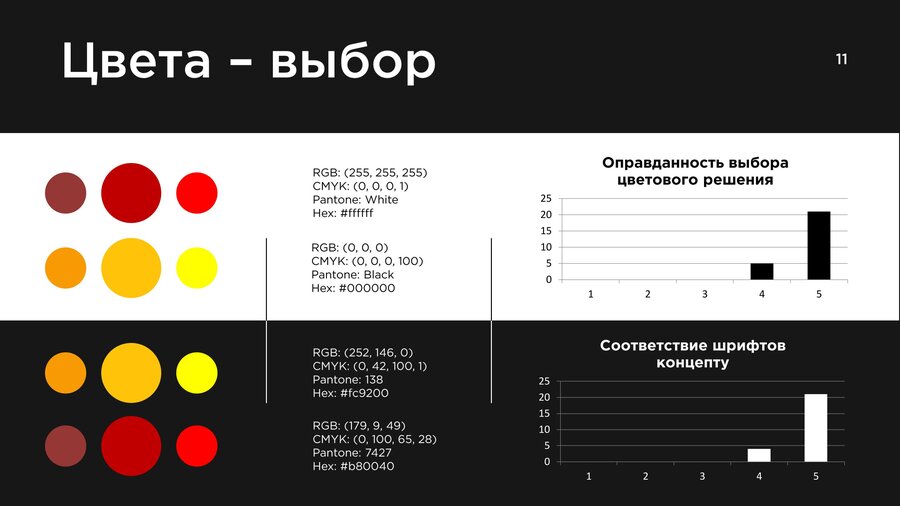
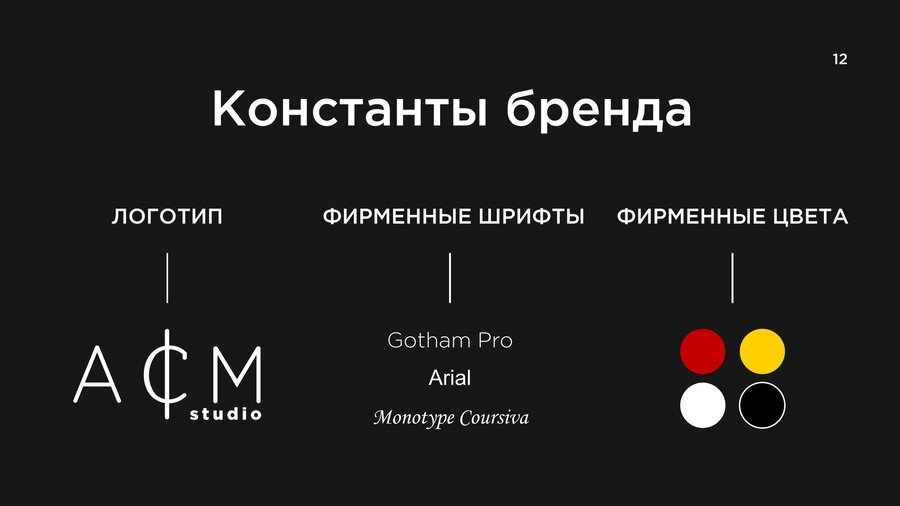
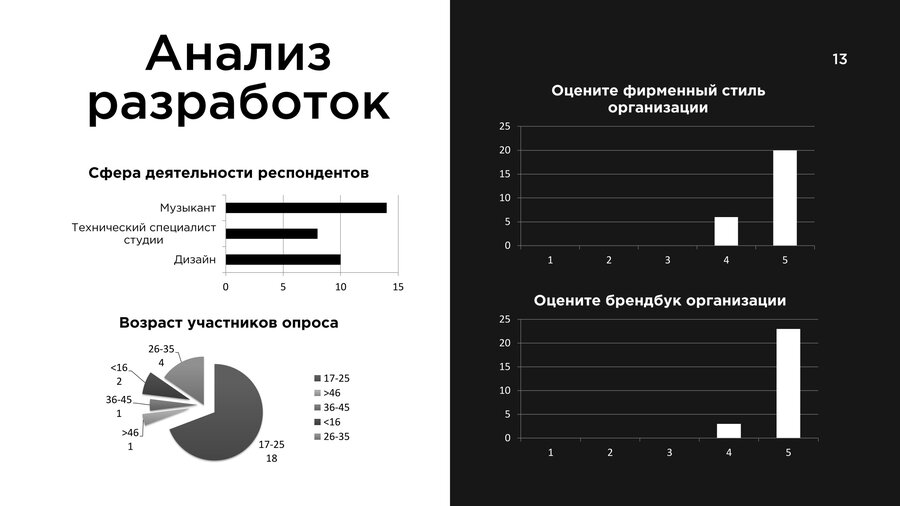
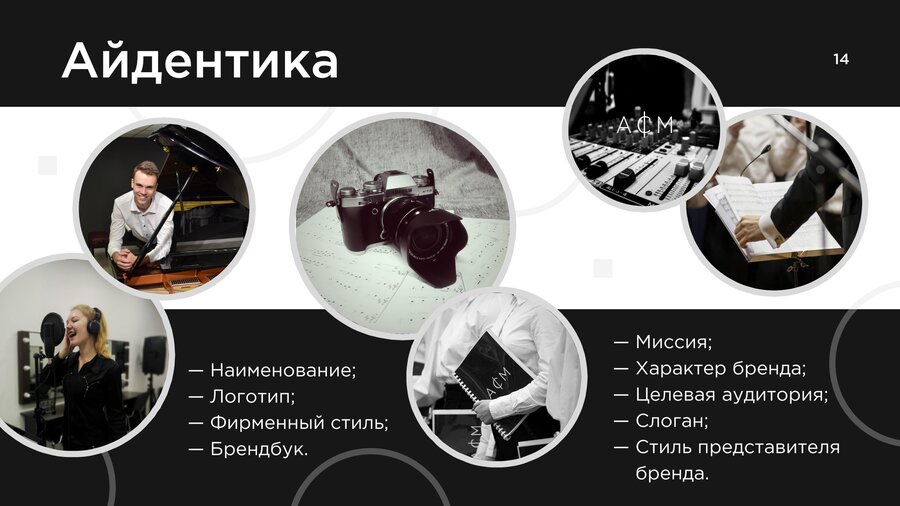
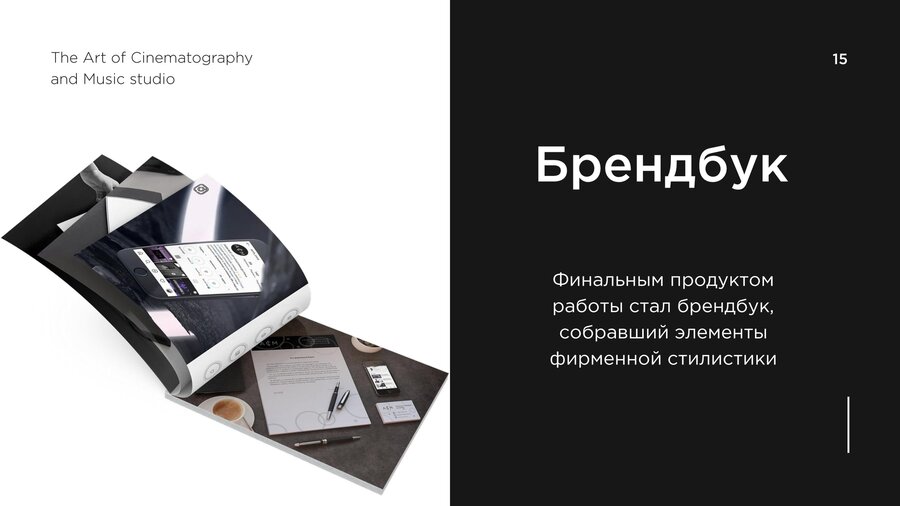
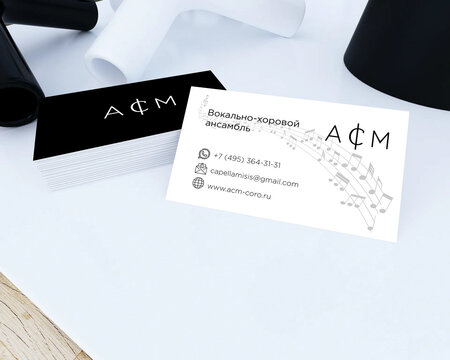
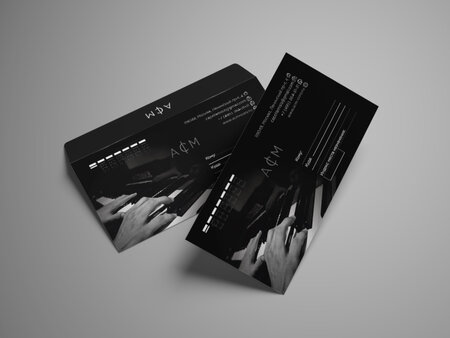
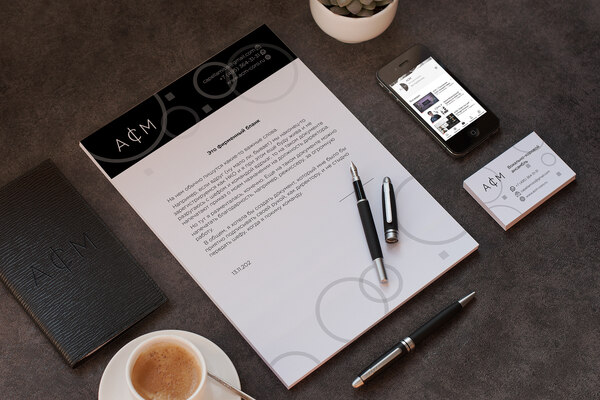
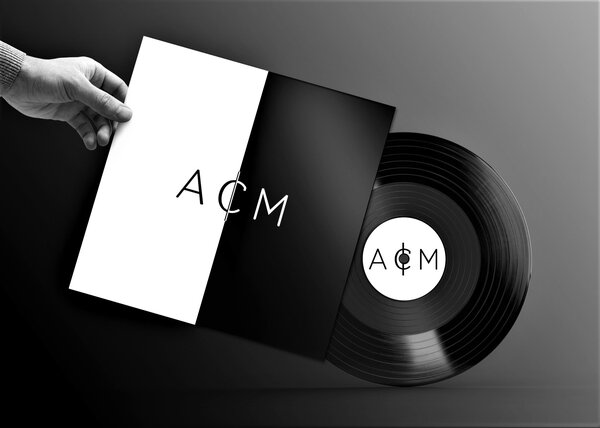
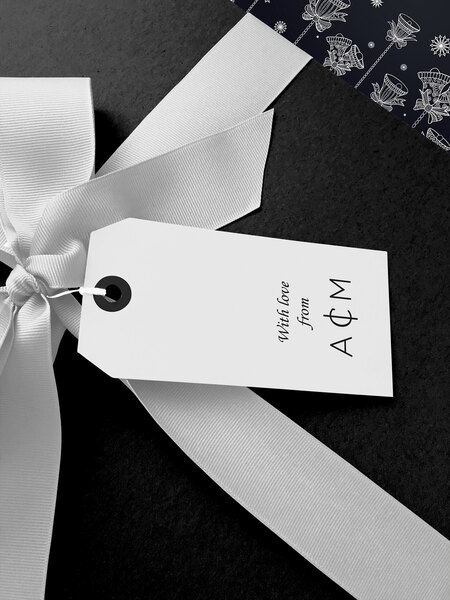
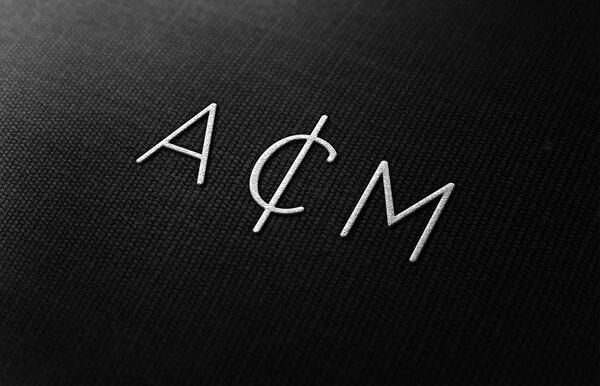
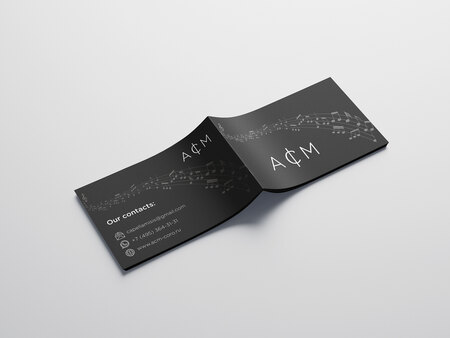
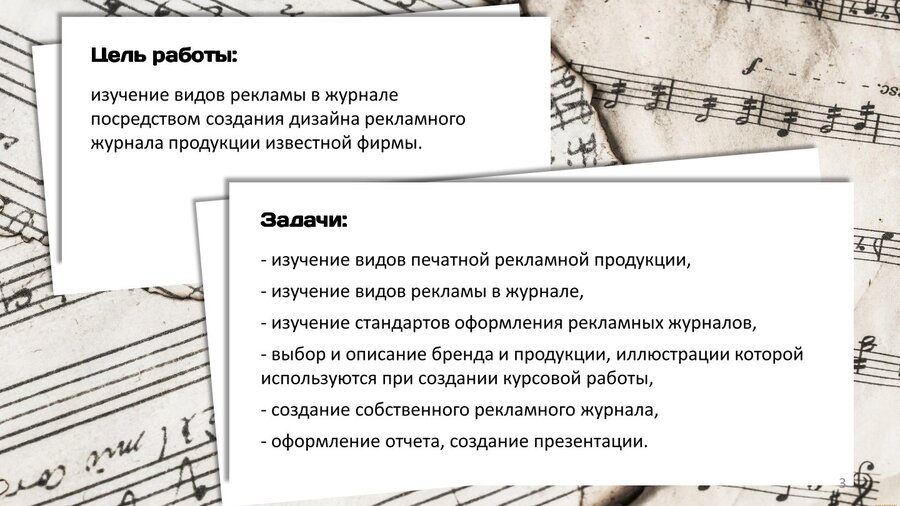
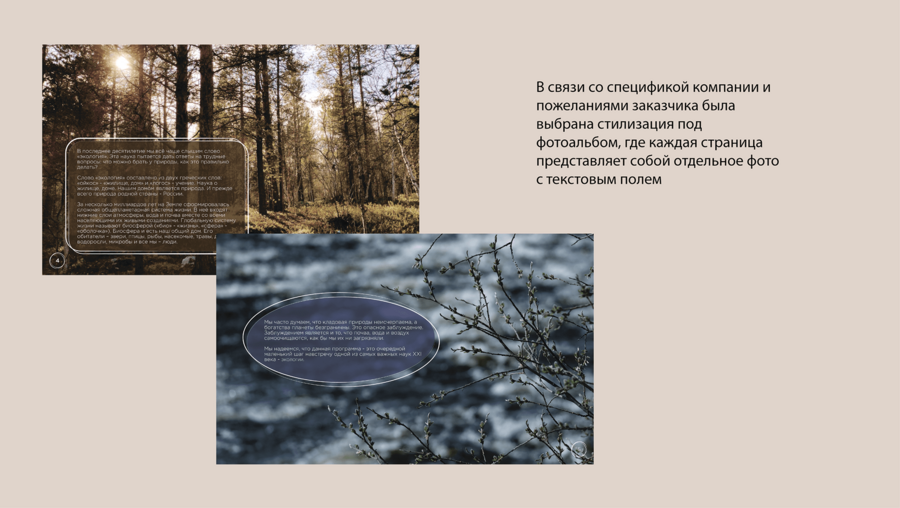
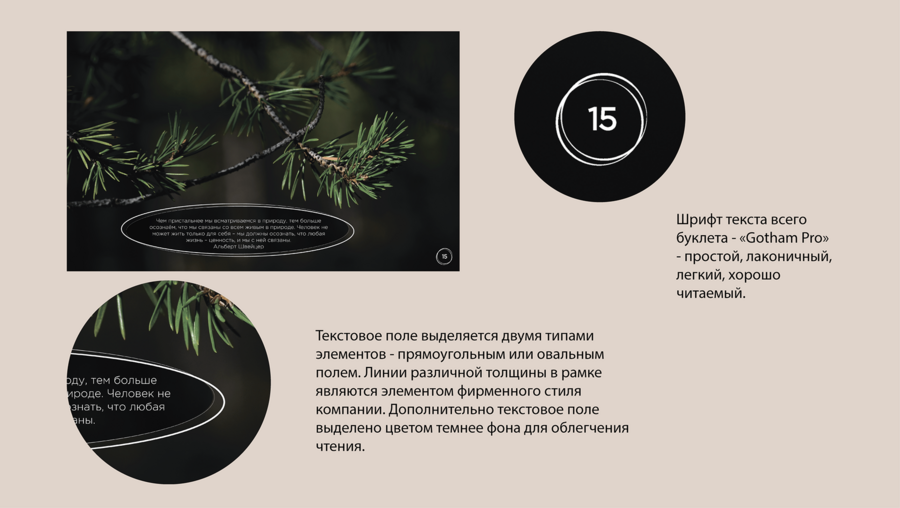
Дипломная работа: «Айдентика бренда компании медиаиндустрии»
Портфолио абитуриента | современные технологии преподавания дизайна
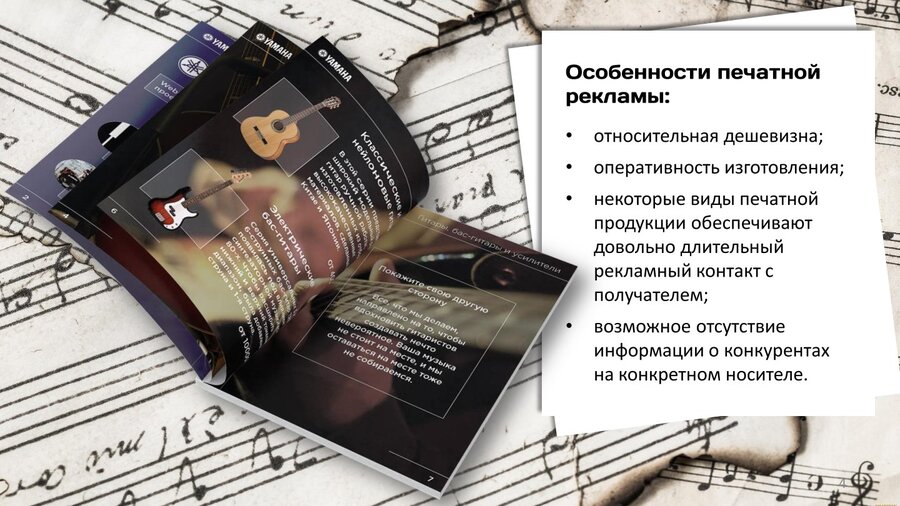
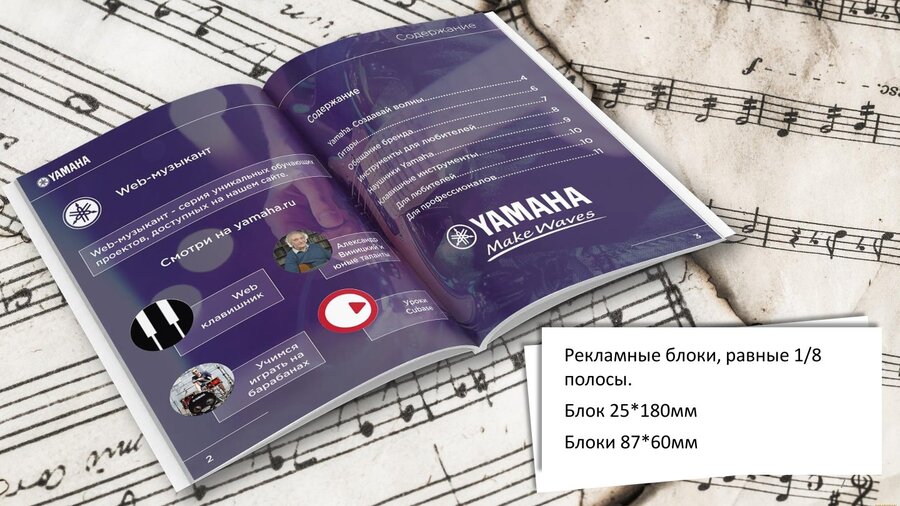
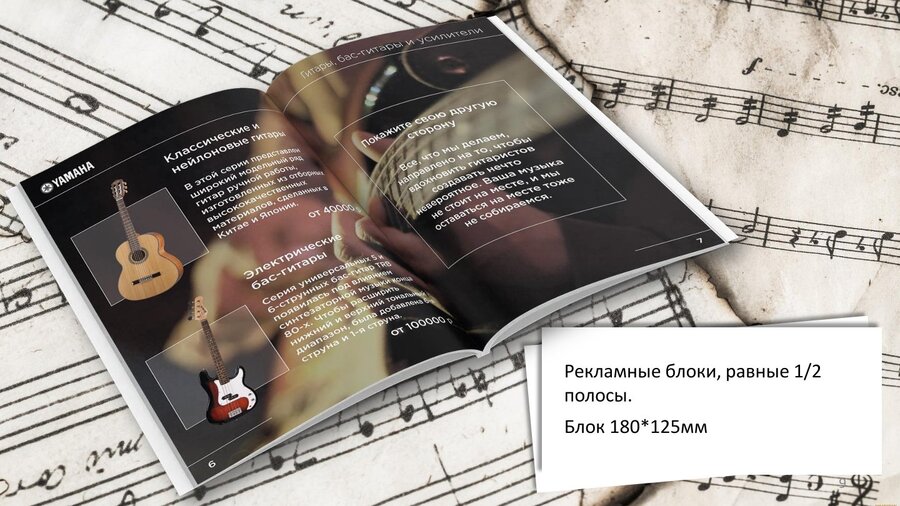
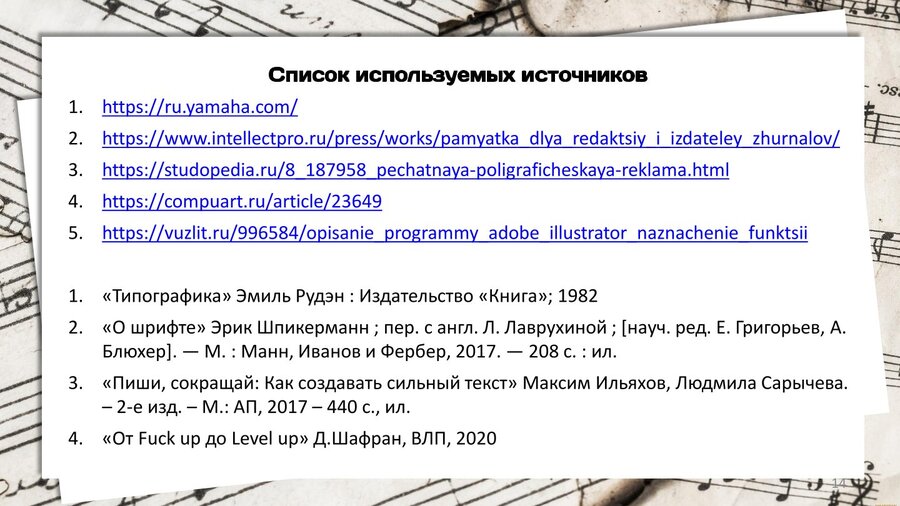
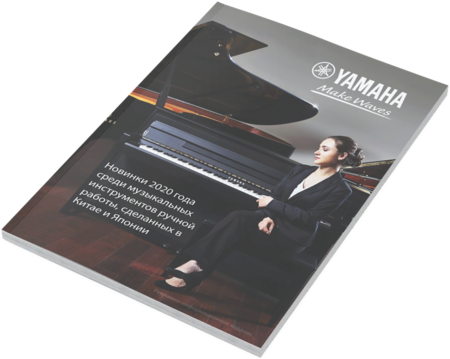
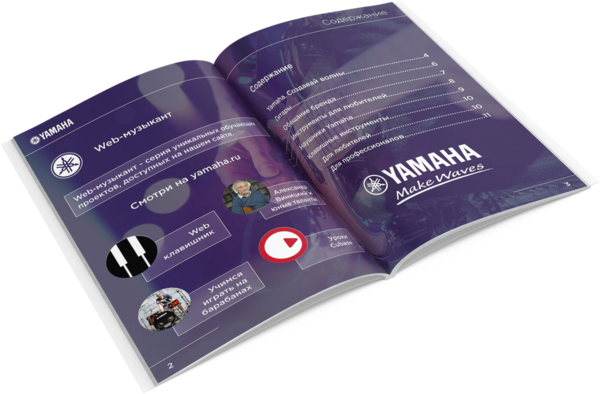
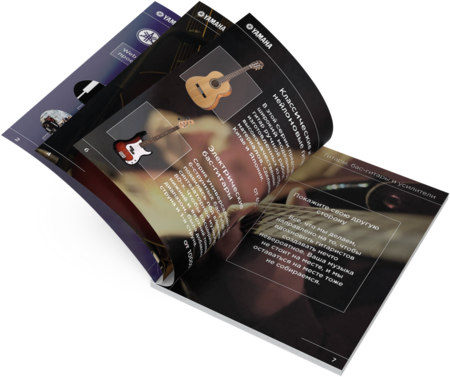
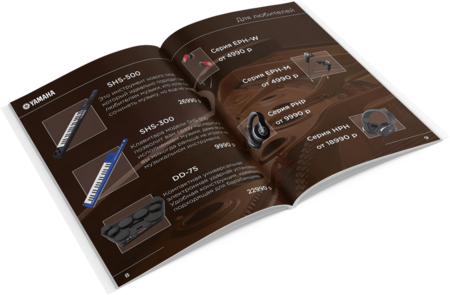
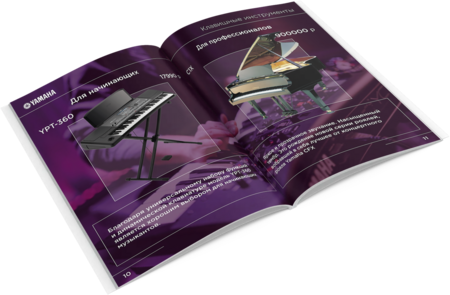
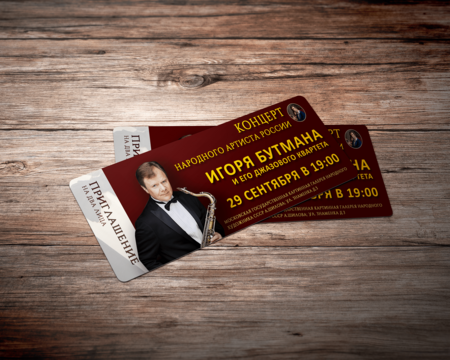
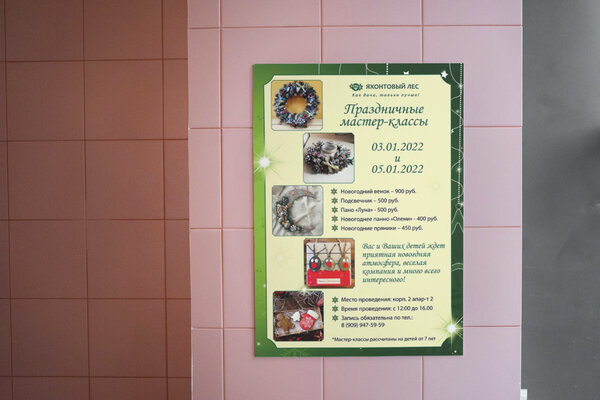
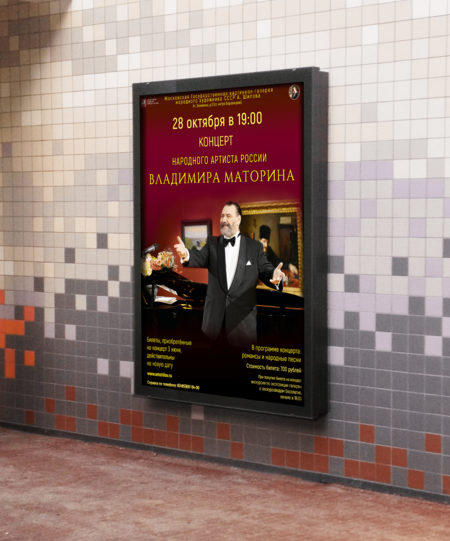
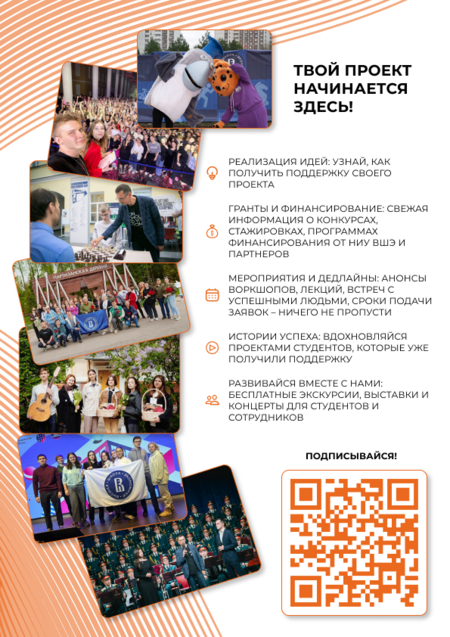
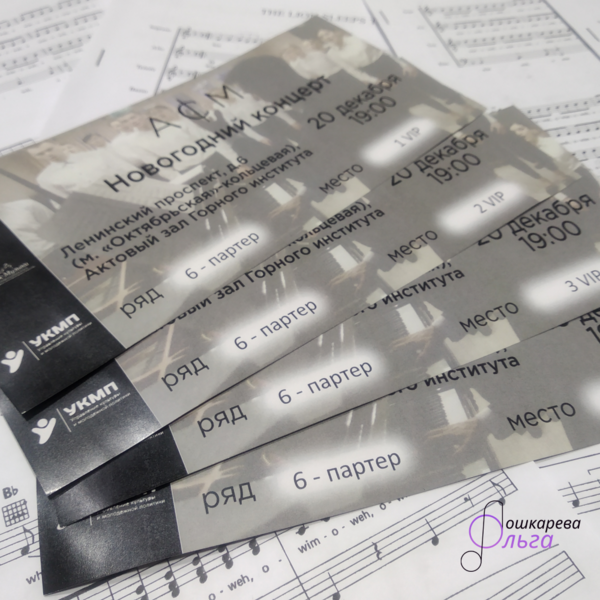
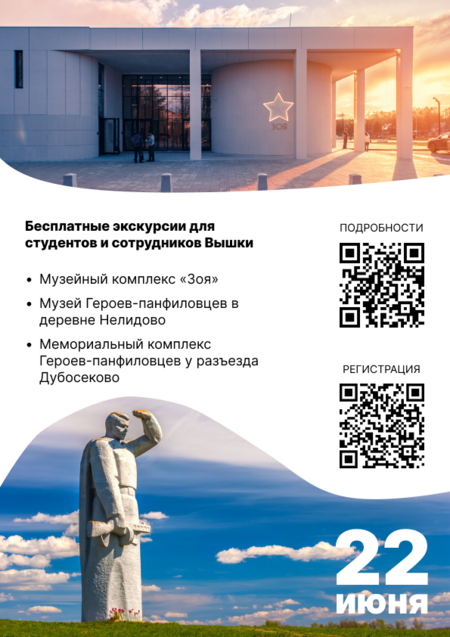
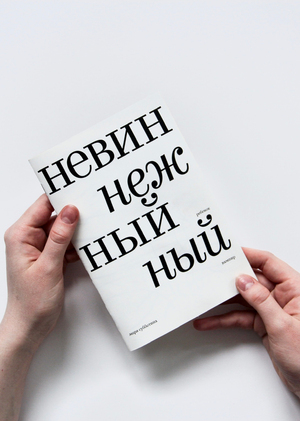
Ольга Кочева создала портфолио абитуриента, демонстрирующее разнообразие проектов в дизайне и творчестве. Проект включает брендбук, журнал продукции, буклеты и афиши, выполненные в рамках учебы и практики.
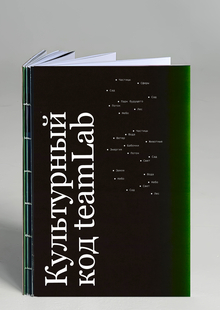
Арина Козлова изучила культурный код инсталляций японского арт-коллектива teamLab. Проект представляет собой книгу, в которой рассматриваются иммерсивные мультимедийные выставки, погружающие зрителя в мир образов.
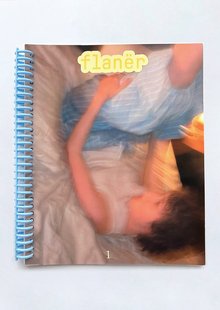
Авторы Ника Базанова и Ульяна Морозова создали журнал flanёr, посвящённый молодым и модным зумерам и анкам. Журнал описывает их интерес к поп-ап магазинам, кофе на альтернативном молоке и лайфстайлу в Telegram-канале.
adcr.dafes
The Art Directors Club of Russia sets the benchmark for creative excellence in design and advertising, serving as a central hub where industry professionals connect. Since 2004, the Club has hosted the ADCR Awards—a premier national competition celebrating creativity, design, and advertising. The core mission of the awards is to champion agencies and independent creators making their mark in the local market. By presenting this honor on behalf of the professional community, the Club reaffirms its endur... Show more
Press space bar to start a drag.
When dragging you can use the arrow keys to move the item around and escape to cancel.
Some screen readers may require you to be in focus mode or to use your pass through key
Press space bar to start a drag.
When dragging you can use the arrow keys to move the item around and escape to cancel.
Some screen readers may require you to be in focus mode or to use your pass through key
Press space bar to start a drag.
When dragging you can use the arrow keys to move the item around and escape to cancel.
Some screen readers may require you to be in focus mode or to use your pass through key
Press space bar to start a drag.
When dragging you can use the arrow keys to move the item around and escape to cancel.
Some screen readers may require you to be in focus mode or to use your pass through key
Press space bar to start a drag.
When dragging you can use the arrow keys to move the item around and escape to cancel.
Some screen readers may require you to be in focus mode or to use your pass through key
Press space bar to start a drag.
When dragging you can use the arrow keys to move the item around and escape to cancel.
Some screen readers may require you to be in focus mode or to use your pass through key
Press space bar to start a drag.
When dragging you can use the arrow keys to move the item around and escape to cancel.
Some screen readers may require you to be in focus mode or to use your pass through key
Press space bar to start a drag.
When dragging you can use the arrow keys to move the item around and escape to cancel.
Some screen readers may require you to be in focus mode or to use your pass through key
Press space bar to start a drag.
When dragging you can use the arrow keys to move the item around and escape to cancel.
Some screen readers may require you to be in focus mode or to use your pass through key
Press space bar to start a drag.
When dragging you can use the arrow keys to move the item around and escape to cancel.
Some screen readers may require you to be in focus mode or to use your pass through key
Press space bar to start a drag.
When dragging you can use the arrow keys to move the item around and escape to cancel.
Some screen readers may require you to be in focus mode or to use your pass through key
Press space bar to start a drag.
When dragging you can use the arrow keys to move the item around and escape to cancel.
Some screen readers may require you to be in focus mode or to use your pass through key