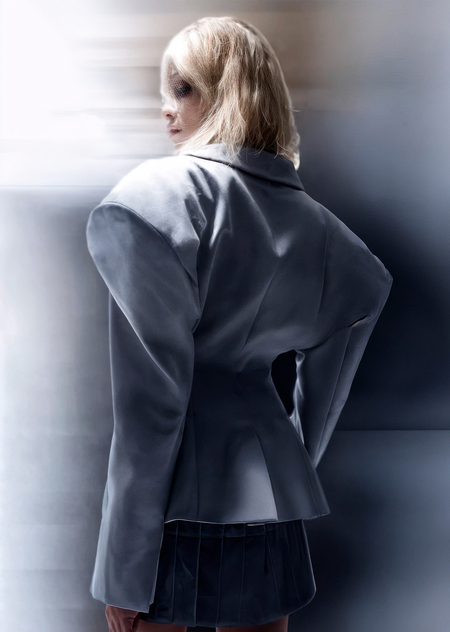
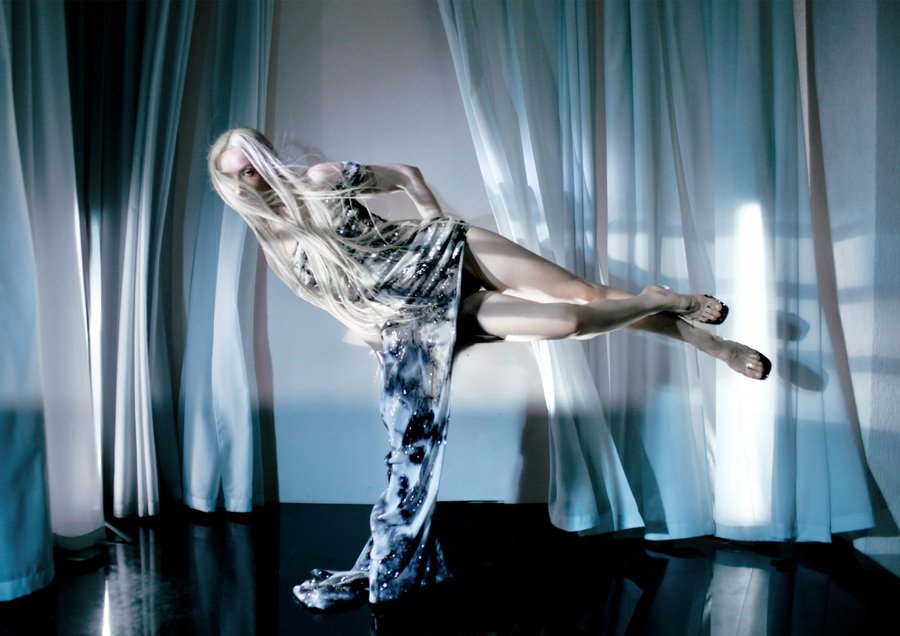
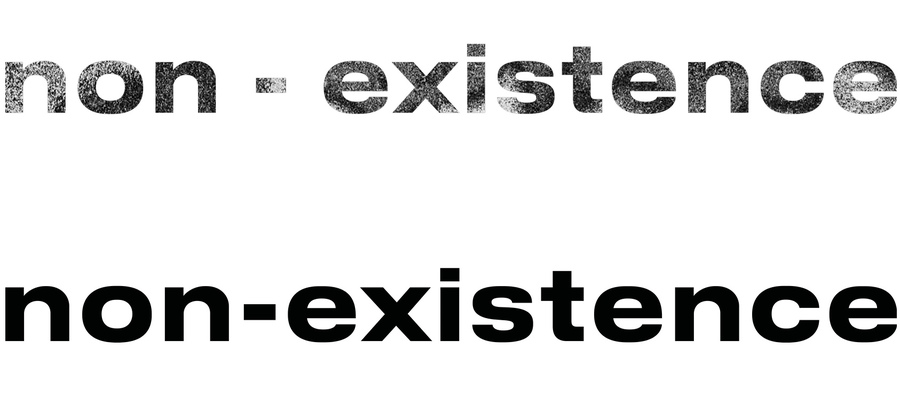
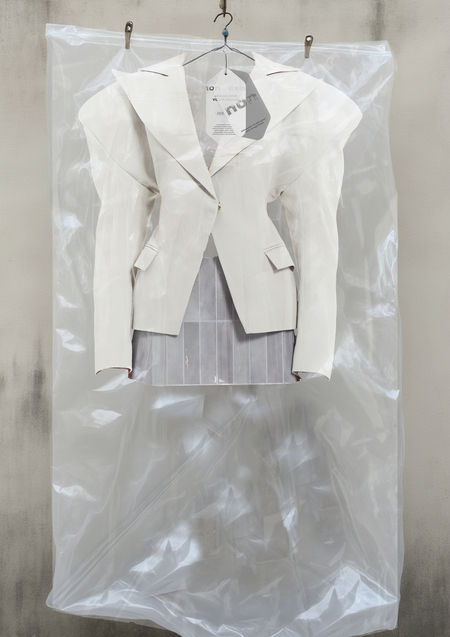
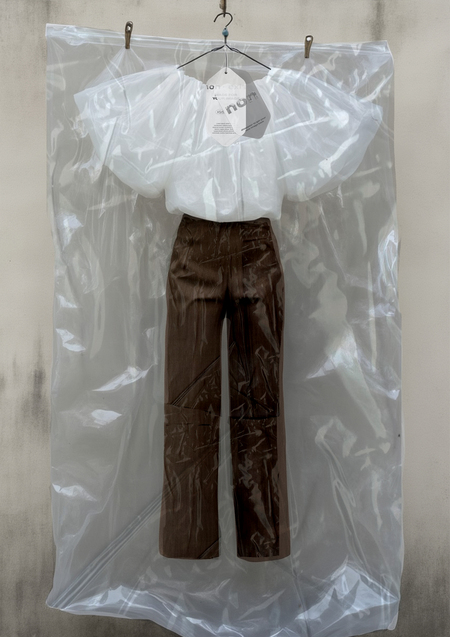
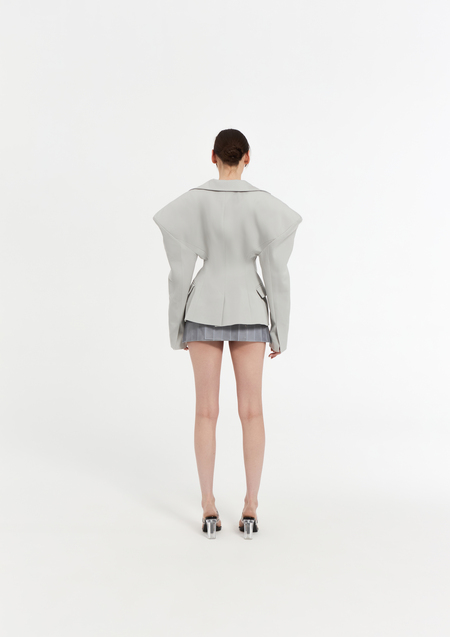
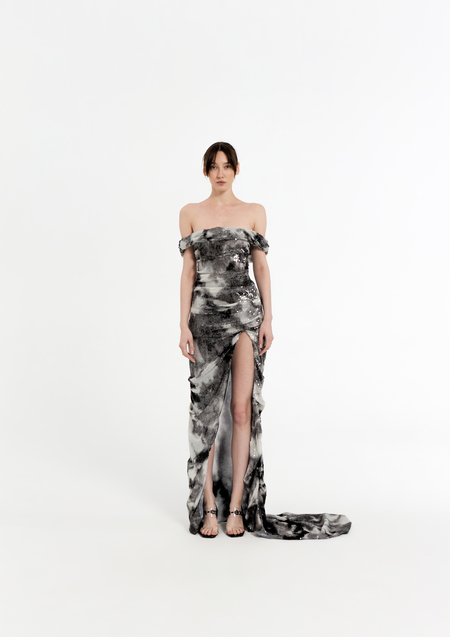
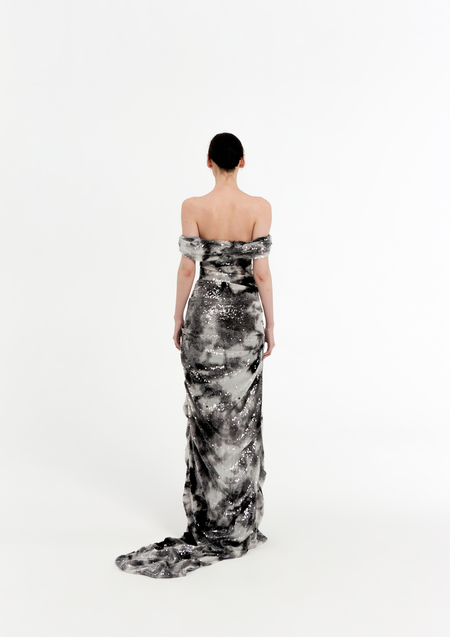
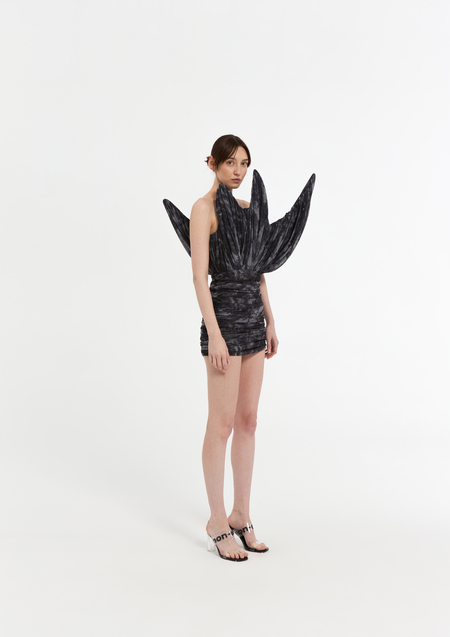
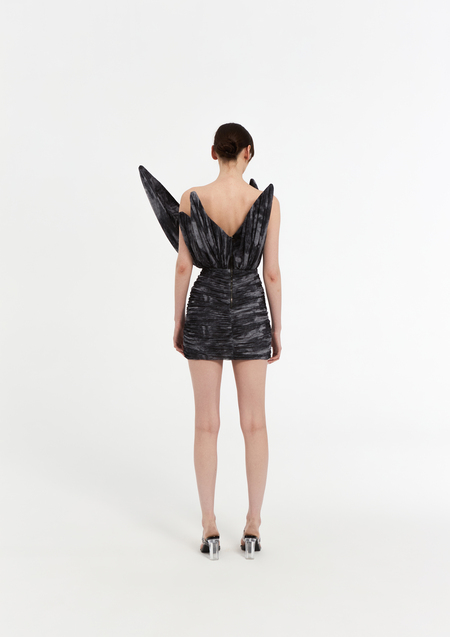
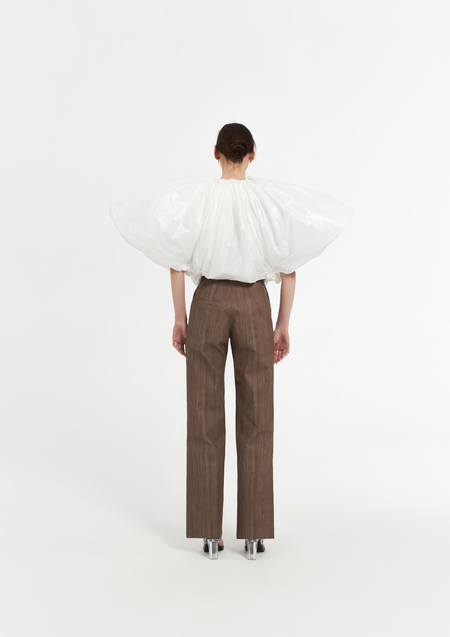
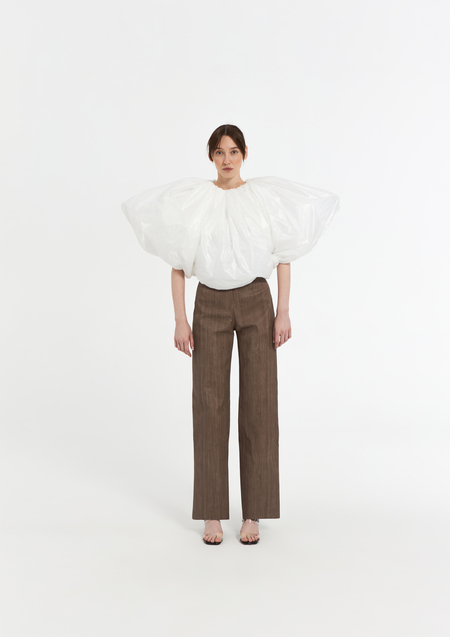
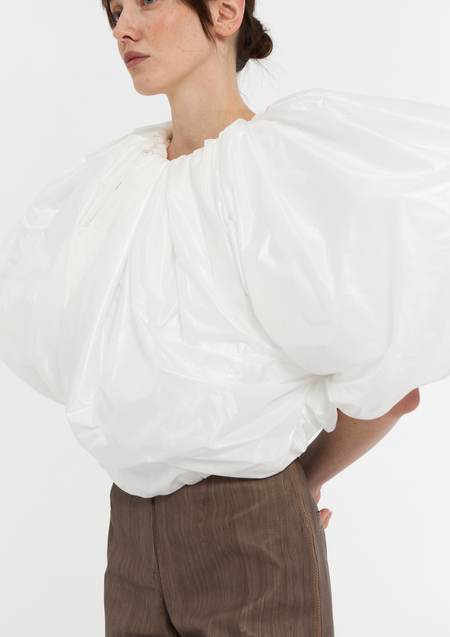
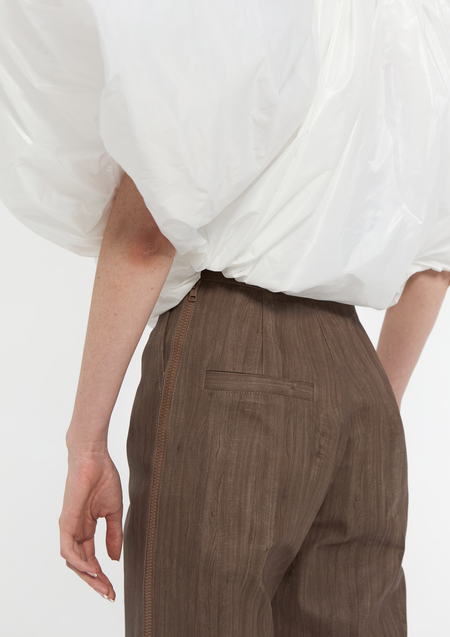
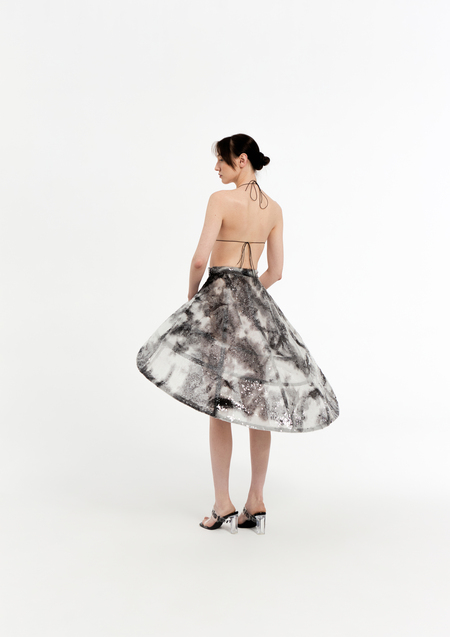
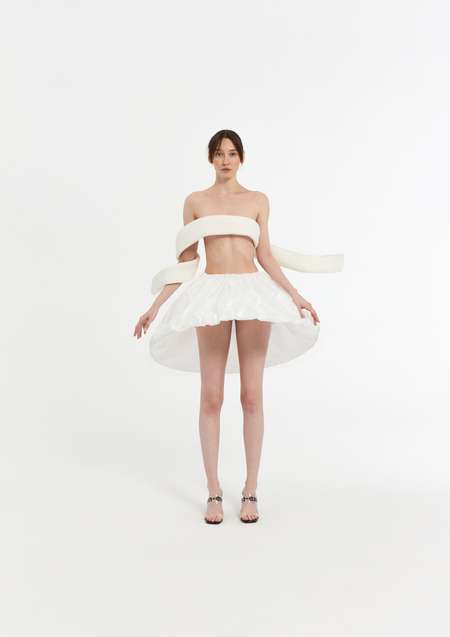
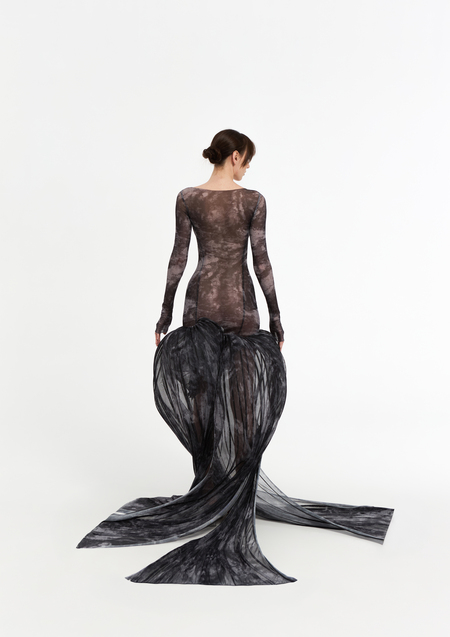
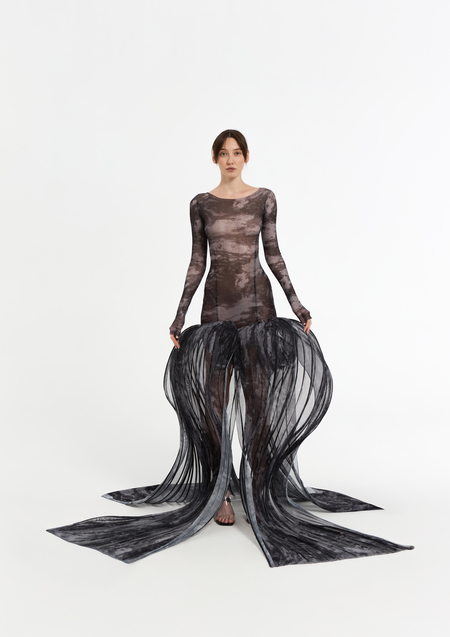
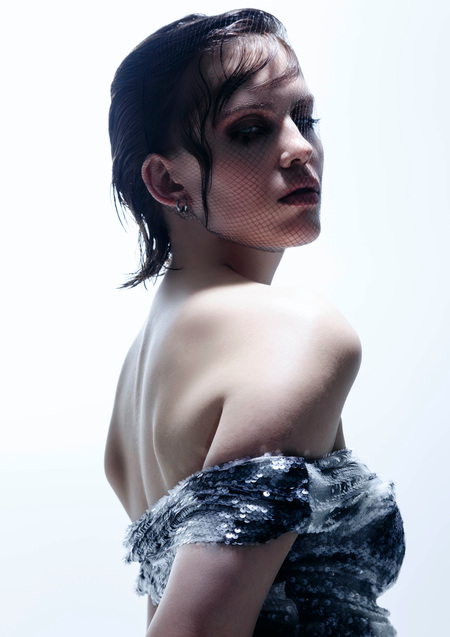
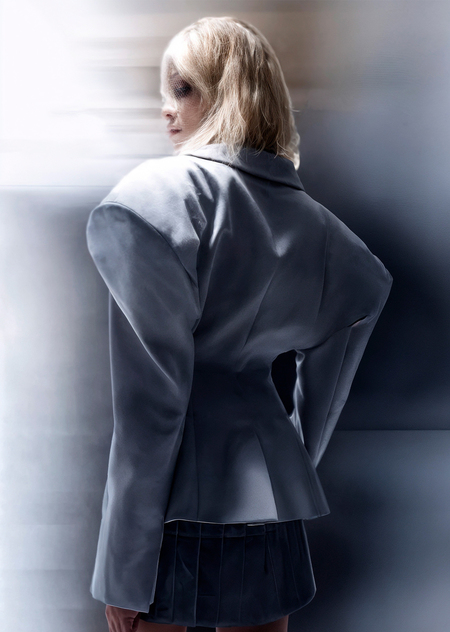
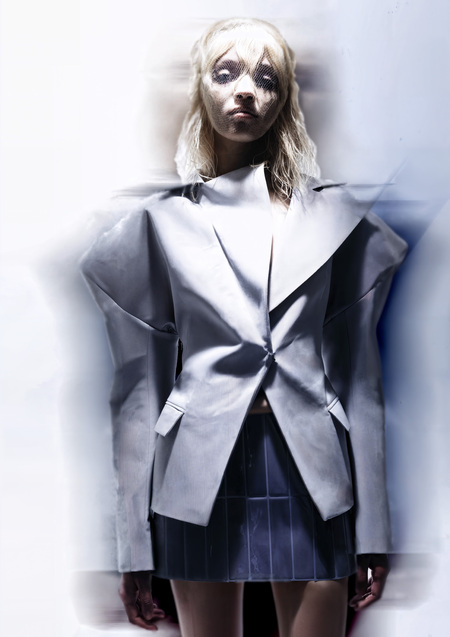
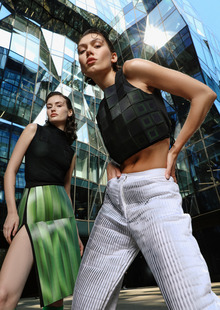
NON — EXISTENCE — это бренд сценической / кутюрной одежды премиум-класса.
Его эстетика строится на грани между видимым
и неуловимым, где одежда становится пространством — эфемерным, структурным, существующим только в моменте.
Это оболочка для артистов, созданная для проявления и растворения на сцене.
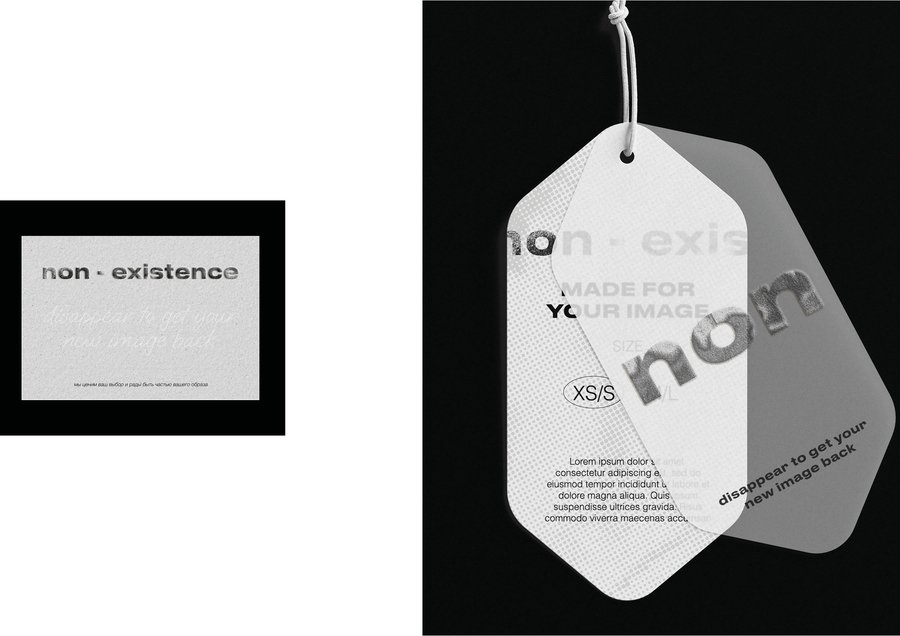
Бренд NON — EXISTENCE. Разработка платформы и коллекции для бренда.
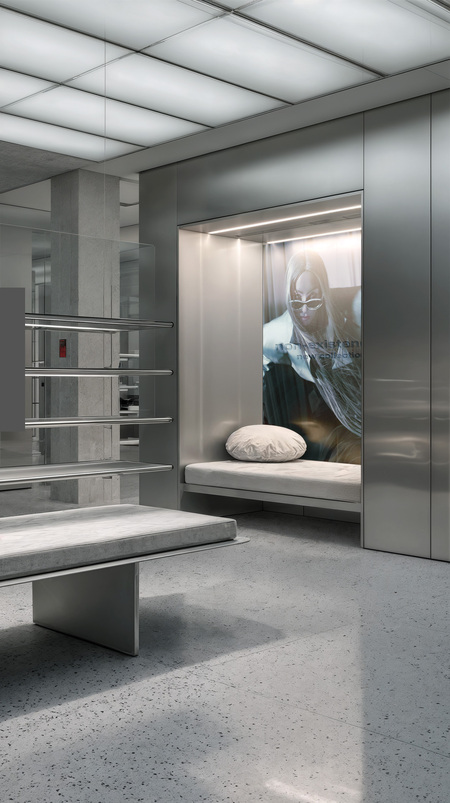
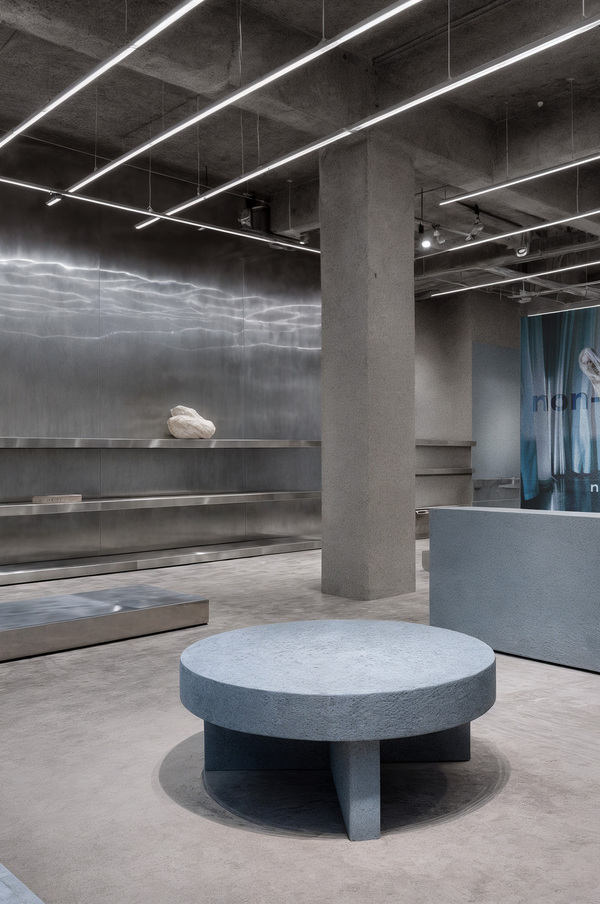
Кристина Щербатых создала платформу и коллекцию для бренда NON - EXISTENCE. Проект включает в себя разработку брендинга, бутика, поп-апа, лукбука и кампании для премиум-сценической одежды.
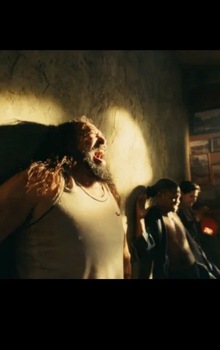
Владислава Быкова создала проект «OPTICAL MOTION», представляющий собой онлайн-представление женского бренда VLADISLAVA. Проект включает тексты, концепции и визуальные материалы, отражающие идею одежды как живого элемента, меняющегося вместе с носителем.
Элен Асланова и Кристина Носкова создали бренд-консалтинг для SOKU, представляющего украшения ручной работы из эпоксидной смолы. Проект включает в себя уникальные элементы природы в дизайне и сотрудничество с музеем-заповедником Коломенское для продвижения сувенирной продукции.
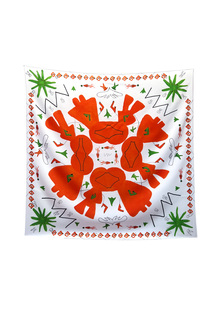
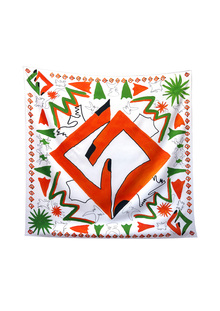
Анастасия Черкасская создала платок «И3» как элемент серии тканых произведений, отражающих коммуникации между людьми. Проект включает в себя четыре платка, выполненных в виде живописных акриловых полотен, напечатанных на ткани.
Анастасия Черкасская создала платок «И1», посвящённый ценности коммуникаций между людьми. На ткани напечатана живописная акриловая работа с яркими элементами, расположенными по закономерной «ковровой» системе.
adcr.dafes
The Art Directors Club of Russia sets the benchmark for creative excellence in design and advertising, serving as a central hub where industry professionals connect. Since 2004, the Club has hosted the ADCR Awards—a premier national competition celebrating creativity, design, and advertising. The core mission of the awards is to champion agencies and independent creators making their mark in the local market. By presenting this honor on behalf of the professional community, the Club reaffirms its endur... Show more
Press space bar to start a drag.
When dragging you can use the arrow keys to move the item around and escape to cancel.
Some screen readers may require you to be in focus mode or to use your pass through key
Press space bar to start a drag.
When dragging you can use the arrow keys to move the item around and escape to cancel.
Some screen readers may require you to be in focus mode or to use your pass through key
Press space bar to start a drag.
When dragging you can use the arrow keys to move the item around and escape to cancel.
Some screen readers may require you to be in focus mode or to use your pass through key
Press space bar to start a drag.
When dragging you can use the arrow keys to move the item around and escape to cancel.
Some screen readers may require you to be in focus mode or to use your pass through key
Press space bar to start a drag.
When dragging you can use the arrow keys to move the item around and escape to cancel.
Some screen readers may require you to be in focus mode or to use your pass through key
Press space bar to start a drag.
When dragging you can use the arrow keys to move the item around and escape to cancel.
Some screen readers may require you to be in focus mode or to use your pass through key
Press space bar to start a drag.
When dragging you can use the arrow keys to move the item around and escape to cancel.
Some screen readers may require you to be in focus mode or to use your pass through key
Press space bar to start a drag.
When dragging you can use the arrow keys to move the item around and escape to cancel.
Some screen readers may require you to be in focus mode or to use your pass through key
Press space bar to start a drag.
When dragging you can use the arrow keys to move the item around and escape to cancel.
Some screen readers may require you to be in focus mode or to use your pass through key
Press space bar to start a drag.
When dragging you can use the arrow keys to move the item around and escape to cancel.
Some screen readers may require you to be in focus mode or to use your pass through key
Press space bar to start a drag.
When dragging you can use the arrow keys to move the item around and escape to cancel.
Some screen readers may require you to be in focus mode or to use your pass through key
Press space bar to start a drag.
When dragging you can use the arrow keys to move the item around and escape to cancel.
Some screen readers may require you to be in focus mode or to use your pass through key
Press space bar to start a drag.
When dragging you can use the arrow keys to move the item around and escape to cancel.
Some screen readers may require you to be in focus mode or to use your pass through key