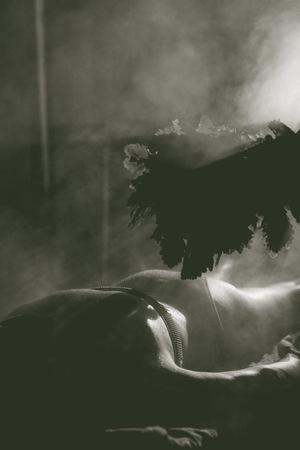
«Русская Энергия Пара» — банный клуб,
где проводится не банальное парение, а обряд.
Это проводник к оздоровлению тела и души через возрождение банных традиций и ритуалов
Идея фирменного стиля банного комплекса основана на создании уникального сообщества любителей париться, где каждый посетитель становится частью теплой
и дружелюбной атмосферы

Исходный размер 1566x625
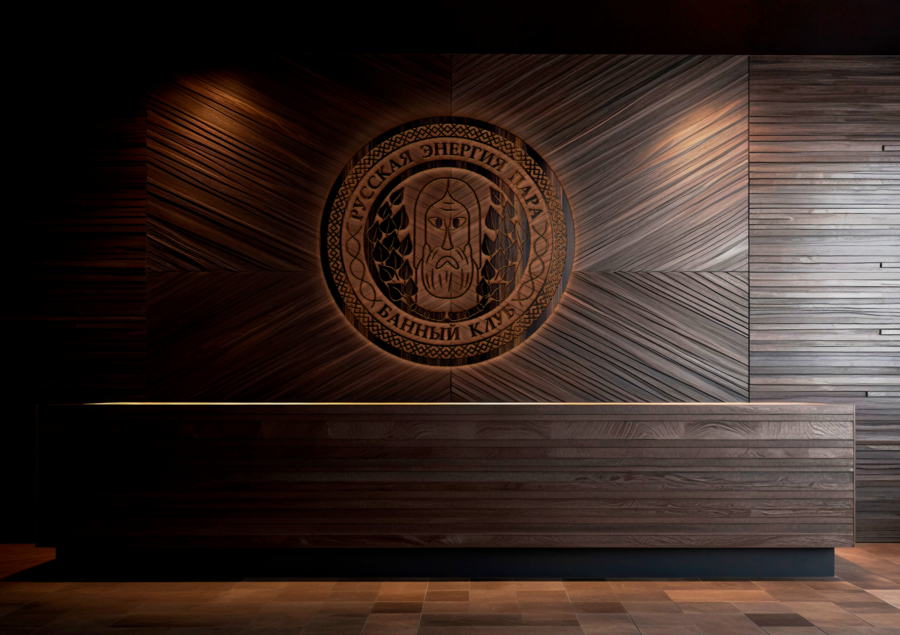
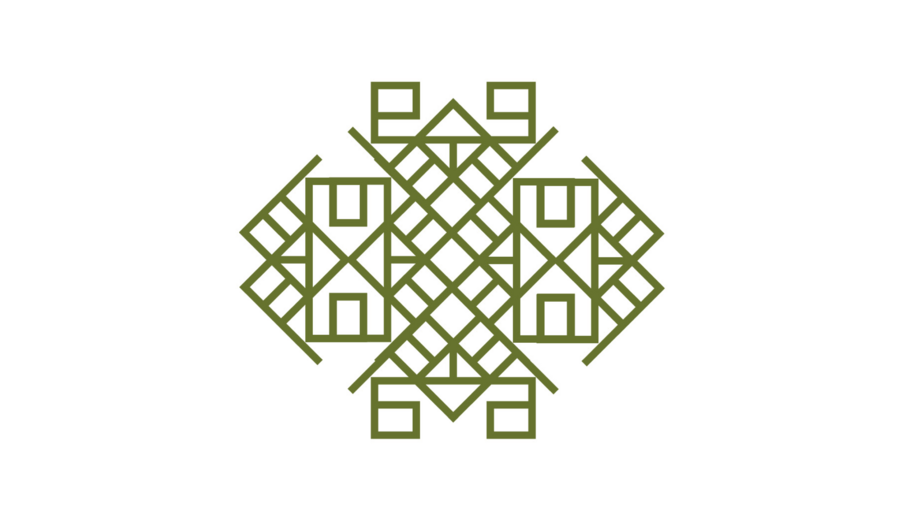
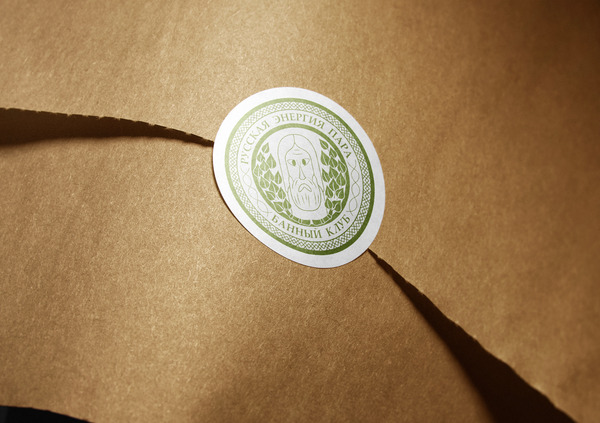
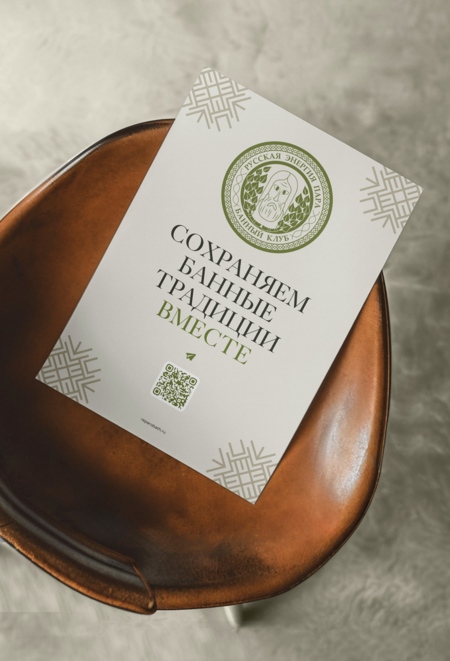
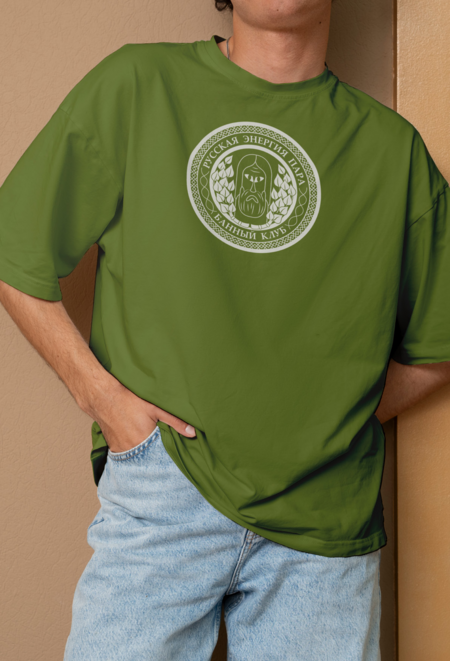
Главным фирменным элементом является эмблема, которая отражает в себе все смыслы — древние традиции, баня, пар, народные узоры, идея объединения и сообщества

Исходный размер 2480x1750
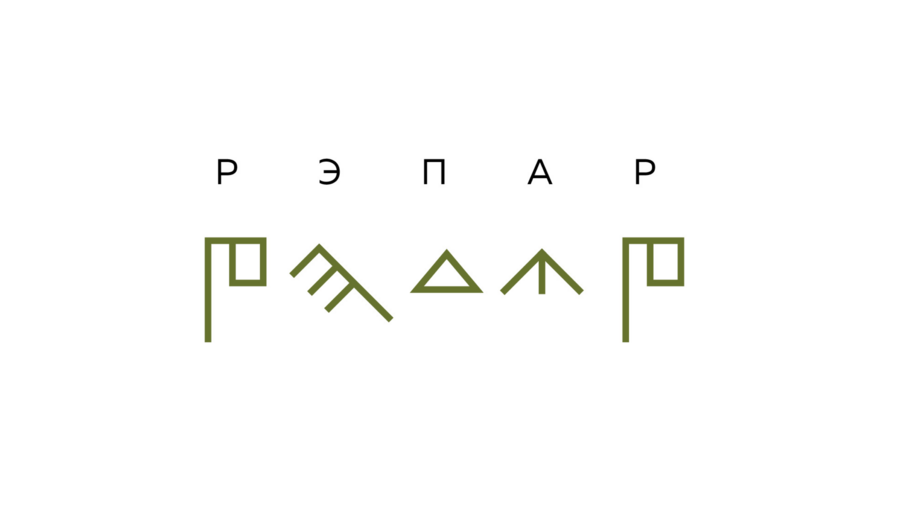
Альтернативным вариантом является название
«РЭПАР» (Русская Энергия ПАРа, созвучно с латинским словом reparo — восстанавливать). Этот вариант вплетается в орнамент и может использоваться
как сокращенное название банного клуба
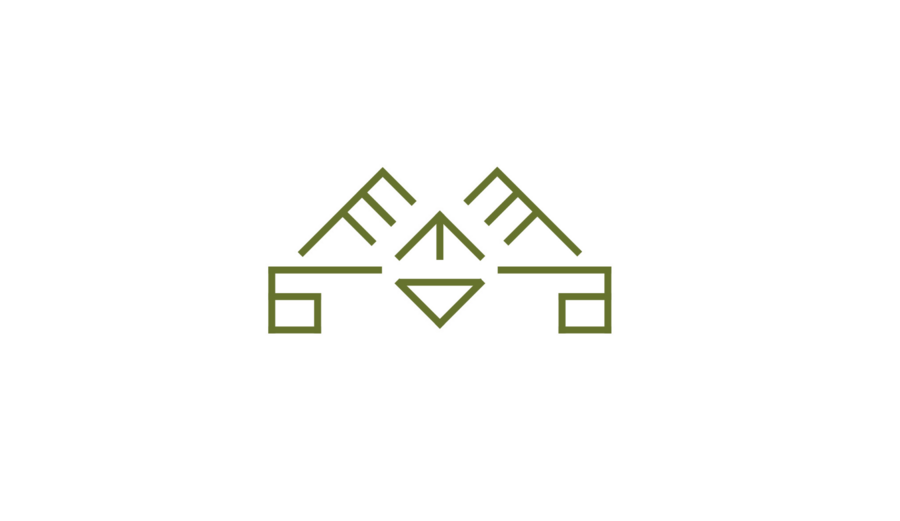
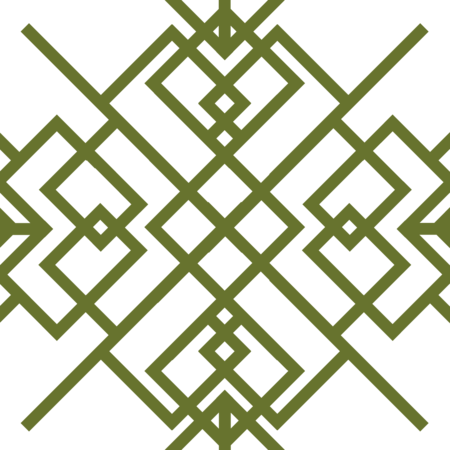
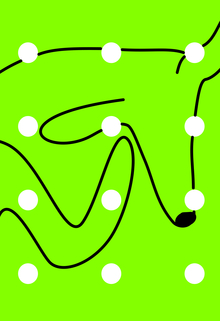
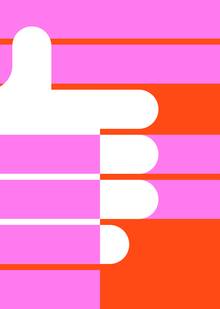
Уникальное сообщество — свой тайный шифр, который находится в основе графической
составляющей стиля
Исходный размер 2480x1435
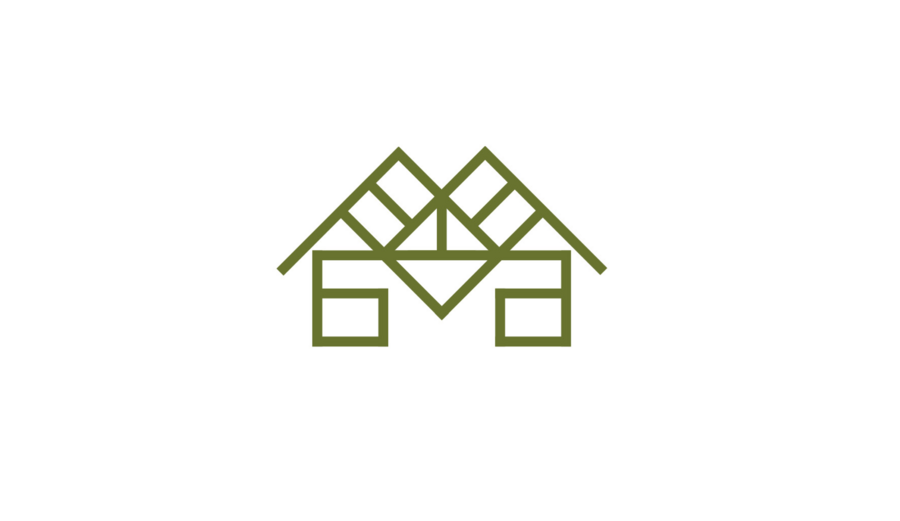
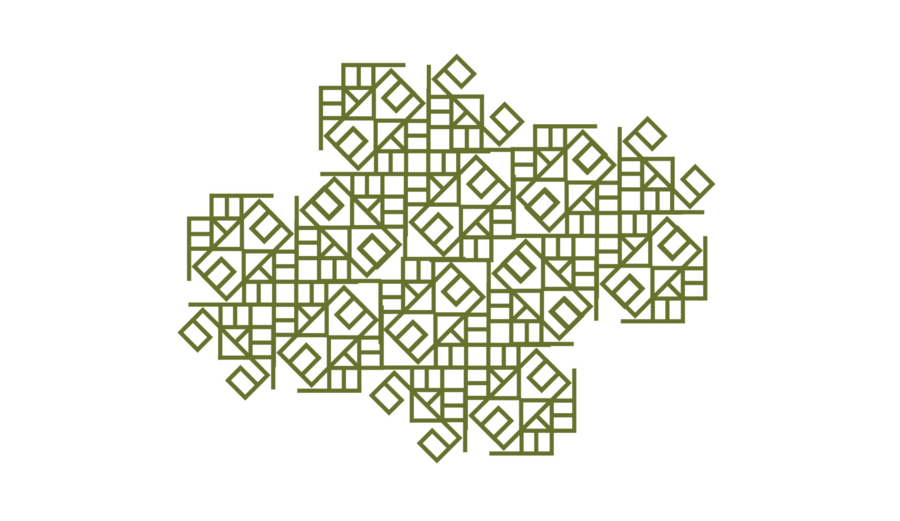
С помощью символов из шифра формируются символы и паттерны, которые отсылают к народным узорам
и используются в айдентике
0
0
0
0
0
0
0
0
0
0
0
Исходный размер 2480x1750
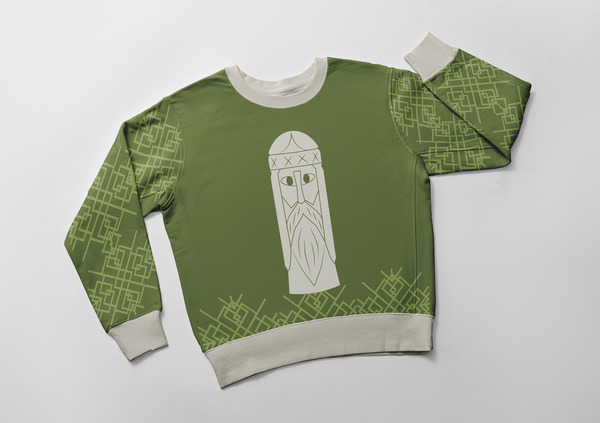
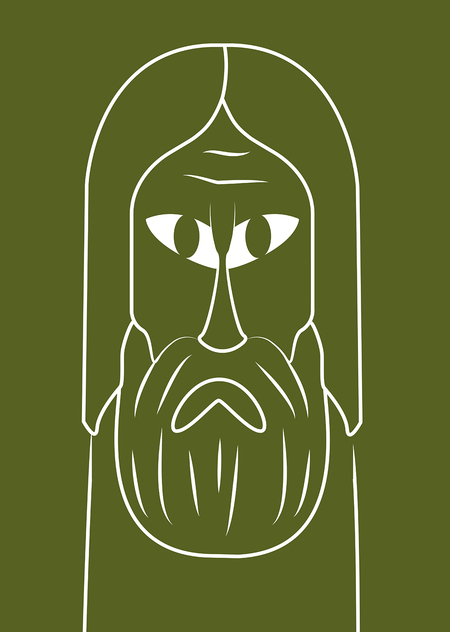
Сообщество — это люди, поэтому дополнительным
стилеобразующим элементом является группа уникальных персонажей — деревянных идолов
Исходный размер 3973x1603
Исходный размер 4500x3000
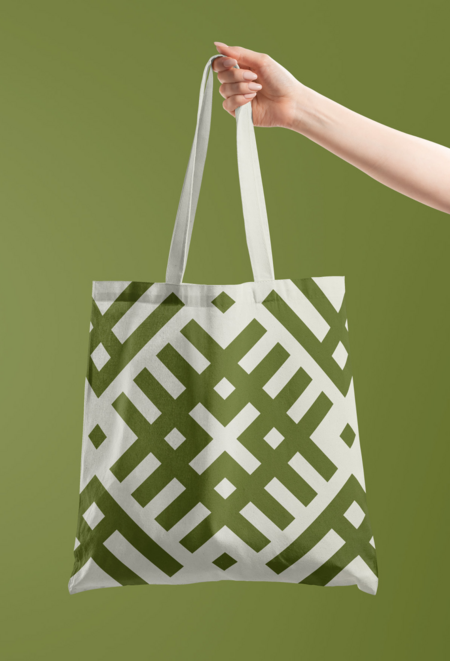
РЭПАР — это иммерсивное путешествие в мир древних традиций, поэтому
еще до начала парения клиент погружается в атмосферу древности благодаря натуральным материалам носителей и узорам
Press space bar to start a drag.
When dragging you can use the arrow keys to move the item around and escape to cancel.
Some screen readers may require you to be in focus mode or to use your pass through key
Press space bar to start a drag.
When dragging you can use the arrow keys to move the item around and escape to cancel.
Some screen readers may require you to be in focus mode or to use your pass through key
Press space bar to start a drag.
When dragging you can use the arrow keys to move the item around and escape to cancel.
Some screen readers may require you to be in focus mode or to use your pass through key
Press space bar to start a drag.
When dragging you can use the arrow keys to move the item around and escape to cancel.
Some screen readers may require you to be in focus mode or to use your pass through key
Press space bar to start a drag.
When dragging you can use the arrow keys to move the item around and escape to cancel.
Some screen readers may require you to be in focus mode or to use your pass through key
Press space bar to start a drag.
When dragging you can use the arrow keys to move the item around and escape to cancel.
Some screen readers may require you to be in focus mode or to use your pass through key
Press space bar to start a drag.
When dragging you can use the arrow keys to move the item around and escape to cancel.
Some screen readers may require you to be in focus mode or to use your pass through key
Press space bar to start a drag.
When dragging you can use the arrow keys to move the item around and escape to cancel.
Some screen readers may require you to be in focus mode or to use your pass through key
Press space bar to start a drag.
When dragging you can use the arrow keys to move the item around and escape to cancel.
Some screen readers may require you to be in focus mode or to use your pass through key
Press space bar to start a drag.
When dragging you can use the arrow keys to move the item around and escape to cancel.
Some screen readers may require you to be in focus mode or to use your pass through key
Press space bar to start a drag.
When dragging you can use the arrow keys to move the item around and escape to cancel.
Some screen readers may require you to be in focus mode or to use your pass through key
Press space bar to start a drag.
When dragging you can use the arrow keys to move the item around and escape to cancel.
Some screen readers may require you to be in focus mode or to use your pass through key