«Но никогда, о, сердце, никогда
С своим я не встречался ожиданьем.»
(К. Бальмонт)
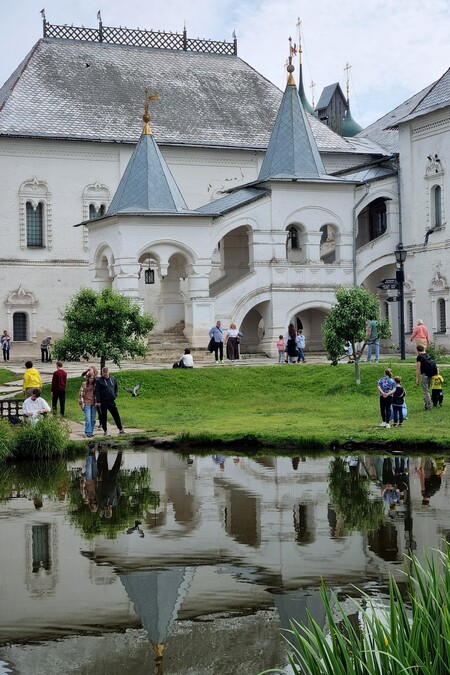
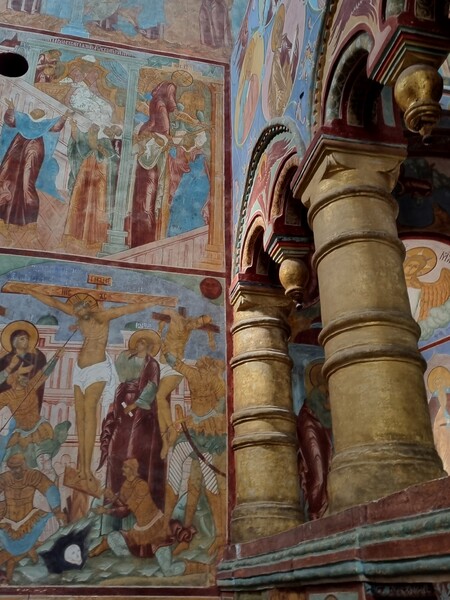
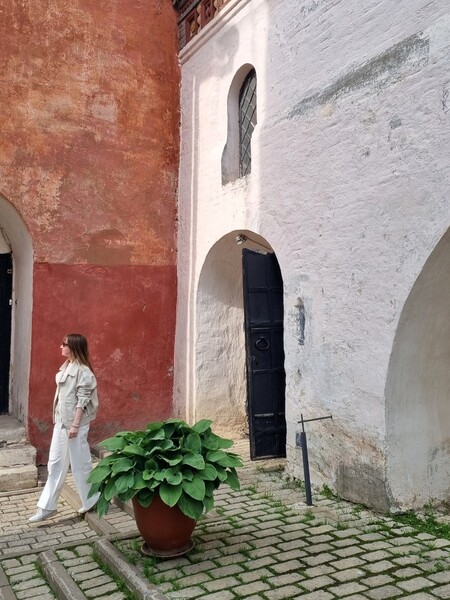
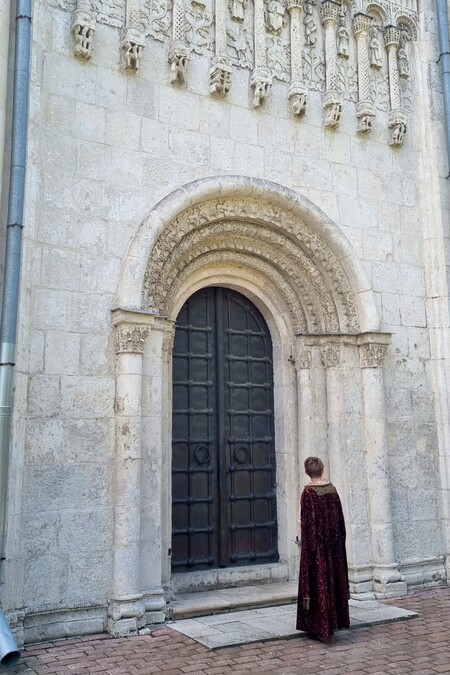
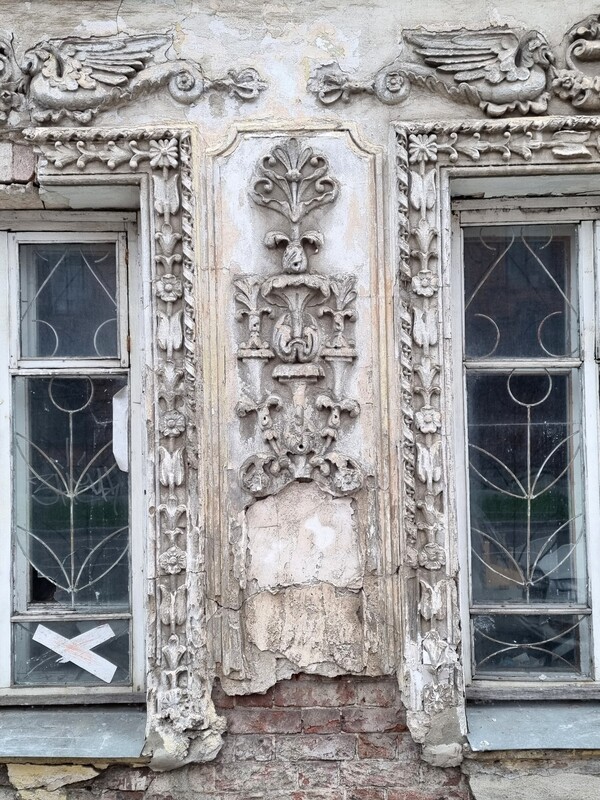
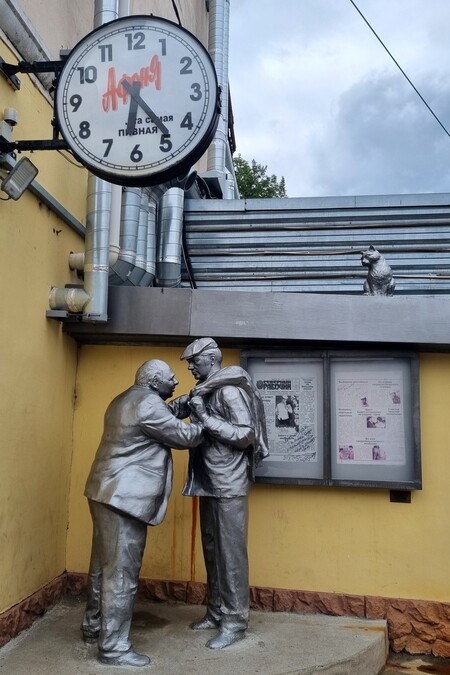
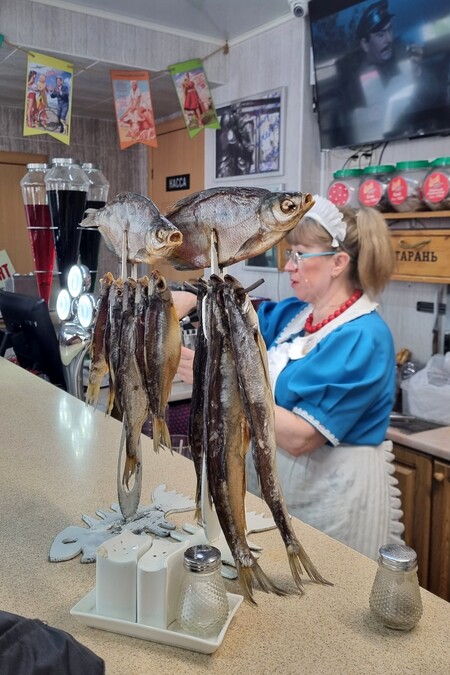
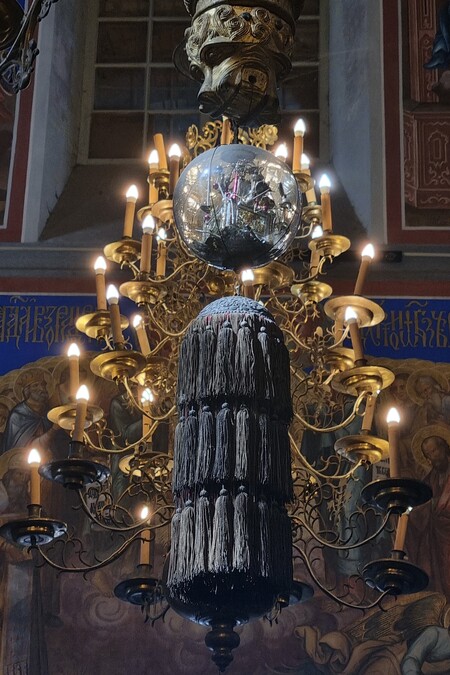
Представленная фотосерия — это не про достопримечательности или туризм, хотя и про это, но по большей части про первое впечатление о рутинном видении окружающего людьми-постояльцами, жителями Золотого кольца. Что окружает жителя, когда он утром выходит из дома на прогулку или по делам? Что видит житель, когда смотрит на свой город не глазами туриста? Можно ли заметить что-то «цепляющее» в обыденном?
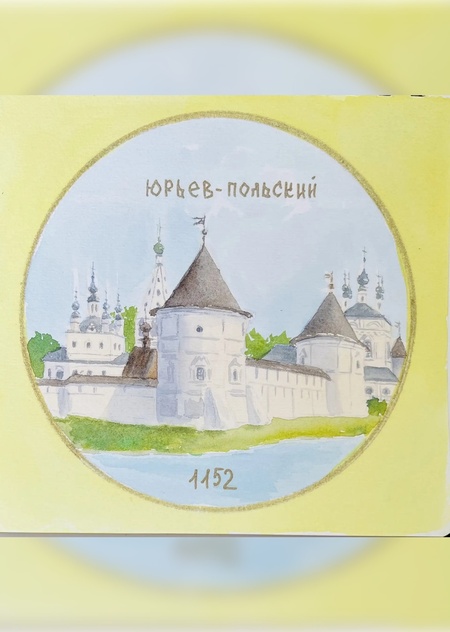
Группа художников кружка «Наш вернисаж» Центра Московского долголетия «Можайский» Москвы представляет на конкурс в номинации «Нарисованная открытка» работу «Радуга Золотого кольца России». Радуга, как символ изменений, светлого будущего, как мост между прошлым и настоящим, как настроение оптимизма и добра — объединила в наших работах любимые города Золотого кольца. И пусть предложенная нашей группой — Елена Абузина, Елена Кутищева, Екатерина Киселёва, Ольга Звездочкина, Наталья Григорьева — серия открыток наполнит Вас, уважаемое жюри, и каждого, переливами радуги воспоминаний, благодарностью, верой и любовью! *** Автор О. Звездочкина Золотое кольцо России - Дорогие для нас слова! В них история наша и сила, Наша память и наша судьба!
The Art Directors Club of Russia sets the benchmark for creative excellence in design and advertising, serving as a central hub where industry professionals connect. Since 2004, the Club has hosted the ADCR Awards—a premier national competition celebrating creativity, design, and advertising. The core mission of the awards is to champion agencies and independent creators making their mark in the local market. By presenting this honor on behalf of the professional community, the Club reaffirms its endur... Show more
adcr advertising
adcr design
adcr students and young creators
Press space bar to start a drag.
When dragging you can use the arrow keys to move the item around and escape to cancel.
Some screen readers may require you to be in focus mode or to use your pass through key
Press space bar to start a drag.
When dragging you can use the arrow keys to move the item around and escape to cancel.
Some screen readers may require you to be in focus mode or to use your pass through key
Press space bar to start a drag.
When dragging you can use the arrow keys to move the item around and escape to cancel.
Some screen readers may require you to be in focus mode or to use your pass through key
Press space bar to start a drag.
When dragging you can use the arrow keys to move the item around and escape to cancel.
Some screen readers may require you to be in focus mode or to use your pass through key
Press space bar to start a drag.
When dragging you can use the arrow keys to move the item around and escape to cancel.
Some screen readers may require you to be in focus mode or to use your pass through key
Press space bar to start a drag.
When dragging you can use the arrow keys to move the item around and escape to cancel.
Some screen readers may require you to be in focus mode or to use your pass through key
Press space bar to start a drag.
When dragging you can use the arrow keys to move the item around and escape to cancel.
Some screen readers may require you to be in focus mode or to use your pass through key
Press space bar to start a drag.
When dragging you can use the arrow keys to move the item around and escape to cancel.
Some screen readers may require you to be in focus mode or to use your pass through key
Press space bar to start a drag.
When dragging you can use the arrow keys to move the item around and escape to cancel.
Some screen readers may require you to be in focus mode or to use your pass through key
Press space bar to start a drag.
When dragging you can use the arrow keys to move the item around and escape to cancel.
Some screen readers may require you to be in focus mode or to use your pass through key
Press space bar to start a drag.
When dragging you can use the arrow keys to move the item around and escape to cancel.
Some screen readers may require you to be in focus mode or to use your pass through key
Press space bar to start a drag.
When dragging you can use the arrow keys to move the item around and escape to cancel.
Some screen readers may require you to be in focus mode or to use your pass through key
Press space bar to start a drag.
When dragging you can use the arrow keys to move the item around and escape to cancel.
Some screen readers may require you to be in focus mode or to use your pass through key
Press space bar to start a drag.
When dragging you can use the arrow keys to move the item around and escape to cancel.
Some screen readers may require you to be in focus mode or to use your pass through key
Press space bar to start a drag.
When dragging you can use the arrow keys to move the item around and escape to cancel.
Some screen readers may require you to be in focus mode or to use your pass through key
Press space bar to start a drag.
When dragging you can use the arrow keys to move the item around and escape to cancel.
Some screen readers may require you to be in focus mode or to use your pass through key
Press space bar to start a drag.
When dragging you can use the arrow keys to move the item around and escape to cancel.
Some screen readers may require you to be in focus mode or to use your pass through key