Участник одной из самых крупных организаций Высшей Школы Экономики — «Кураторы НИУ ВШЭ» (ОРГ/Дизайнер отдела Медиа & Куратор)
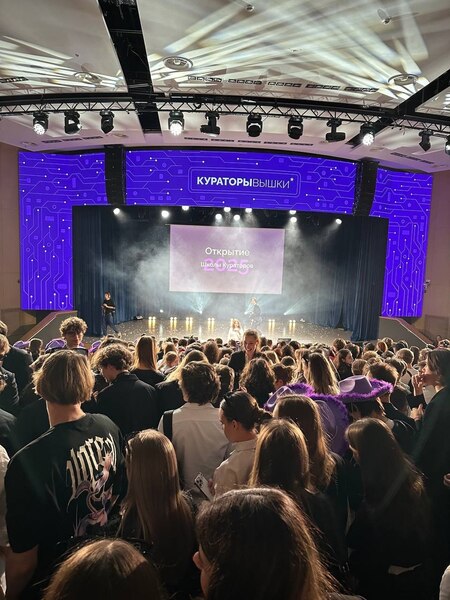
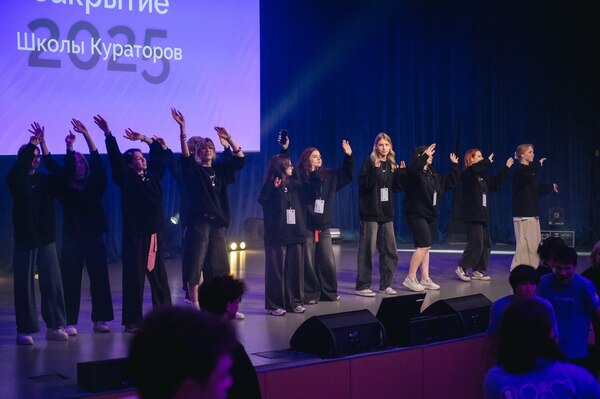
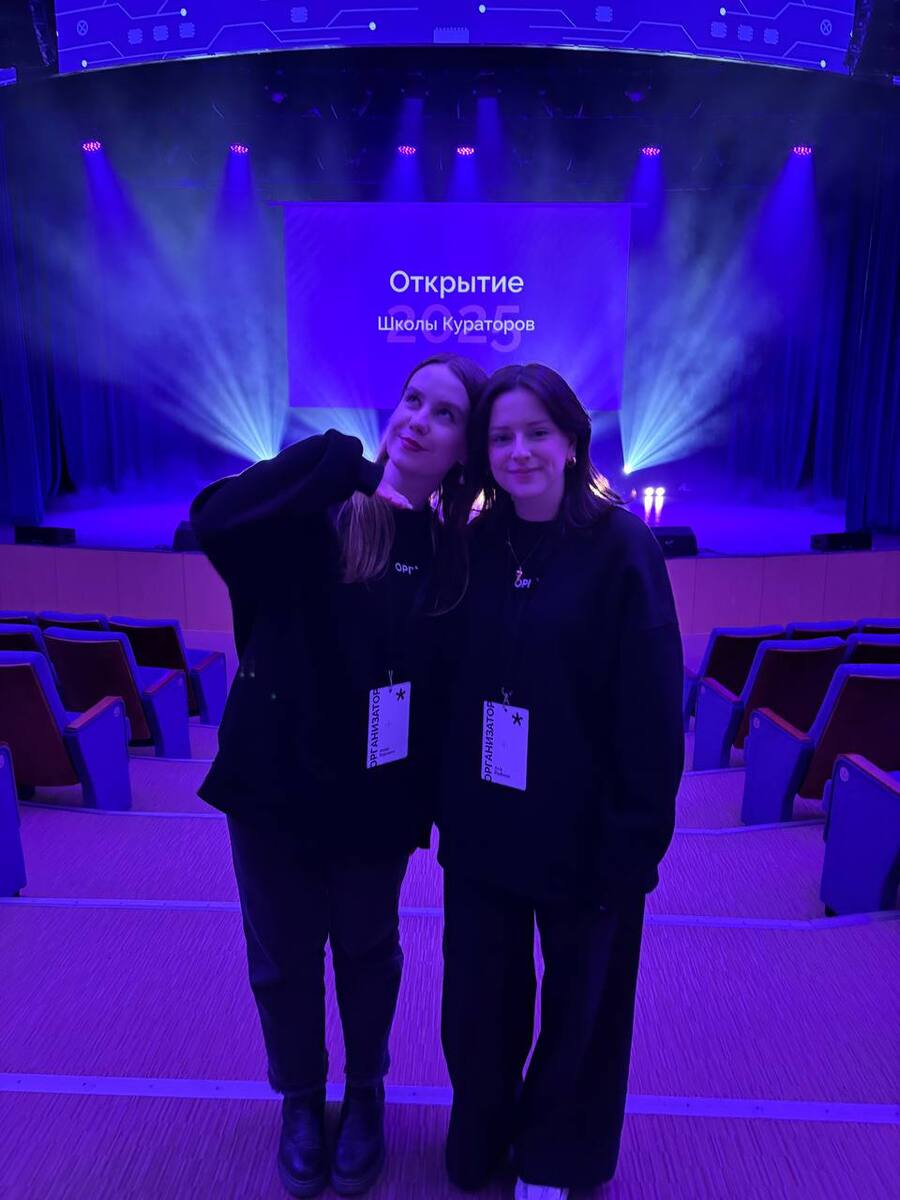
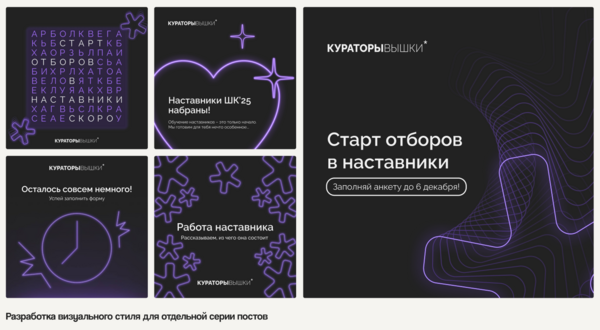
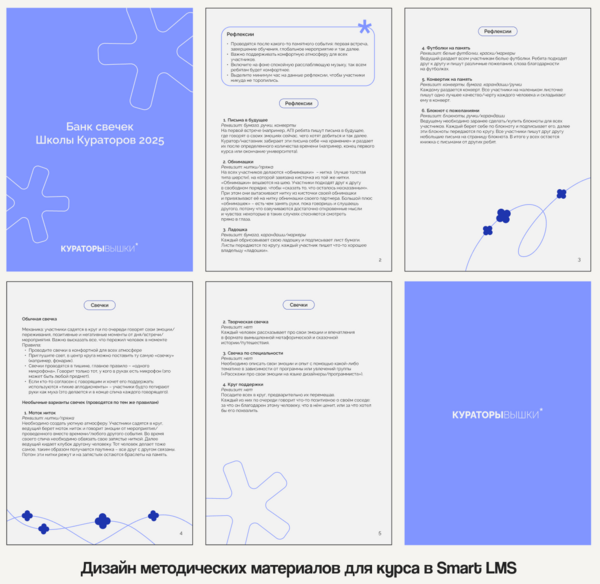
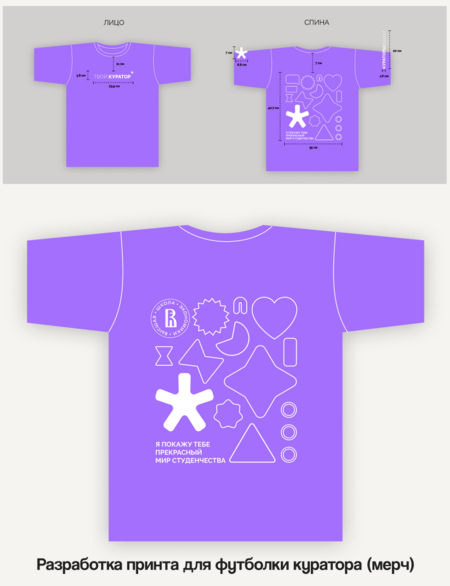
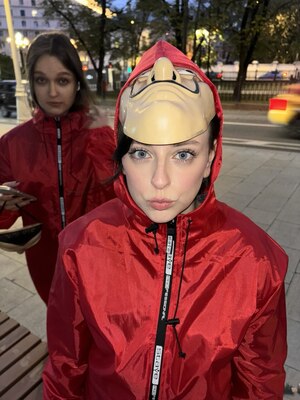
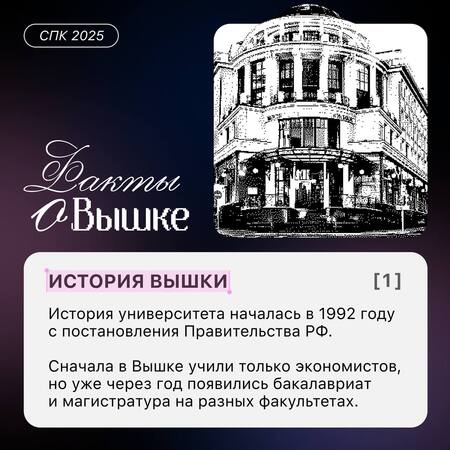
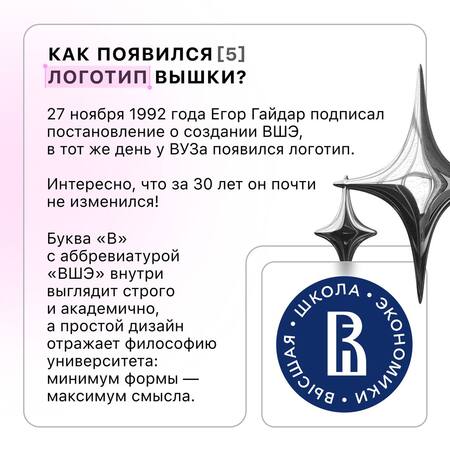
В мои обязанности как ОРГАНИЗАТОРА входила разработка визуального контента для соцсетей (VK, Telegram) и мерча; участие в контент-планировании, созвонах и командной работе над визуалом; подготовка визуального сопровождения ключевых событий (Открытие и Закрытие Школы Кураторов 2025), помощь в создании декораций и проведении мероприятий; проведение образовательных блоков и ЭВК на Закрытии Школы Кураторов, редактирование и оформление методических материалов; оперативное внесение правок и совместная разработка публикаций с медиаотделом.
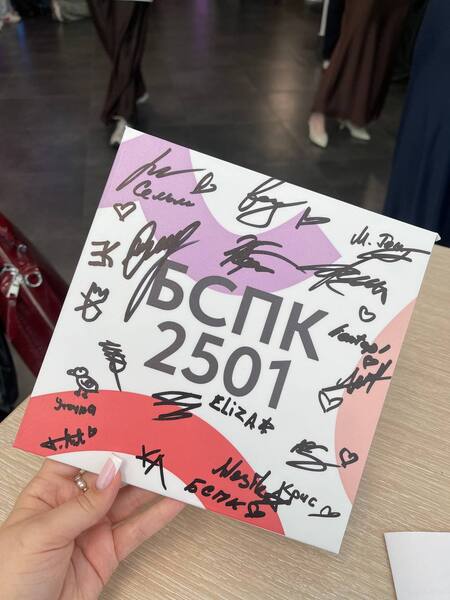
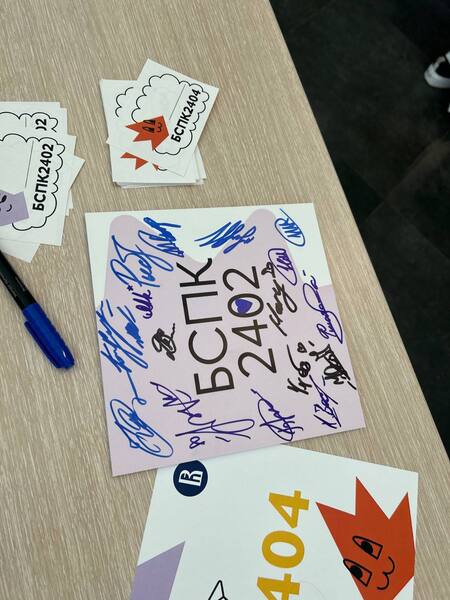
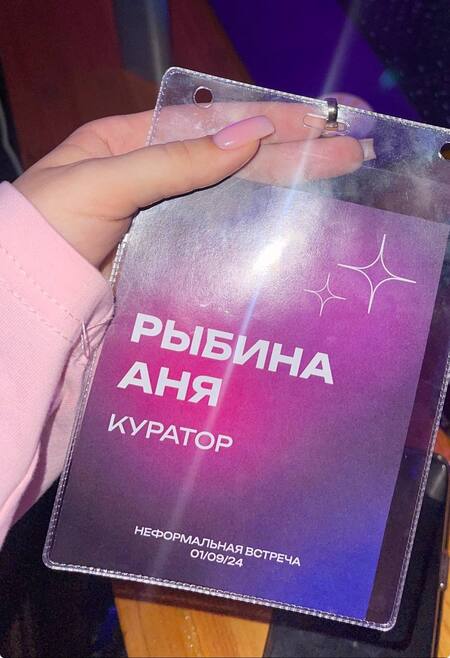
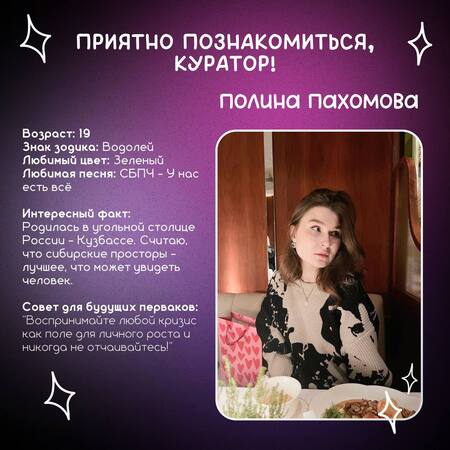
Помимо работы ОРГАНИЗАТОРА, я два года выполняла роль КУРАТОРА для абитуриентов и первокурсников своей образовательной программы.
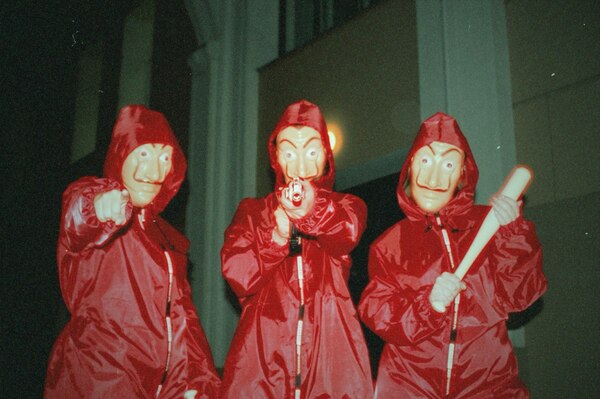
Сейчас под моим наставничеством находятся две замечательные группы (потоки 2024/2025 и 2025/2026). В начале их студенческого пути я проводила для них адаптационную программу, лекции и семинары по БЖД, а также организовывала посвящения в студенты (отсматривала площадку, закупала инвентарь, коорденировала работу группы, занималась юридическими аспектами и прописывала анонсы мероприятий).
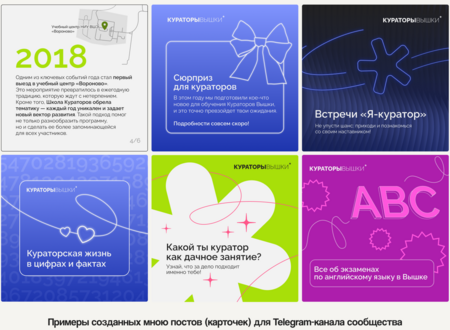
Также я вела информационные Telegram-каналы для потоков: в первый год — в качестве дизайнера, а во второй — уже как лид дизайна.
На данный момент я остаюсь на связи со всеми ребятами: помогаю им с домашними заданиями и координирую по организационным вопросам НИУ ВШЭ. Студенты положительно отзываются о моей работе и благодарят за поддержку на старте их обучения!
Press space bar to start a drag.
When dragging you can use the arrow keys to move the item around and escape to cancel.
Some screen readers may require you to be in focus mode or to use your pass through key
Press space bar to start a drag.
When dragging you can use the arrow keys to move the item around and escape to cancel.
Some screen readers may require you to be in focus mode or to use your pass through key
Press space bar to start a drag.
When dragging you can use the arrow keys to move the item around and escape to cancel.
Some screen readers may require you to be in focus mode or to use your pass through key
Press space bar to start a drag.
When dragging you can use the arrow keys to move the item around and escape to cancel.
Some screen readers may require you to be in focus mode or to use your pass through key
Press space bar to start a drag.
When dragging you can use the arrow keys to move the item around and escape to cancel.
Some screen readers may require you to be in focus mode or to use your pass through key
Press space bar to start a drag.
When dragging you can use the arrow keys to move the item around and escape to cancel.
Some screen readers may require you to be in focus mode or to use your pass through key
Press space bar to start a drag.
When dragging you can use the arrow keys to move the item around and escape to cancel.
Some screen readers may require you to be in focus mode or to use your pass through key
Press space bar to start a drag.
When dragging you can use the arrow keys to move the item around and escape to cancel.
Some screen readers may require you to be in focus mode or to use your pass through key
Press space bar to start a drag.
When dragging you can use the arrow keys to move the item around and escape to cancel.
Some screen readers may require you to be in focus mode or to use your pass through key
Press space bar to start a drag.
When dragging you can use the arrow keys to move the item around and escape to cancel.
Some screen readers may require you to be in focus mode or to use your pass through key
Press space bar to start a drag.
When dragging you can use the arrow keys to move the item around and escape to cancel.
Some screen readers may require you to be in focus mode or to use your pass through key
Press space bar to start a drag.
When dragging you can use the arrow keys to move the item around and escape to cancel.
Some screen readers may require you to be in focus mode or to use your pass through key
Press space bar to start a drag.
When dragging you can use the arrow keys to move the item around and escape to cancel.
Some screen readers may require you to be in focus mode or to use your pass through key
Press space bar to start a drag.
When dragging you can use the arrow keys to move the item around and escape to cancel.
Some screen readers may require you to be in focus mode or to use your pass through key
Press space bar to start a drag.
When dragging you can use the arrow keys to move the item around and escape to cancel.
Some screen readers may require you to be in focus mode or to use your pass through key