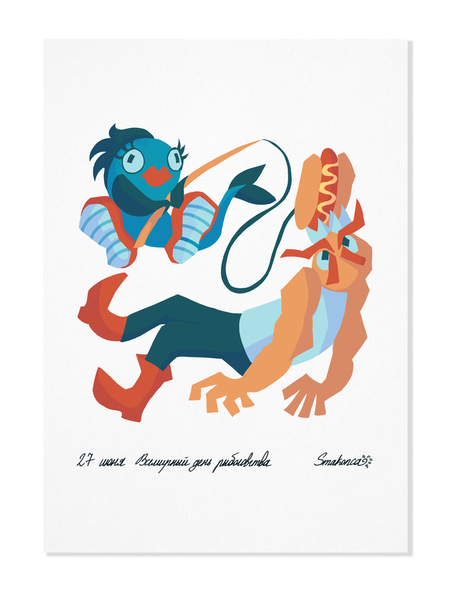
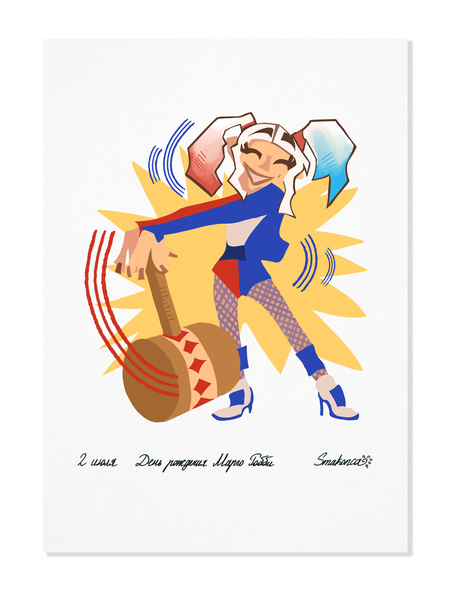
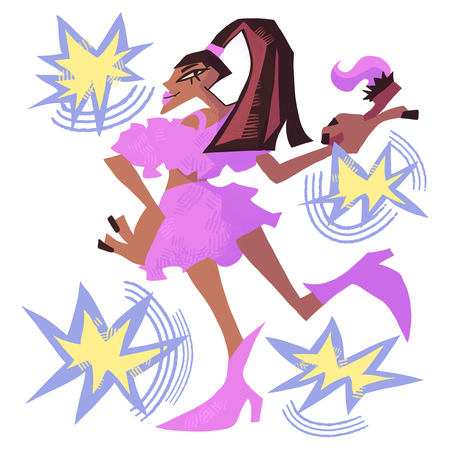
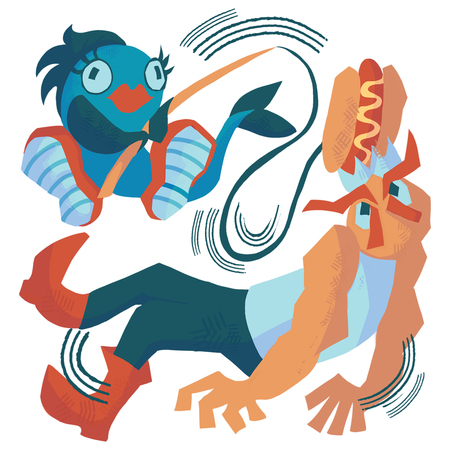
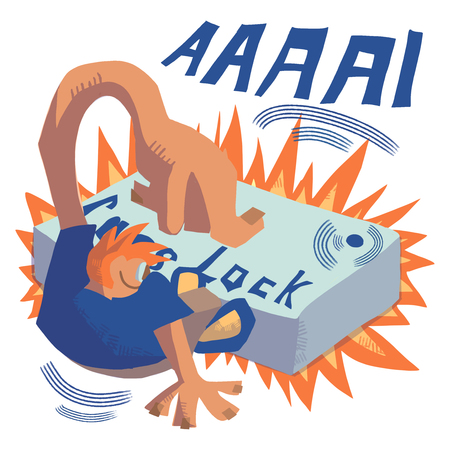
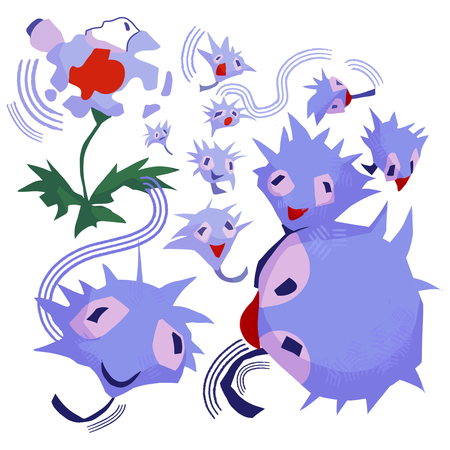
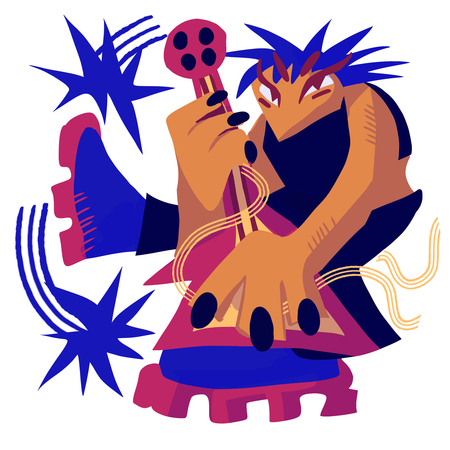
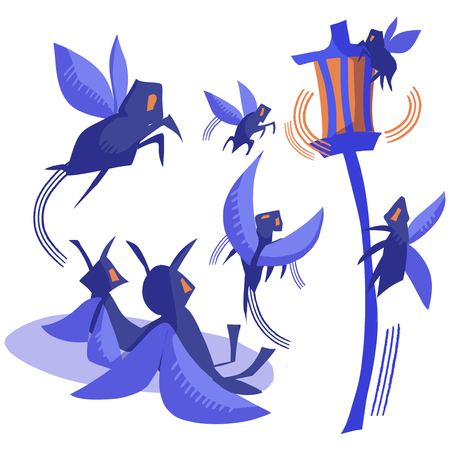
Серия из 21 иллюстрации для календаря. Каждая из иллюстраций — это определенная значимая дата или праздник с 26 июня по 16 июля. В иллюстрациях упор идет на лаконичность, серийность и юмористическую составляющую.
Мокапы
26 июня. День рождения Арианы Гранде/ 27 июня. Всемирный день рыболовства
28 июня. День клавиши Caps Lock/ 29 июня. Всемирный день тропиков
30 июня. День разлетания одуванчиков/ 1 июля. День изобретения солнцезащитных очков
2 июля. День рождения Марго Робби/ 3 июля. День бросания камня
4 июля. День салата «Цезарь» / 5 июля. День разноцветных носков
6 июля. Всемирный день поцелуя/ 7 июля. День прогулки по парку
8 июля. День рождения Эндрю Гарфилда/ 9 июля. День веры в единорогов
10 июля. День полета на воздушном шаре/ 11 июля. Всемирный день шоколада
12 июля. День бумажного пакета/ 13 июля. День рока
14 июля. День рождения Конора Маркгрегора/ 15 июля. День смотрения на фонари
Иллюстрации можно использовать как открытки и делать необычные и приятные подарки своим родным и друзьям!
The Art Directors Club of Russia sets the benchmark for creative excellence in design and advertising, serving as a central hub where industry professionals connect. Since 2004, the Club has hosted the ADCR Awards—a premier national competition celebrating creativity, design, and advertising. The core mission of the awards is to champion agencies and independent creators making their mark in the local market. By presenting this honor on behalf of the professional community, the Club reaffirms its endur... Show more
adcr advertising
adcr design
adcr students and young creators
Press space bar to start a drag.
When dragging you can use the arrow keys to move the item around and escape to cancel.
Some screen readers may require you to be in focus mode or to use your pass through key
Press space bar to start a drag.
When dragging you can use the arrow keys to move the item around and escape to cancel.
Some screen readers may require you to be in focus mode or to use your pass through key
Press space bar to start a drag.
When dragging you can use the arrow keys to move the item around and escape to cancel.
Some screen readers may require you to be in focus mode or to use your pass through key
Press space bar to start a drag.
When dragging you can use the arrow keys to move the item around and escape to cancel.
Some screen readers may require you to be in focus mode or to use your pass through key
Press space bar to start a drag.
When dragging you can use the arrow keys to move the item around and escape to cancel.
Some screen readers may require you to be in focus mode or to use your pass through key
Press space bar to start a drag.
When dragging you can use the arrow keys to move the item around and escape to cancel.
Some screen readers may require you to be in focus mode or to use your pass through key
Press space bar to start a drag.
When dragging you can use the arrow keys to move the item around and escape to cancel.
Some screen readers may require you to be in focus mode or to use your pass through key
Press space bar to start a drag.
When dragging you can use the arrow keys to move the item around and escape to cancel.
Some screen readers may require you to be in focus mode or to use your pass through key
Press space bar to start a drag.
When dragging you can use the arrow keys to move the item around and escape to cancel.
Some screen readers may require you to be in focus mode or to use your pass through key
Press space bar to start a drag.
When dragging you can use the arrow keys to move the item around and escape to cancel.
Some screen readers may require you to be in focus mode or to use your pass through key
Press space bar to start a drag.
When dragging you can use the arrow keys to move the item around and escape to cancel.
Some screen readers may require you to be in focus mode or to use your pass through key