Evaluating instructions
First of all, go to deziiign.com and log in by using the Login button.
Исходный размер 1642x960
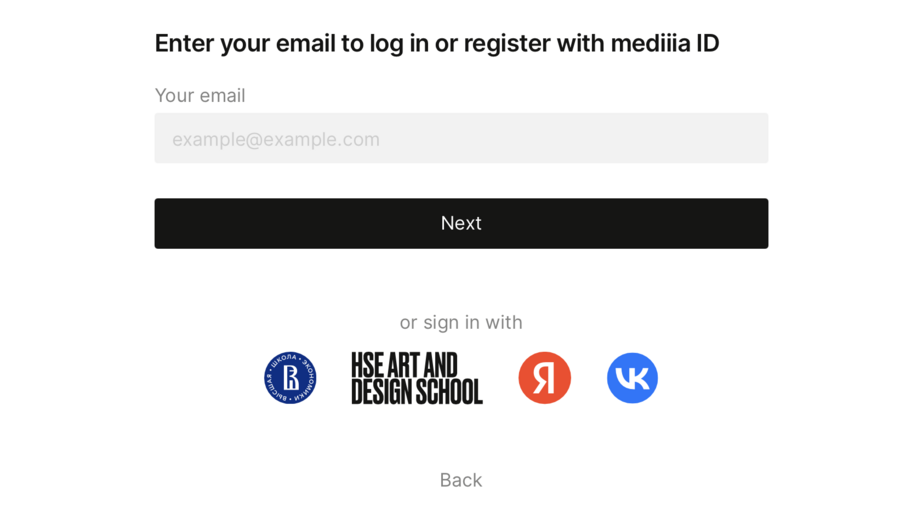
The log in page.
To start evaluating projects, follow the links to the nominations that we previously provided to you.
Log in by clicking the login button, under your account go to the page of the desired nomination through the «Jury» tab.
Open the «Projects tab» on the competition page (please note that the tab is only available to authorized users with the status of a jury board member).
Select a project.
In the available scale, set a rating according to the criteria listed.
Click «Rate next».
Go to the next project.

Исходный размер 2068x1318
The project tab.
Исходный размер 904x638
The voting process.